
A Replacement Vending Machine Has a Different Product Layout: Introduce the New Selections
Replacing a vending machine can change where familiar products appear and how customers find them. Even when the range stays similar, a regular user may reach for an old selection number or look at the shelf position they remember. Introduce the new layout deliberately. A short, accurate explanation can reduce mistaken purchases without turning a simple equipment change into a complicated training exercise.
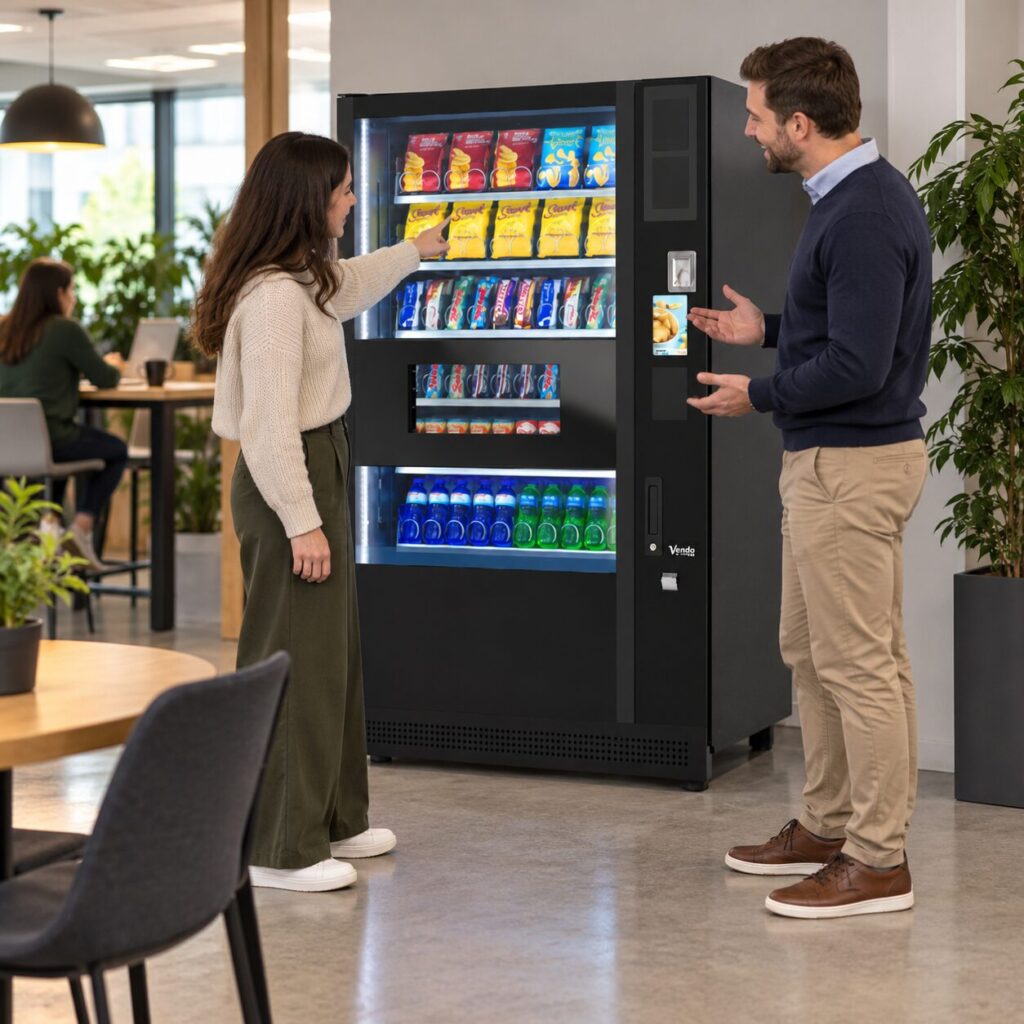
Compare the old and new customer journey
Look at the new machine from the customer’s position. Identify where they read the product name, confirm the price, make the selection and collect the purchase. Do not assume that a similar cabinet has identical controls. Ask the installer to demonstrate the supplied configuration and explain any material difference from the previous equipment.
Make a list of the few changes customers actually need to know. A different collection position, new selection method or altered product arrangement may matter. Internal servicing changes usually do not belong on a customer notice. Keep the explanation focused on completing a purchase rather than describing every feature of the replacement machine.
Check products against their selections
Before opening the machine for normal use, the authorised operator should follow the agreed setup and testing process. Compare the intended product list with what is loaded and displayed. If a favourite snack has moved, make sure any supporting notice identifies its current location accurately. Do not carry an old laminated selection chart forward simply because the product names look familiar.
The vending equipment overview can help frame discussions about different machine types. For your replacement, use the actual installed machine and its approved instructions. Stock layout, controls and supported features depend on that configuration. Avoid copying directions from a promotional photograph or a different machine elsewhere in the building.
Explain the change at the point of use
Use a brief introduction during the launch period: the machine has changed, customers should check the current product and price, and help is available through the stated contact. Position any notice where it can be read without covering controls, ventilation, product information or access points. Agree signage placement with the operator rather than attaching material to the equipment without checking.
For regular staff, a short message through the normal workplace channel may be enough. Visitors still need clear information at the machine itself. Avoid promising that every former product remains available unless the range has been confirmed. If a favourite is absent, explain how to send a product request instead of telling customers to keep trying an old code.
Review the first reports carefully
If someone receives an unexpected item, record the selection they used, the product displayed and what they collected. Distinguish a customer using a remembered number from a mismatch that needs the operator’s attention. Do not decide the cause from familiarity with the previous machine. Preserve the purchase details so the operator can investigate the actual event.
Review recurring questions with the site contact after the changeover. Repeated confusion about one step may call for clearer instructions or an operator check. Remove temporary launch notices when they are no longer useful, and update any permanent guidance that still describes the old unit. The aim is a current, consistent purchase journey in which customers can confidently choose from the equipment in front of them.
Related guidance: Selected the Wrong Vending Number? Explain the Purchase Accurately.
Planning vending at your site? Contact the team with your location, equipment details and requirements.