
A Vending Product Falls into the Tray with Another Item: Report Both Clearly
If two items arrive in the vending collection area when you selected one, pause and report what you observed. An extra item could relate to the current vend or could have been left from an earlier purchase. You cannot reliably determine that by looking at the tray alone. A clear account helps the operator investigate without turning an unexpected collection into a series of further test purchases.
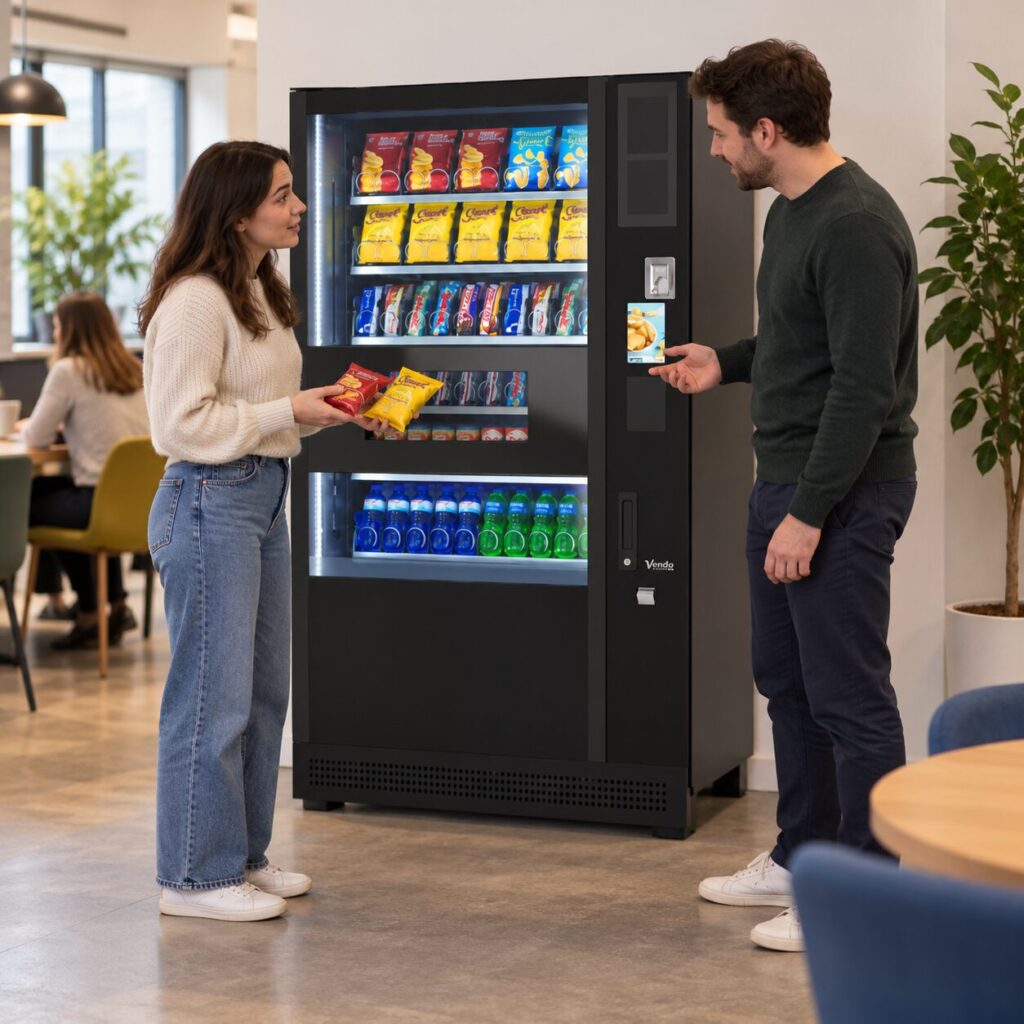
Describe the sequence accurately
Note what was visible in the collection area before your purchase, if you looked. Then record the selection you made and what you saw arrive. If you did not check the tray beforehand, say so. There is no need to fill the gap with a guess. The distinction between “two products moved together” and “I found two products when collecting” may matter to the investigation.
Keep the product names and pack sizes separate. Two similar wrappers can make it difficult to remember which item you intended to buy. If practical, take a photograph of the sealed packs away from the payment screen and other customers. Do not reach beyond the normal collection area or try to reproduce the event by shaking, opening or manipulating the equipment.
Match the payment to the selection
Check the amount shown in your purchase record and the payment method used. Report whether you made one selection or several and whether you received the item you wanted. Do not assume that an unexpected extra product means an extra charge, or that one payment record proves the additional item was intended as a promotion. Those are separate questions for the operator.
If an app was involved, use its actual transaction record. The Monyx help page provides guidance for purchases made through its service. For other payment methods, follow the machine operator’s stated route. Keep sensitive card details out of photographs and messages; the operator can tell you which limited transaction details are needed.
Ask what to do with the additional item
Contact the site host or verified operator and explain that you have an unexpected product. Ask how they want it handled. Do not put a collected item back through the mechanism or hand it to another customer as though its ownership were established. If packaging looks damaged or contaminated, include that observation and avoid treating it as a normal product simply because it came from the machine.
The site host should record the report without promising a technical explanation. They may be able to identify the equipment and pass on the purchase details, but they should not open or adjust the machine unless that task is within their authorised role. Any decision about continued operation belongs with the responsible operator under the site’s agreed process.
Keep the follow-up connected
Record the time, machine identity, intended selection, products collected and payment amount in one message. If another customer reports a similar event, connect it to the existing case while keeping the purchases distinct. Several clear observations are more useful than several people repeating an unverified explanation.
For sites reviewing their vending arrangements, include unusual collection events in the service discussion. Ask what was checked and whether any further observation is needed. Once the operator resolves the case, update the site record. This preserves useful evidence without presenting a one-off event as proof that every selection or every machine has the same problem.
Related guidance: A Vending Purchase Is Left Behind: Report It Without Assuming It Is Free.
Planning vending at your site? Contact the team with your location, equipment details and requirements.