
A Vending Screen Price Differs from a Nearby Poster: Confirm the Purchase Price First
If a vending machine displays one price and a nearby poster shows another, pause before paying. First confirm that both refer to the same product, pack size and offer. A poster may be out of date or describe a different selection. The practical next step is to ask the operator to clarify the discrepancy, keeping a record of what was displayed rather than making repeated purchases to test it.
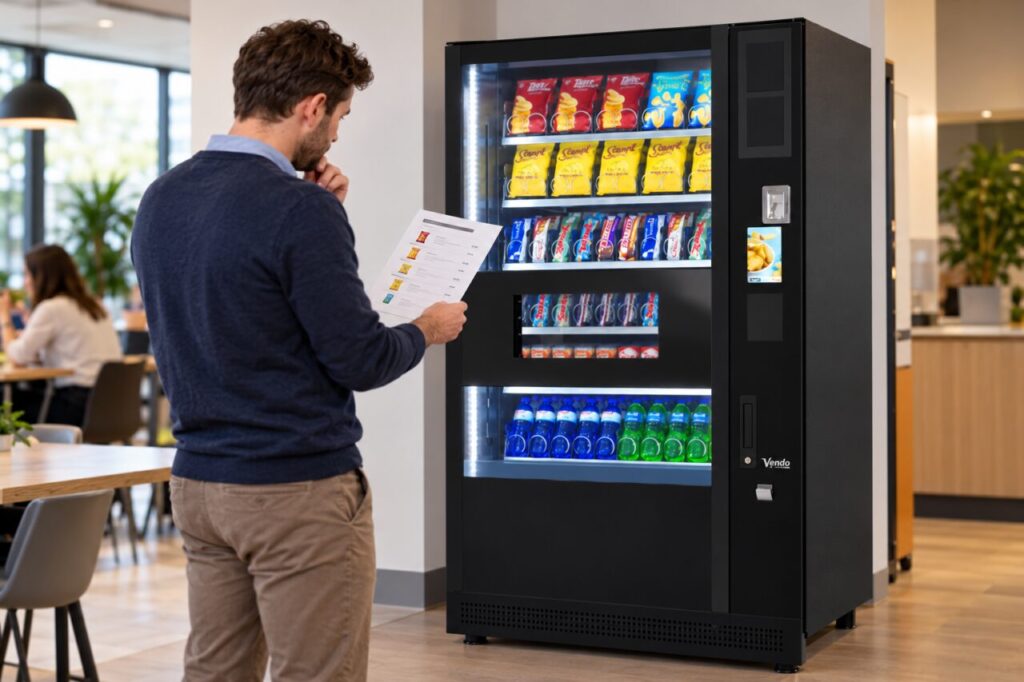
Compare the same item
Check the product name, pack size and selection shown on the machine. A photograph on a poster may represent a range rather than the exact item in front of you. Read any clearly displayed conditions, including the dates or items covered by an offer. Do not assume a nearby notice applies to every machine in a shared refreshment area.
If the connection is unclear, note where the poster is positioned and which machine you were using. This helps the site team identify whether the problem is an old notice, unclear placement or a genuine mismatch for the same item. Avoid removing or altering another business’s notice yourself; report it to the responsible host or operator.
Clarify before completing payment
Use the contact details displayed for the machine or ask the site host to route the question. State both amounts and the item involved. If you cannot confirm the intended price and do not wish to proceed at the amount shown by the machine, leave the purchase until the operator clarifies it. Do not assume a price change will be corrected automatically after payment.
For a purchase already completed, retain the relevant transaction information and describe what you received. Report the display discrepancy as well as the amount charged. The operator needs enough information to investigate the specific event. This article describes a practical reporting process; it does not determine the outcome of an individual pricing dispute.
Give the operator a useful report
A concise report includes the location, machine identity, product, approximate time and photographs of the two price displays where appropriate. Keep other people’s details out of the pictures. Mention whether the poster had an offer end date and whether the machine showed the amount before payment. These details can help distinguish a display problem from a misunderstanding about the product covered.
Do not send full payment-card information or a PIN. Follow the operator’s approved process if transaction evidence is needed. Keep one record of the enquiry and any reply so that the site host and customer are not pursuing the same event independently with conflicting details. If the issue affects several products, list them separately rather than assuming every displayed price is wrong.
Close the mismatch at its source
For hosts and operators, correcting a price in one place may leave other notices unchanged. Review the relevant poster, range sheet and machine display together. Confirm the approved current information before replacing customer-facing material. Any change to equipment pricing should be made by the authorised person using the applicable procedure, not by someone trying unfamiliar service settings.
After the correction, check the ordinary customer journey for the affected selection. Record what was changed and when, so later enquiries can be understood against the correct version of the notice. Remove expired promotional material through the site’s agreed process rather than leaving customers to work out which statement still applies.
When organising vending at your premises, assign responsibility for promotional notices as well as the equipment itself. Clear ownership makes it easier to keep the visible offer consistent and to resolve discrepancies without asking customers to guess.
Related guidance: Hard-to-Read Vending Selection Codes: Confirm the Character Before Buying.
Planning vending at your site? Contact the team with your location and requirements.