
Buying Two Vending Items: Check Whether Each Purchase Is Separate
When you want a snack and a drink, it is tempting to make both selections quickly and assume the machine will treat them as one order. That assumption may not match the equipment in front of you. Read the instructions displayed at the machine and complete the first purchase clearly before attempting another. A familiar-looking card reader does not tell you how the whole vending transaction works.
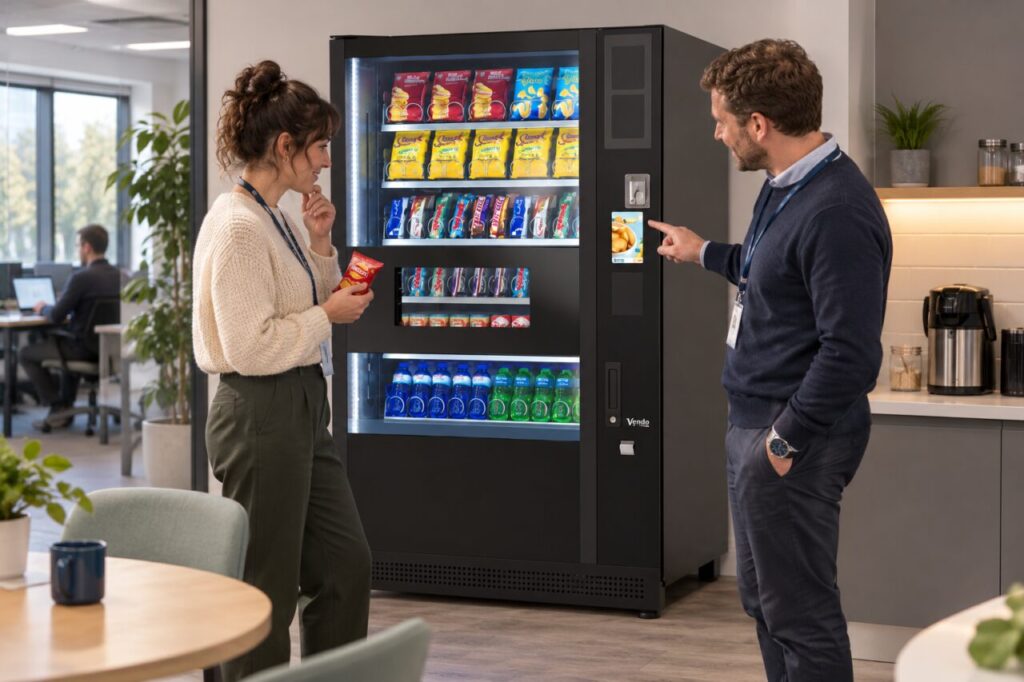
Check the instructions for this machine
Look for the purchase sequence, accepted payment methods and any instruction about ending a transaction. Different equipment and payment arrangements can use different sequences. Follow the information provided for that installation rather than a remembered routine from another workplace. If the instructions are missing or unclear, ask the named support contact or site host to explain the correct process before spending more money.
Decide which item you want first and check its selection reference and displayed price. For two identical items, do not assume that pressing the same selection twice will create a quantity of two. For a snack and a drink, do not assume that both are available within one payment session. The relevant question is what the installed system explicitly instructs customers to do.
Complete the first purchase visibly
Watch the machine’s messages and allow the purchase to finish according to its instructions. Collect the first item from the intended collection opening when available. Keep hands clear of moving parts and do not reach beyond the customer opening. If the product has not arrived or the displayed status is uncertain, pause and resolve that first purchase rather than immediately adding another selection.
A second person waiting behind you may be ready to use the machine, so make your intention clear without rushing the process. Check that your transaction has ended as instructed before stepping aside or handing over. Where the system offers a documented multiple-item process, follow that process carefully; the presence of several products behind the glass alone does not establish how payment is handled.
Keep the two purchases distinguishable
If each item requires a separate purchase, check the second item’s reference and price afresh. It is easy to repeat the first selection accidentally while thinking about the next product. Read the selection information instead of relying only on the position of the pack behind the window. Product layouts can change when the operator adjusts the range or replenishes different selections.
If you later need help, explain which item was received and which was not. Record the approximate time, machine location and the relevant selection references. Distinguish a completed first purchase from an uncertain second attempt. Avoid describing the incident simply as a double charge without checking what happened, because two separate intended purchases and a repeated attempt are different situations for support to investigate.
Make workplace instructions easier to follow
For site hosts, observe where customers hesitate when buying more than one item. Ask the provider whether the existing instructions explain the actual installed process clearly. Any notice should describe that process accurately and be approved by the responsible operator. Do not add a homemade instruction promising combined purchases or automatic refunds unless the provider has confirmed that it applies to this equipment.
When considering vending equipment for a workplace, include common customer journeys in the demonstration: one snack, a snack followed by a drink, and an interrupted purchase. A clear explanation helps staff understand the arrangement without guessing at features. Keep the support route beside the instructions so an uncertain transaction can be reported with useful details rather than followed by repeated attempts.
Contact our team to discuss the customer experience for your site.
Related guidance: Selected the Wrong Vending Number? Explain the Purchase Accurately.