
Can I Integrate a CRM With My Vending System?
Integrating technology can transform vending operations. Many operators ask, can I integrate a CRM with my vending system effectively and affordably? The answer is yes. With planning and the right tools, you can merge customer data, route planning, and sales tracking. In this article, you will learn how to integrate a CRM and boost efficiency.
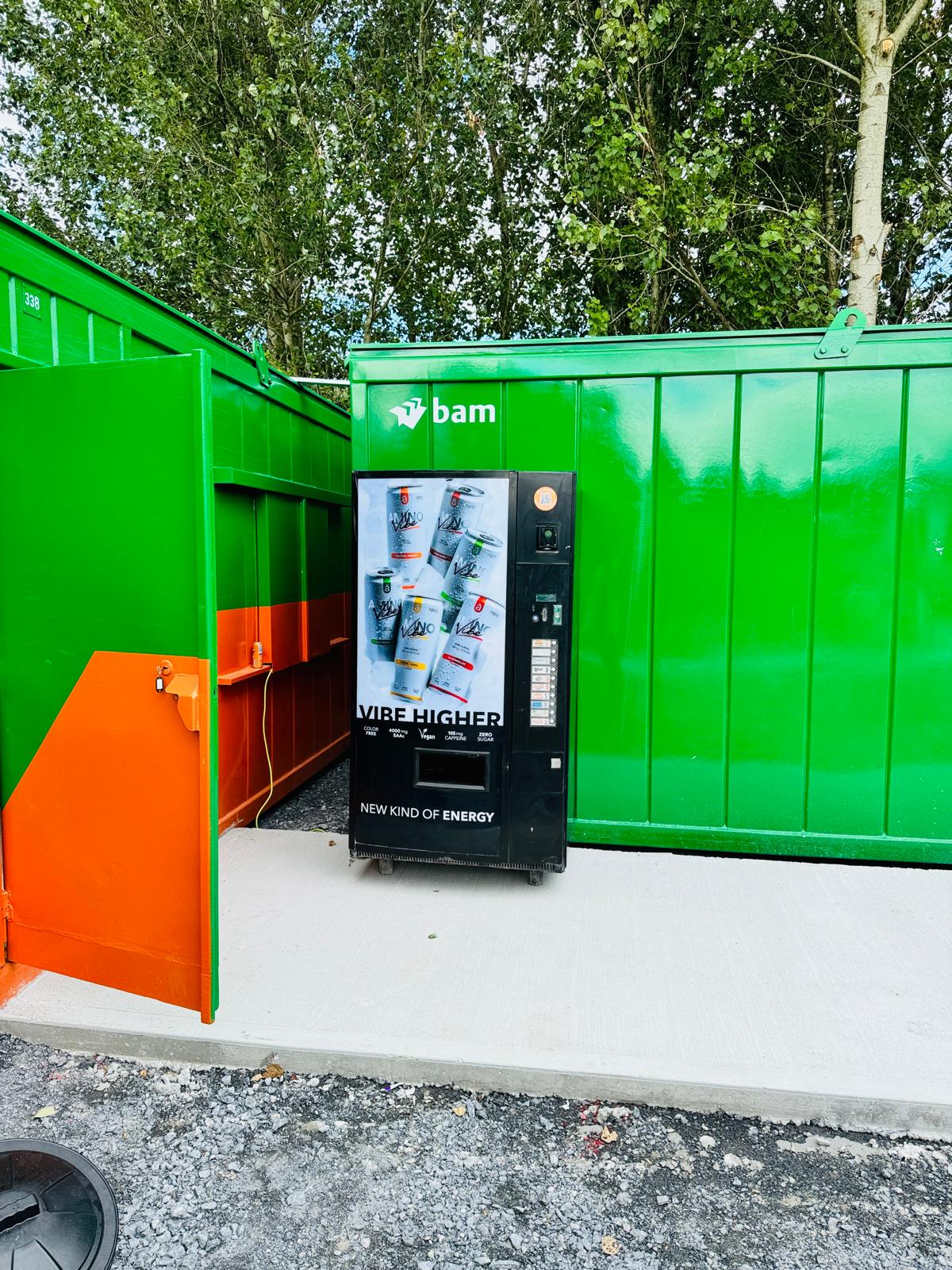
Why Integrate a CRM With Your Vending System
First, integrating a CRM improves customer relationships and service. You capture purchase patterns, preferences, and feedback from each location. Then, you tailor stock and offers to fit demand. You also track service calls and restock visits. Consequently, you avoid repeat visits and wasted time. By merging data, you gain insights that drive smarter decisions.
Preparing to Integrate a CRM With Your Vending System
Next, assess your current system. Inventory tracking, payment logs, and machine telemetry must sync with CRM. If not, choose middleware or APIs that bridge the two. Also, plan your data flow. Which data points go where and when? Moreover, train your team to use both systems in harmony. That way, you avoid confusion and errors when you integrate a CRM with vending tech.
Benefits When You Integrate a CRM
There are clear benefits when you integrate a CRM. You can automate customer notifications. For example, you can send alerts when supplies run low or service is scheduled. You also improve route efficiency by clustering visits based on customer profiles or preferences. Furthermore, you gain visibility into top selling items by route or account. Plus, targeted campaigns become easy and effective.
At vending-machines.ie you can explore solutions that help you connect CRM and vending systems. These tools make integration smoother and more secure. They also minimize deployment time and training. You get to streamline operations quickly and start seeing ROI sooner.
How to Implement a CRM Integration Step by Step
To implement, follow these steps in order:
-
Select a CRM that supports API access and custom fields.
-
Map data points between vending system and CRM.
-
Run small pilot tests on a few machines or routes.
-
Review results and refine data flows, triggers, and automation.
-
Roll out to all machines once you confirm accuracy.
By testing and iterating, you reduce errors and get staff ready. You also build confidence when you integrate a CRM with work routines.
Training and Maintenance After You Integrate a CRM
Once live, you must train staff continuously. Teach them to monitor dashboards, flag anomalies, and use customer insights. Also, review performance monthly. Check for misplaced data, missed triggers, or training gaps. Then, adjust system logic or provide refresher training. Over time, your team will master the integration.
Measuring Success and Scaling Up
Finally, measure success clearly and often. Track metrics such as route efficiency, customer satisfaction, sales per machine, and service cost. Next, compare data pre-integration and post-integration. You will see if numbers improve. If so, consider adding features like loyalty programs or mobile alerts. By scaling up thoughtfully, you maximize value after you integrate a CRM with your vending system. Contact us to learn how to connect your vending operations with CRM tools and grow smarter.


