
Contactless card clash: which card paid for your vending snack?
Contactless card clash can happen when you present more than one payment card to a reader. If two cards are tucked into a wallet, you cannot choose the paying account by pointing the wallet at the vending machine. Take out the one you want, wait for the amount on the display and tap that card on its own. This is especially useful if your personal and company cards look similar.
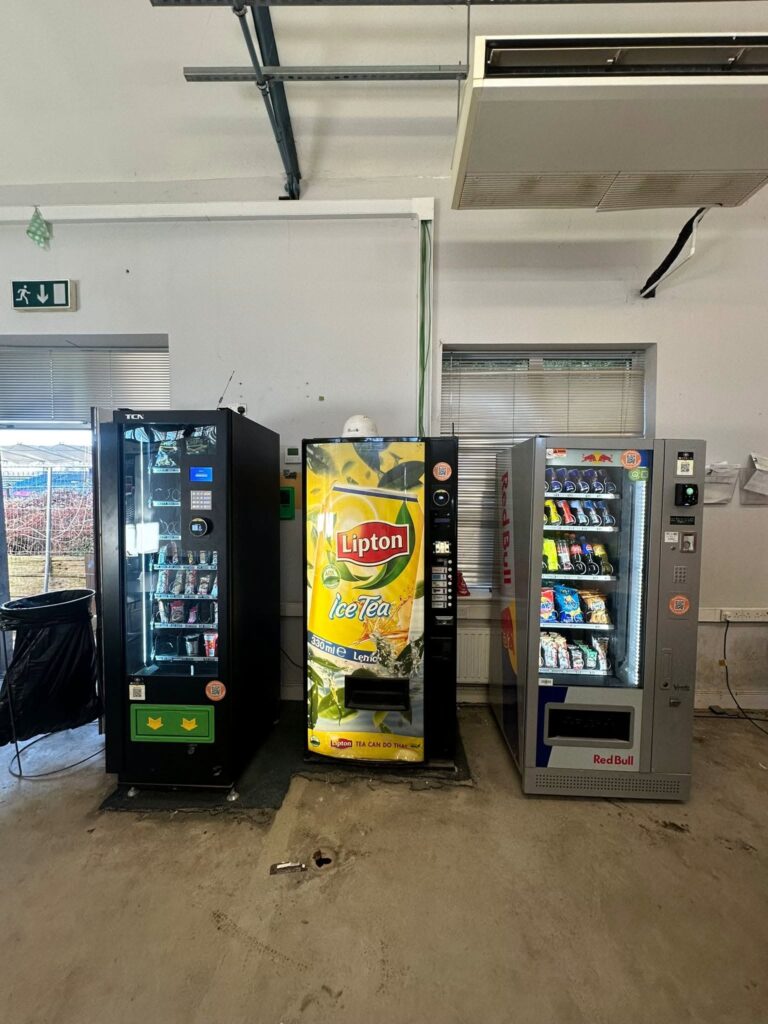
What a reader can see
A reader expects a single payment credential for the purchase. With several cards close to it, the terminal may ask you to present one card or a different card from the one you intended may respond. Transport for London describes this behaviour in its guidance on contactless card clash. Its travel fare rules apply to its own network. The useful lesson at a snack machine is the physical one: separate the cards before you tap.
A phone case can create a similar practical puzzle if it holds a bank card against the back of the phone. Decide whether you want to pay with the physical card or a card in your mobile wallet. Keep the other payment method away from the reader. If using the phone, check the selected card on its screen before you authorise the transaction.
After an uncertain tap
Read the vending display and check the delivery compartment. If the machine says to present one card and shows no completed purchase, separate the cards and follow that instruction. If the machine dispensed the item, stop there. Tapping again simply to discover which account paid is a poor test. The next tap may belong to a fresh sale.
When you can check your accounts, look for the amount and approximate time of the purchase. Compare both cards if you genuinely do not know which one you used. Write down whether each entry is still pending or has completed. A bank alert can arrive after the product drops, so retain the time you stood at the machine, too. A second person’s purchase for the same price can otherwise be easy to confuse with yours.
Reporting a charge to the right person
Suppose you meant to use a company card and the snack appeared on your personal one. First establish whether you received the item and whether only one completed payment appears. That is a different problem from two completed charges for one snack or a paid item that never dropped. Explain which happened when contacting the operator or your employer’s expenses team.
For an operator enquiry, give the machine identifier, product, amount and time. Use the operator contact printed on the cabinet or published on its official website. Keep full card details, PINs and verification codes out of the message. Ask what limited transaction reference they need to find the sale. A receipt from the machine or payment provider can be more useful than a screenshot showing unrelated transactions.
For more detail about the description on your statement, see our guide to identifying a vending card payment. If you manage workplace vending, check that staff can read the terminal prompt and see the operator contact number from the normal buying position.


