
New Contact for a Hired Vending Machine: Arrange a Practical Refresher
When the person responsible for a hired vending machine changes, forwarding the old emails may not be enough. The new contact needs to understand what the site actually does, what the operator handles and how to recognise an issue that needs attention. A short practical refresher can turn a document handover into a usable routine.
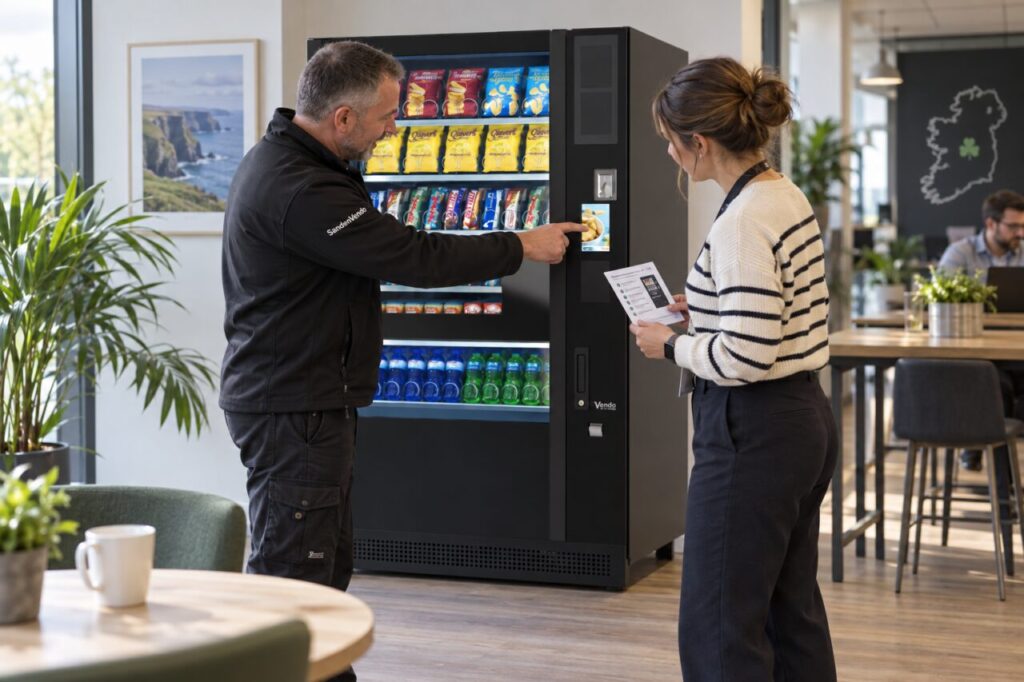
Keep the session within the person’s role. A site coordinator does not need to become a technician, and a refresher should not authorise work that belongs to the service team. The aim is confident coordination and clear communication.
Begin with the current arrangement
Review the actual hire or service documents and identify the responsibilities assigned to the site. These could include providing access, receiving customer feedback or completing specified routine tasks. Ask the operator to clarify anything that is unclear rather than relying on habits inherited from the previous contact.
Separate written obligations from informal preferences. If a colleague has been doing extra work, explain whether that work is agreed and appropriate. Use the vending hire and leasing information as a starting point for the conversation, while relying on the specific arrangement for its terms.
Walk through an ordinary customer use
Show the new contact how customers select and collect a product using the installed configuration. Explain where public support instructions are located and which information helps identify a purchase query. Follow the normal user journey without opening the cabinet or entering private service menus.
Ask the contact to describe that journey back in their own words. This can reveal uncertainty about the machine’s identity, payment instructions or collection opening. A clear explanation is more useful than assuming familiarity because the person has used other vending machines before.
Practise the reporting route
Use a harmless example to show how a stock request differs from a fault or an individual payment query. Identify the appropriate service channel and the information the operator needs. Avoid including real customer financial details in a training example.
The existing guide to handing over vending service details supports the document side. During the refresher, confirm that the new contact can actually locate the record and use the agreed process with their own authorised access.
Make the limits of the role clear
Explain which observations the site contact can safely make and which actions require the operator. A report can describe a message, visible condition or customer experience without attempting a repair. Do not make cabinet access or electrical intervention part of an informal workplace induction.
Where the site has agreed routine duties, ask the responsible provider to demonstrate the approved method and supply the relevant instructions. If the new contact cannot complete a task safely or within their role, resolve that with the service owner instead of silently transferring it to another unprepared colleague.
Leave a concise working record
Finish with a short list of contacts, responsibilities and any unanswered questions. Record who will provide follow-up guidance and when the new contact should review their first experiences. Keep credentials and private access information within the authorised systems rather than adding them to a general handover sheet.
Arrange appropriate cover for absence so the service does not depend on one person’s memory. A successful refresher leaves the new contact able to identify the machine, describe an issue and reach the right person, while knowing which work remains outside their responsibility.
To clarify your site’s service responsibilities, contact the team with the current arrangement and the change of contact.