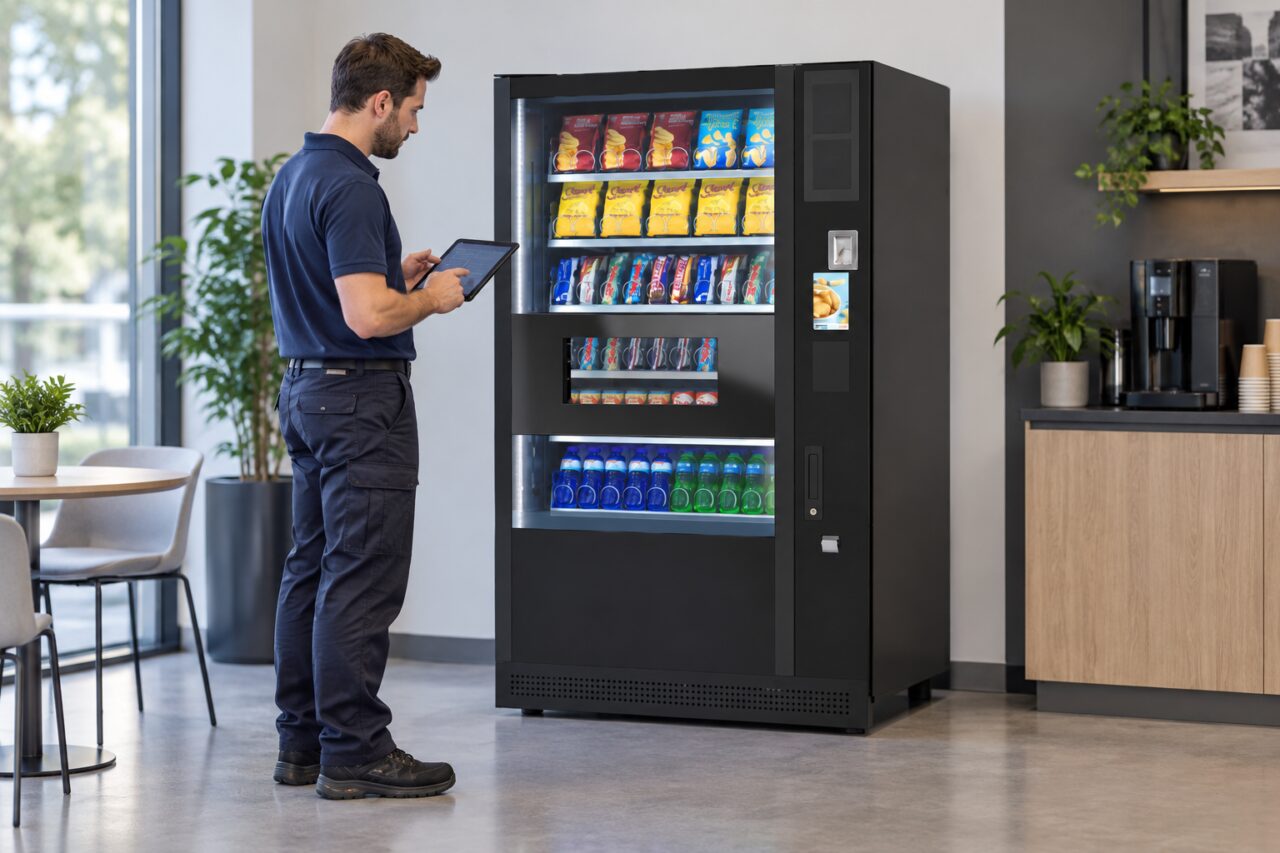
How does a QR code payment work at a vending machine?
A QR code payment starts when one device reads payment information displayed by another. In a merchant-presented system, the vending machine or merchant displays the code and the customer scans it with a compatible app. Scanning identifies or starts the payment journey. Before approving anything, check what the app is asking you to buy, who will receive the payment and how much it will charge.
Which side shows the code?
EMVCo’s explanation of QR payments distinguishes two arrangements. In one, the merchant presents a code to the customer. In the other, the customer displays a code for the merchant to read. A machine that tells you to show an app code to its scanner is asking for the second arrangement. Pointing your camera at the scanner will not complete that step.
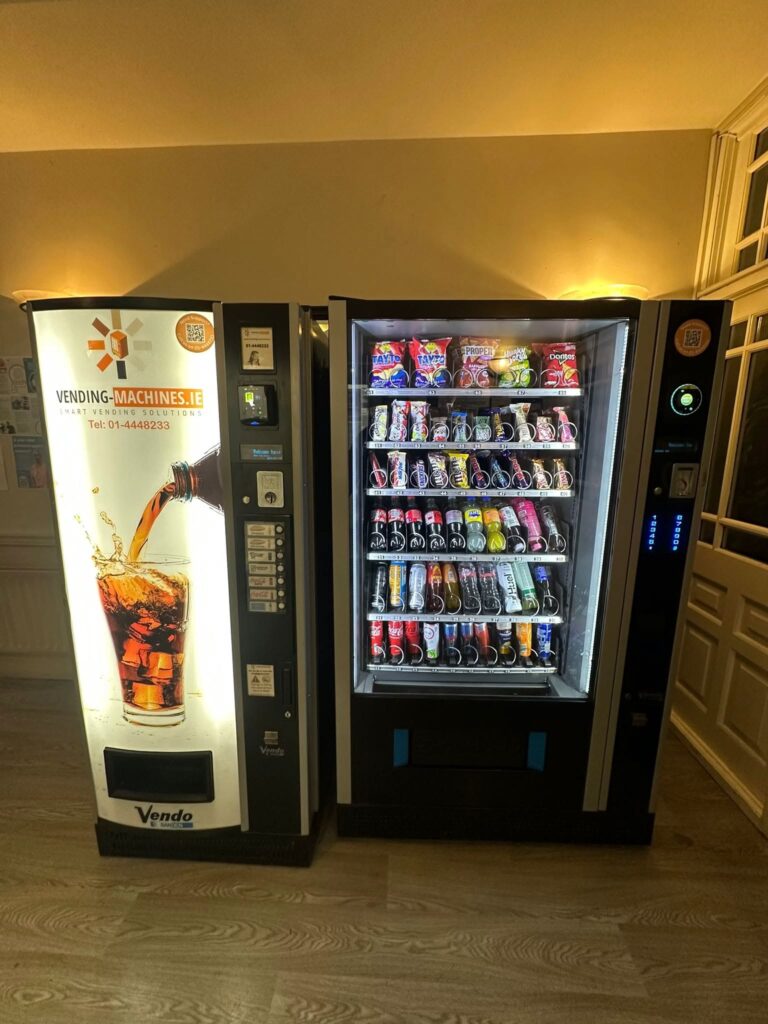
Codes can serve other purposes on the very same cabinet. A service sticker may open a fault form, while another code may collect loyalty points. Read the words around the code first. If the display tells you to tap your bank card and a separate sticker says “report a problem”, you have found the support route. The sticker gives you no reason to enter payment details for an ordinary contactless sale.
From a QR code payment to a delivered product
Follow the order specified on the machine. If it first asks for a selection, choose the row and note the price. Scan the payment code using the app named in the instructions. Compare the amount and merchant displayed before confirming. If the app asks you to supply the amount yourself, check it against the screen once more. Do not rely on the price of the item you bought last week.
After approval, look back at the machine. An app confirmation and an item arriving in the delivery compartment are two separate events. If the item does not arrive, record the machine identifier, selection, amount, time and transaction reference. Keep the confirmation until the operator has checked it. Starting a second payment to see whether the first worked can make two separate transactions harder to untangle.
What to check on a sticker
Look at the destination before following a web link. The Irish National Cyber Security Centre’s QR guidance advises checking the destination and looking for signs that someone may have placed a sticker over another code. If the label seems altered or the destination does not match the operator’s instructions, stop and use an independently verified contact number. Avoid using contact details supplied only by the suspect page.
For a facilities manager considering this payment option, ask the supplier to demonstrate a whole purchase on the proposed equipment. Give a tester the same instructions a visitor would see. Can they tell which app to use, which code to scan and where to collect the item? Also ask how staff can locate the transaction if the app confirms payment while the machine reports a fault.
A separate support link can be valuable when it is clearly labelled. Keep the payment instructions beside the payment step and the help contact where a customer can find it after a failed vend. For background on how payments appear in bank records, see our vending card payment guide. When comparing snack machines, ask which payment methods the actual reader supports.