
Web Production Progress Control IN.DA.CO –
WHAT IS INDACO?
Indaco is a programme developed by Indaco Project entirely in web environment. It is a MES application (Manufacturing Execution System), that is an computerised system that has the main aim to manage and control the productive concern function.
DELIVERY MODALITY
Thanks to Indaco it is possible to detect:
- The production time,
- The downtime (unproductiveness ) with relative reason,
- The produced quantities and the production wastes .
- The respect of the correct operative sequences foreseen by the production plan, in particular the correct declaration of the produced quantities
- The man/machine association for single working phase
The system of data collection is completely parameterizable and allows the Client to be able to enter any type of interrogation on the collected data, according to his necessities.
ADVANTAGES
- The data collection takes place in real time and in a controlled manner.
- Each operator declares the activity and the machine on which he is operating, with the ability to create dynamically operator teams and to work at the same time on more phases, distributing the working hours automatically.
- The declaration is verified at the time of his registration in order to avoid every following necessity of management and to eliminate the time for correction of the incorrect declarations.
- The data are accessible from all the Pcs of the concern linked to intranet or
INTERFACINGS
Software Interfacing
Indaco is able to interface with the manager both in and out (data import/export).
When incoming , it takes from the software the data on the items to produce and the various phases of necessary production. Indaco associates a code to every phase and monitors the progress of the production. When the production is completed, it gives back the data to the software, that according to the times and used resources calculates the production cost.
It is possible to foresee the communication to the software of the produced parts , when they are declared, reaching a management of the warehouse and a planning of the production really in real time.
Interfacing to the systems of attendance control
Indaco can also interface with the systems of attendance control . This allows effecting the comparison of the production with the attendances and detecting easier possible errors of the resource in the declaration phase. The max. difference that can exist between activity time and attendance time is a variable parameter, that can be set according to the client’s requests. Beyond such a value, the programme will signal the anomaly to the soible person.
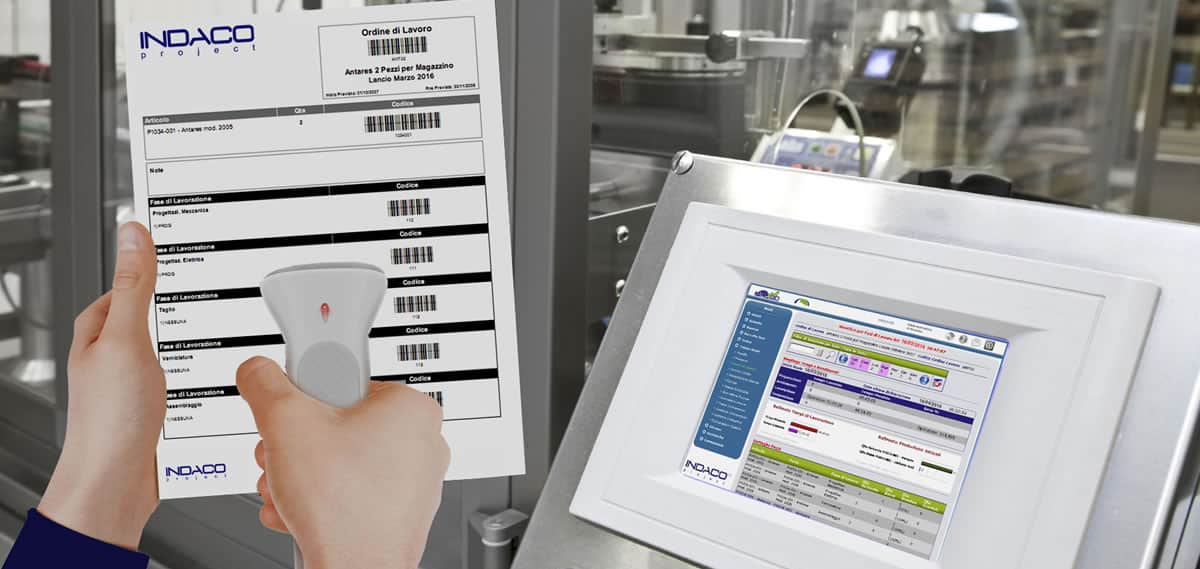
A further method of declaration is the touch screen, which has the advantage of eliminating the use of paper. A badge reader will be connected to the monitor. By bringing his badge close, the operator will view the work orders associated with him and select the one he is interested in, quickly and easily
PRODUCTION PROGRESS
REAL TIME MONITORING
A dashboard supplies information on what is happening in concern in real time, that is when the production is in course of development. Selecting the “real time” item from menu, it is possible to visualise various synoptic switchboards, each one of which supplies, at a glance, information from a different point of view.
For example, you can choose among a summing up according to the orders or according to the single operators.
For each summing up, there is the possibility to start from the general view and to reach the details.
In the case of the operator, the programme visualizes how many and which parts he has carried out , how long he has taken to make them and which production phases he has gone through.
The relationship between the two values is equal to the production yield, allowing knowing immediately, if the work is proceeding quickly or – on the contrary – too slowly.
SYNOPTIC MAPS
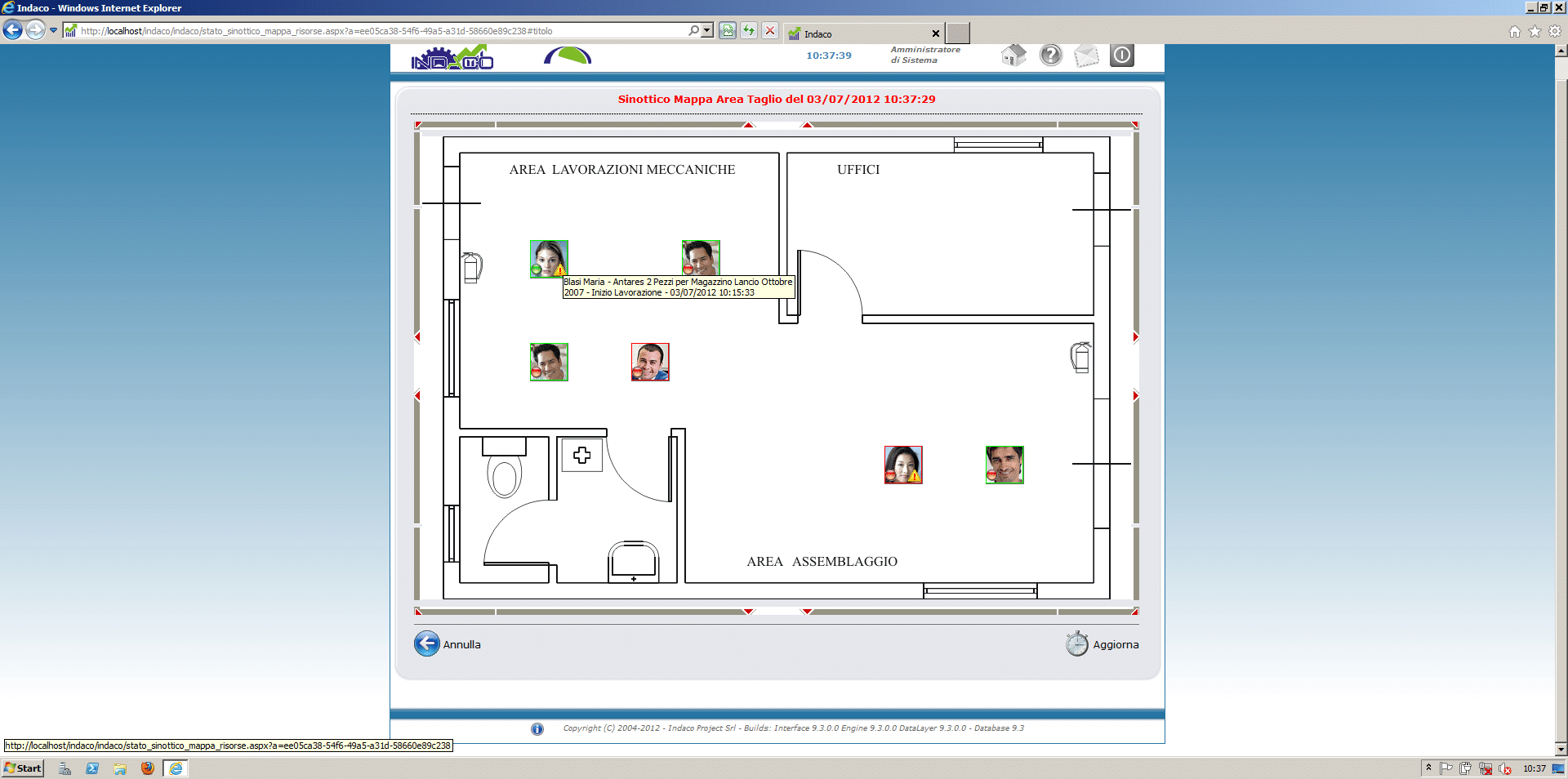
SYNOPTIC MAPS
Selecting the “synoptic maps” item from the “Real Time” menu, you visualize the maps of the production department. For each one a schema is available of how the resources are positioned. Simple and intuitive graphic symbols allow knowing immediately, if the worker is present or not in concern or if he is developing an activity.
It is possible also to set some parameters advising the manager, if the worker has not declared an activity for too long.
THE DAILY VISUALISATION
The daily visualisation allows going into the detail on each single operator, according to the selected day.
It is in practice the “daily card ” of the production for the operator, the ideal place where to verify the productive situation.
The orders of production to which the operator has worked are visualised, with the indication of the time taken for each single phase, the type of the produced part and the relative quantity. The total worked hours are then compared with the presence hours; the programme carries out a comparison with the hours of fiscal presence to verify that the two data are compatible and in contrary case it signals an anomaly.
DATA COLLECTION AT CLOSURE
Indaco gives also the possibility to the operator to enter manually, at the end of the day, the list of the developed activities (final times), without there is a punctual control and in real time of the production. This functionality is thought-out in particular for:
- operators that carry out high level activities, or dealing with more tasks at the same time, and that cannot signal punctually every change of activity;
- concerns whose activity of production is composed both of internal and external phases, the external phases can be declared at closure;
- third-party workers, dealing only with a phase of the
WORK ORDERS
Each operator, to signal the activity beginning, has to enter the data relative to the own badge and the type of activity he is going to carry out. These data can be entered through Opical, RFID, or magnetic readers, with the help of the keyboard.
The order of work is generated automatically by Indaco. For each item to carry out, the programme acquires from the system present in concern the necessary phases of working . For each phase he associates a univocal code of working under form of bar code, that will be used by the operator to declare the progresses.
The work order, as all the documents generated by the programme, is available in the following formats: PDF, Excel, Word, Rtf, Xml, only text.
Touch Screen
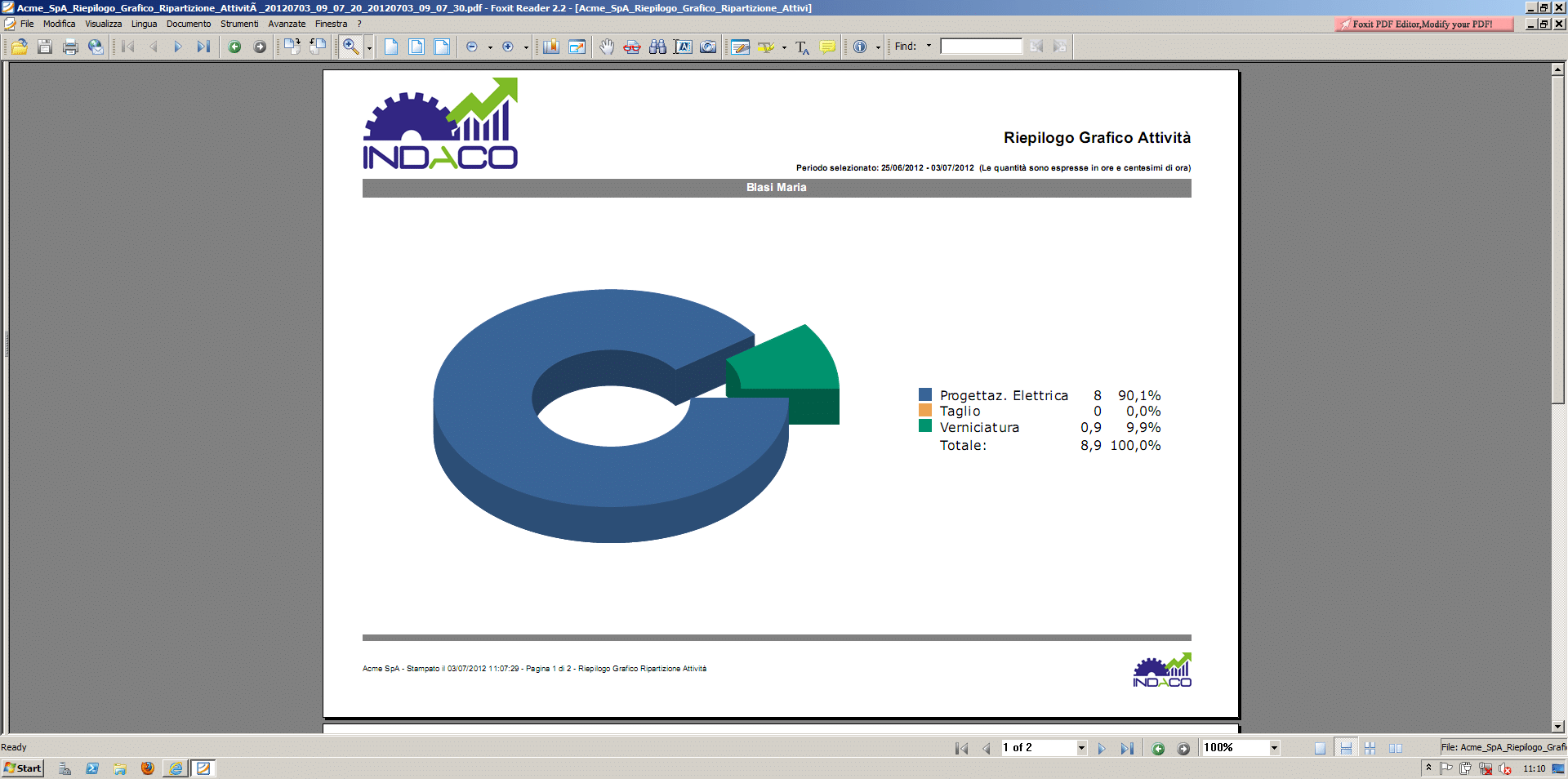
Another modality of declaration is the touch screen, that has the advantage to eliminate the paper use. The monitor will be connected to a badge reader. By approaching the own badge, the operator will visualise the orders of work associated to him among which to select the one of his interest, in a simple and fast way.
Control Prints
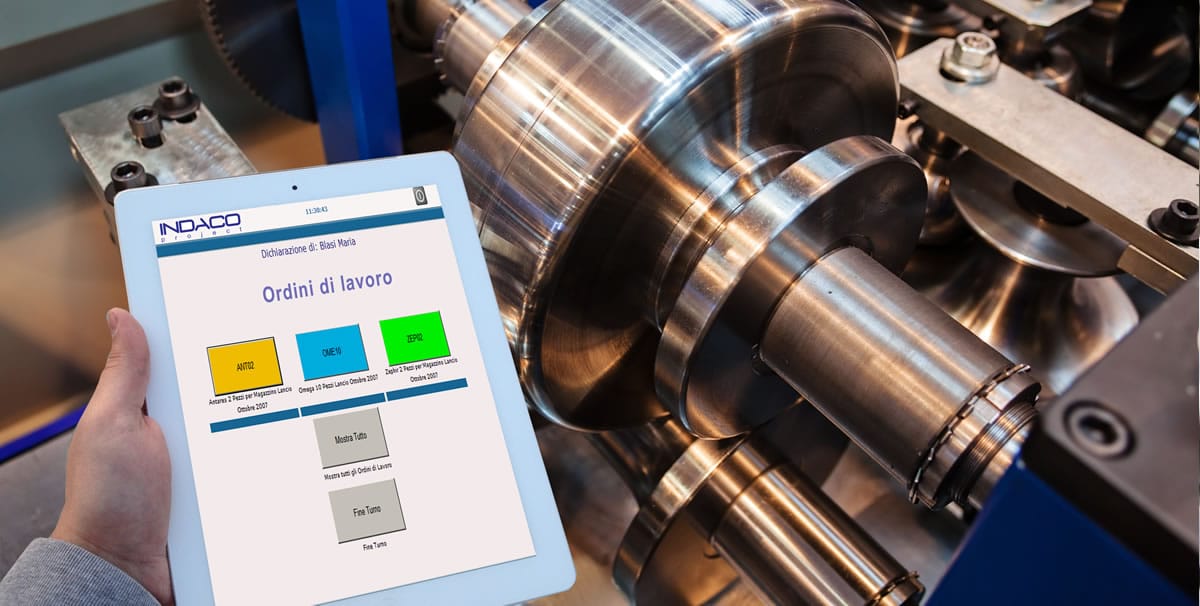
The control print allows verifying the work of all the employees and correcting the possible anomalies. As any other print or statistic, also the one of control is highly parameterizable . You can select which employees to check, the parameters according to which to check them (e.g., you can decide to limit the visualisation only to the persons who have a difference between attendance time and work time longer than 15 minutes) and so on.
An easy option allows the programme to send automatically the generated document to the selected mailbox, on fixed date and time. This allows the manager to control every morning the state of work developed on the previous day, without need to launch Indaco or sitting at his own pc.
Statistics
Indaco is able to produce statistics both on the activities in progress and on the ones already concluded, generating some standard reports and others that can be customised on the client, case by case. It is also possible to point out different aspects according to the set parameters..
For example, you can visualise the statistics for the single employee or for the entire concern, with the possibility of going more or less into the detail. The employee statistic can show the worked items, the working phases he has gone through, the good parts and the no good ones, the average of parts produced per hour.
The temporal subdivision is very precise: the total time used to produce a part is divided into stop, preparation, starting and working time; the total time that the resource has taken to produce each single part is besides supplied. The precision of the data allows recognising the weak points of the production and intervene on them to optimise the whole process.
In the same way, the concern statistic shows the monthly activity of the employees, always with the possibility to go more or less into detail. The statistics are available in analytic and graphic format, to be more and more intuitive and of easy comprehension.
Technical Characteristics
|
Architecture |
Web, based on Microsoft.NET Framework 4.0 and ASP.NET |
|
Required Web Server |
Microsoft IIS |
|
Compatibility of the operative Systems |
Microsoft Windows Server 2008, 2008 R2, 2012 |
|
Used Database |
Microsoft SQL Server 2008, 2008R2, 2012, 2014 |
|
Supported Client-side Browsers |
Microsoft Internet Explorer or higher, Mozilla FireFox 4 or higher, Opera 10 or higher |
|
Screen Resolution |
min. Client-side 1024 x 768 pixel |
|
Disc space |
Typical used server-side 2 GB |
|
|
|