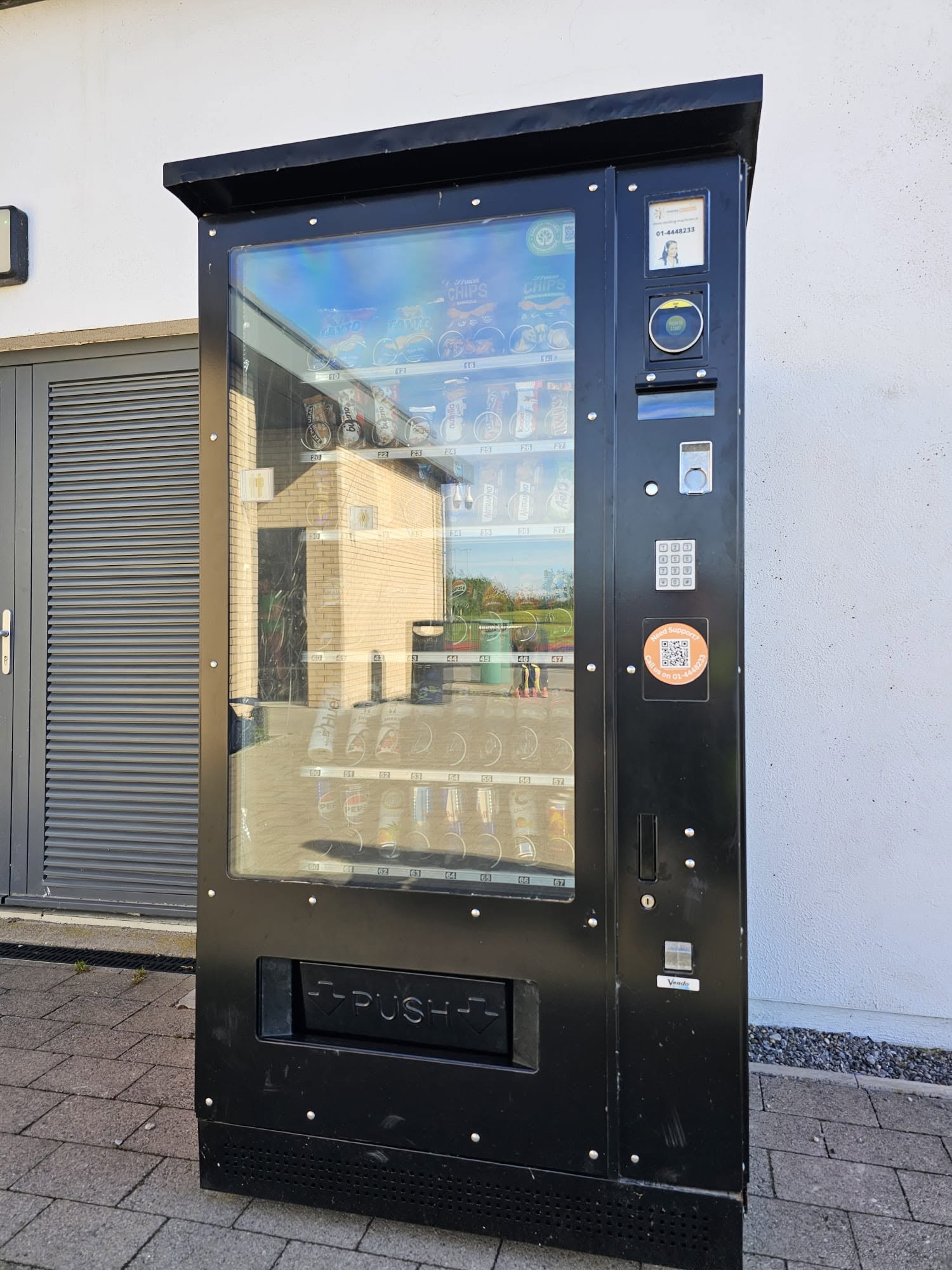
How can you make a vending machine colder?
Changing vending temperature starts with the product requirement, not simply choosing the lowest number on the controller. Ask the authorised operator to check the machine’s approved temperature range and the stock it contains. A drink that feels less cold than you prefer presents a different question from chilled food that may not have been stored correctly. Explain which problem you are trying to solve.
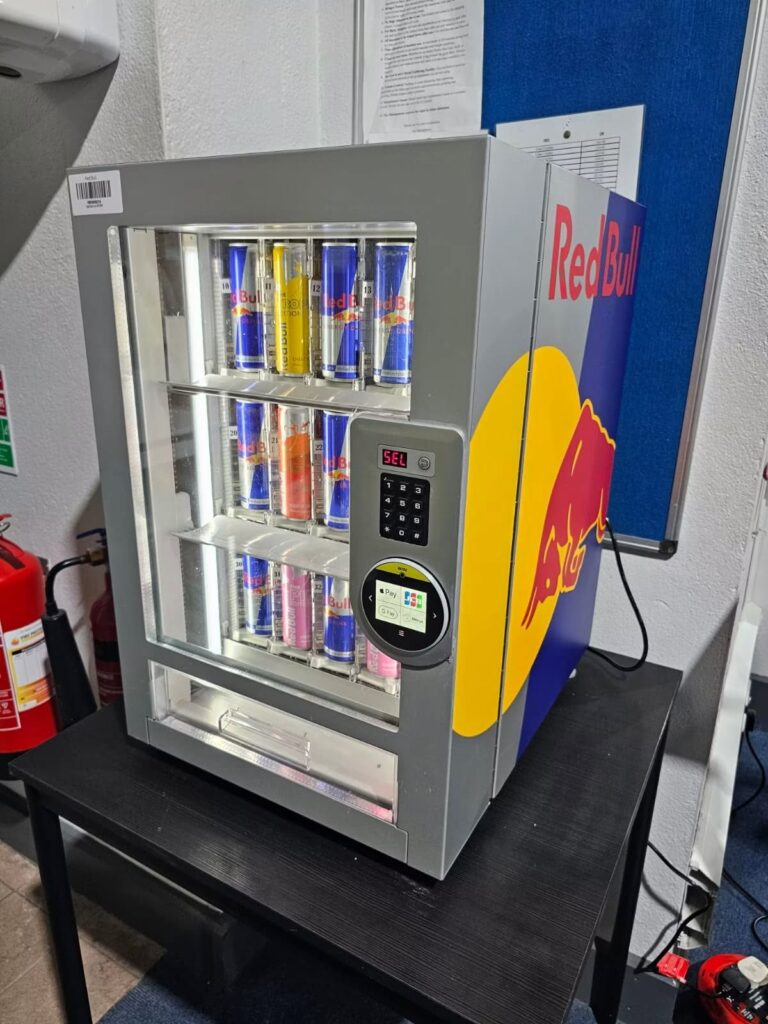
Decide what temperature the products need
Read the storage instructions for the actual products. A cabinet containing shelf-stable drinks does not necessarily need the same arrangement as one selling chilled sandwiches. Do not add a new food category just because the machine has refrigeration. The equipment and operating procedures must suit the proposed range before products go on sale.
For chilled food, FSAI temperature-control guidance says the thermostat setting should ensure that food remains between 0°C and 5°C. That is guidance about the food temperature, not a promise that setting any display to five will achieve it everywhere in a cabinet. Follow any more specific product storage instructions and the operator’s food-safety procedures.
Check before changing the vending temperature
Tell the operator when the machine was last filled and whether the door was open for an extended period. Note the room conditions and any recent change around the installation. For example, furniture placed beside a ventilation opening is relevant information. Do not move a heavy cabinet yourself to investigate its rear clearance.
Also record whether all products seem affected or only one area. Keep the displayed temperature and time with that observation. An operator can then compare the reading with the appropriate measurement of product conditions. Avoid relying on how cold a single bottle feels in your hand as the only evidence of refrigeration performance.
Use the correct controller instructions
Temperature controls vary by machine and controller. The Vendnet FLEX programming manual, for example, has a dedicated refrigeration settings section. It illustrates the need for the right instructions; its menu should not be assumed to match another manufacturer’s machine. Ask the operator to identify the exact controller before making a change.
Have the current setting recorded first, along with the reason for adjustment. Then agree how the result will be checked and who will make that check. Changing several settings at once makes it harder to understand which change affected performance. A controlled adjustment with a documented follow-up is more useful than repeated guesses throughout the day.
A lower setting does not repair a fault
If the machine cannot maintain its intended conditions, lowering its target may not solve the underlying problem. Report unusual sounds, visible ice, water or a door that does not close normally. The service team can investigate the equipment rather than treating every cooling complaint as a preference for a colder drink.
Do not remove panels, change electrical connections or add refrigerant. Our guide to refrigerant work on vending equipment explains why that requires appropriate expertise. If stock safety is uncertain, follow the operator’s process for holding affected products while the issue is assessed.
Confirm the result with the operator
After adjustment or service, ask for confirmation that the machine and products meet the intended conditions. Keep the reading, method and check time in the service record. A single reassuring display number does not replace the agreed verification process. Make sure the next staff member knows what was changed and whether any stock remains on hold.
When choosing a drinks vending machine, describe your planned range and installation environment from the outset. That helps the supplier recommend suitable equipment and settings, instead of trying to solve a mismatch after delivery.