
What is MDB on a vending machine?
MDB on a vending machine stands for Multi-Drop Bus. It is the way the machine controller exchanges instructions with equipment such as a card reader or coin mechanism. If you are buying a machine for an Irish workplace, the useful question is whether the exact cabinet and payment reader can work together. The letters MDB on a sales listing are only the start of that check.
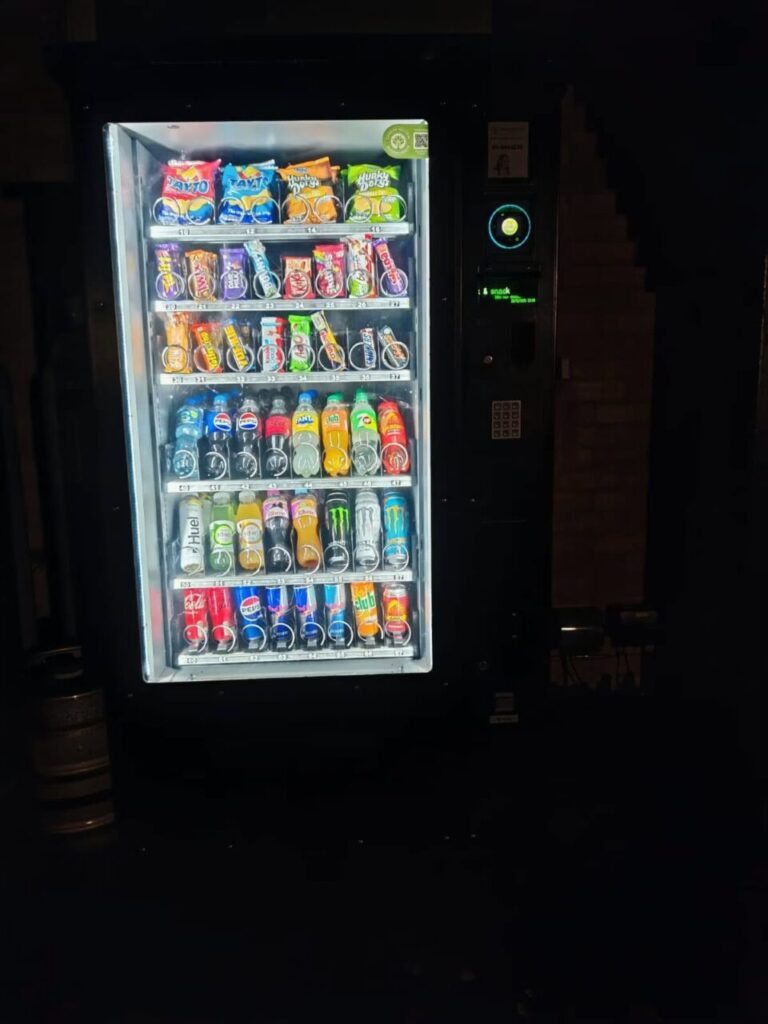
What does the controller do?
Think about a customer buying a packet of crisps. The machine needs to know which selection the customer wants. The payment equipment needs the correct price. The two devices also need to exchange information about the sale. MDB provides a common way for them to communicate. The customer still uses the buttons, screen or reader fitted to that particular machine.
For a manufacturer’s explanation, see the Nayax guide to MDB levels. It distinguishes the controller from the devices connected to it and describes how their capabilities affect the order of payment and selection. Ask for a demonstration if the sequence matters to your site. Staff moving between two machines can find it confusing when one asks for a selection first and the other displays a payment prompt.
Identify the equipment before asking for a price
Start with the cabinet model, serial number and a photograph of its identification plate. Ask the seller for the controller details and the make and model of any reader already fitted. Keep these details together in the enquiry. Two cabinets can look alike from the front even though their payment equipment differs. A clear photograph of the front helps identify the layout, but the technician still needs the equipment details.
Ask who owns the reader as well. A machine offered for resale may have a reader in the photograph. Establish whether the reader is included in the sale, whether the seller can transfer it and who will arrange the merchant account. Ask for separate prices for the cabinet, payment hardware, installation and continuing payment service. This makes it easier to compare quotes that include different amounts of work.
Test the transaction you want customers to make
Choose two selections with different prices for the handover. Follow the instructions a new customer would see. Check that the selected item, displayed price, item delivered and transaction record agree. Record the time and selection number so the installer can find the test sale. Repeat the test at the second price. A successful sale at one price tells you little about a different row that has been set up incorrectly.
If you want customers to buy several items together, ask the installer to demonstrate that exact purchase. Nayax describes compatible controller and reader requirements in its guide to basket purchases. Ask what happens if one item cannot be supplied. Have the installer explain which record the operator should check before answering a customer enquiry.
Keep a short handover record
Write down the machine identifier, reader identifier, intended payment sequence and the contact responsible for support. Keep the test results beside the equipment record. If a problem appears later, the site contact can report what the screen showed and which selection was involved. Give staff a support route for payment questions and leave configuration changes to the person responsible for the system.
For an Irish site considering an upgrade, include the equipment details and intended customer experience in your vending enquiry. If you are buying a used cabinet, also read our guide to buying a machine with a separately owned reader.