
Two Identical Items at a Micro Market: Check the Checkout Quantity
Buying two identical snacks should be an understandable part of a micro-market visit. However, customers need to know how the supplied checkout records quantity and how to check that the basket reflects what they intend to buy. Explain the actual process rather than assuming it works like every supermarket or every other unattended checkout.
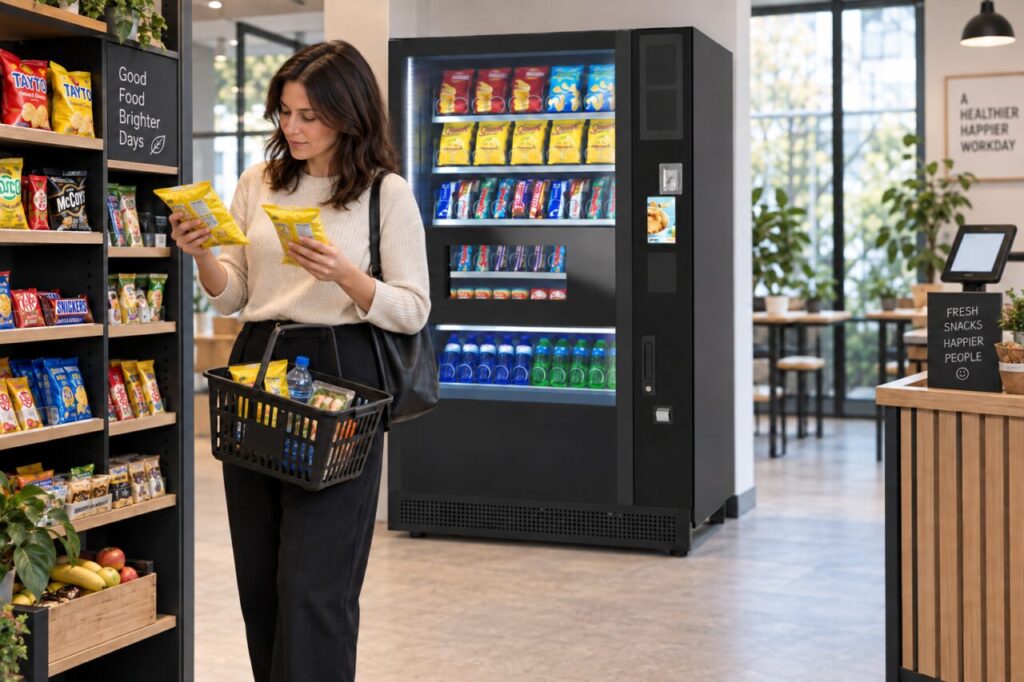
Micro-market systems differ. This article does not prescribe a universal scanning sequence or promise a particular quantity button. Ask the provider to demonstrate the installed configuration and use its instructions when preparing customer guidance. Where vending equipment stands beside the market, keep the two purchase processes distinct.
Demonstrate the supported process
Ask the provider to show how two identical items are added to a purchase and how that quantity appears to the customer. Identify the point where the basket can be reviewed before payment. Do not infer the process from a product photo or a demonstration of a different checkout system.
Also ask what happens if the customer changes their mind about one of the items. The supported correction process should be explained by the provider. Staff should not improvise instructions that may leave the displayed basket different from the goods the customer takes away.
Make the review step clear
A useful customer reminder asks people to compare the displayed basket with the items they intend to purchase. Keep the wording short and close to the relevant part of the journey. Avoid covering required checkout instructions or creating a second, conflicting set of steps on a nearby notice.
The reminder should help with both missing and extra quantities without implying that the customer has done something wrong. Someone unfamiliar with the system may simply need to understand what the display means. Use plain language and have any translated wording checked before it is displayed to users.
Provide help before guessing
If the basket cannot be corrected through the normal instructions, tell customers how to get assistance. Do not suggest that they complete an incorrect transaction and sort it out informally afterwards. The provider should explain the supported response and any procedure for a purchase that has already been completed.
Site staff also need to know the boundary of their role. Explaining a notice is different from accessing the checkout’s administrative functions. Keep account access restricted to authorised people and use the provider’s support route for issues that cannot be resolved through the normal customer-facing process.
Keep vending and market guidance separate
Where customers can also buy from a vending machine, explain that those purchases follow the machine’s own selection and payment sequence. Do not imply that a product dispensed by the machine has automatically been added to a separate market basket, unless the actual supplied system explicitly supports and demonstrates that arrangement.
Our guide to the two purchase journeys provides related context. The broader micro-market and vending discussion can help frame the service choice, but the final customer instructions must describe the equipment installed at your own site.
After launch, review repeated quantity questions with the provider. Record the step that causes confusion without collecting private purchase details unnecessarily. A short supported demonstration or clearer reminder may help users understand the basket review. Check the result with willing users rather than assuming that putting up a notice has automatically made the process clear.
Discuss your workplace retail arrangement with our team before preparing customer instructions.