
A Micro-Market Shelf Price Differs from Checkout: Pause and Check the Item
A micro-market customer may pick up a snack beside one price label and see another amount at checkout. Before paying, pause and check the exact item, quantity and price information. A moved product, similar pack or outdated label can create different questions for the operator. The aim is to resolve the specific mismatch, not to guess which amount the system will eventually charge or substitute another product’s barcode.
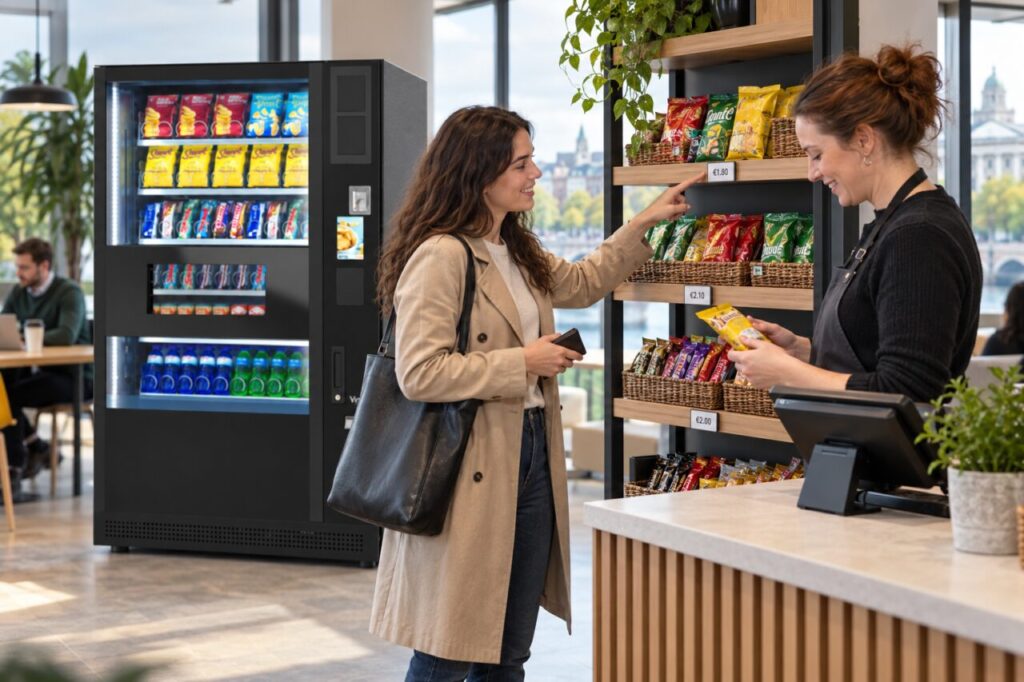
Match the pack to the shelf information
Read the product name and pack size on the item you selected. Compare them with the label beside its shelf position. Similar flavours and different sizes can be easy to confuse, particularly when products have been moved by another customer. Describe what you can see rather than assuming the label belongs to the nearest pack. Keep the item sealed while the question is being checked.
If you contact the host or operator, give the location and both displayed amounts accurately. A photograph may help if it shows the product and relevant label without including other customers or private information. There is no need to photograph an entire payment screen containing personal details. The useful evidence identifies the item and the price difference that needs review.
Check the basket before payment
Look at the checkout description and quantity. A basket containing two units is a different issue from one item with an unexpected unit price. If you scanned another product earlier, check whether it is still included. Use the supported correction process shown by the system, or ask for help if the route is unclear. Do not scan a cheaper item as a workaround.
If you decide not to proceed, follow the site’s process for removing the item and returning it to the appropriate place. Do not assume walking away clears every checkout session. The host or operator can explain the supported steps. If payment has already completed, keep the receipt or transaction details and report the mismatch as a purchase query rather than attempting to reverse it yourself through another sale.
Give the operator a specific correction task
For a site host, record the product, shelf position and checkout description together. Tell the operator whether the question was observed before payment or reported afterwards. Avoid changing prices, labels or product records outside your authority. The provider needs to establish which information is current and whether the issue affects one item, one label or a broader update.
Keep any temporary customer instruction proportionate and accurate. If the operator advises that an item should not be offered until checked, follow that agreed process. Do not promise a particular price adjustment or refund outcome before the case has been reviewed. A clear acknowledgement and the correct support route are more useful than an improvised commitment that another team cannot honour.
Recheck the complete customer journey
After a correction, ask that the pack, shelf information and checkout record are checked together. Updating only one element can leave the mismatch in place for the next customer. Include any affected alternative sizes or flavours in the provider’s review where relevant, but do not assume every product is wrong because one discrepancy was found.
When considering micro markets alongside vending, include price clarity in the customer journey review. Open-shelf selection creates a different interaction from choosing behind vending glass. A simple process for spotting and reporting mismatches helps customers make an informed purchase and gives the operator precise information to correct the actual problem.
Discuss workplace vending and micro-market requirements.
Related guidance: Micro-Market Product Names: Match the Pack to the Checkout.