
Misted Vending Machine Glass: What Should You Tell Support?
Misted glass can make products and selection labels difficult to see. The useful first step is to record what is happening, rather than assume the machine has failed or turn a temperature control at random. Different cabinets and installations need different checks.
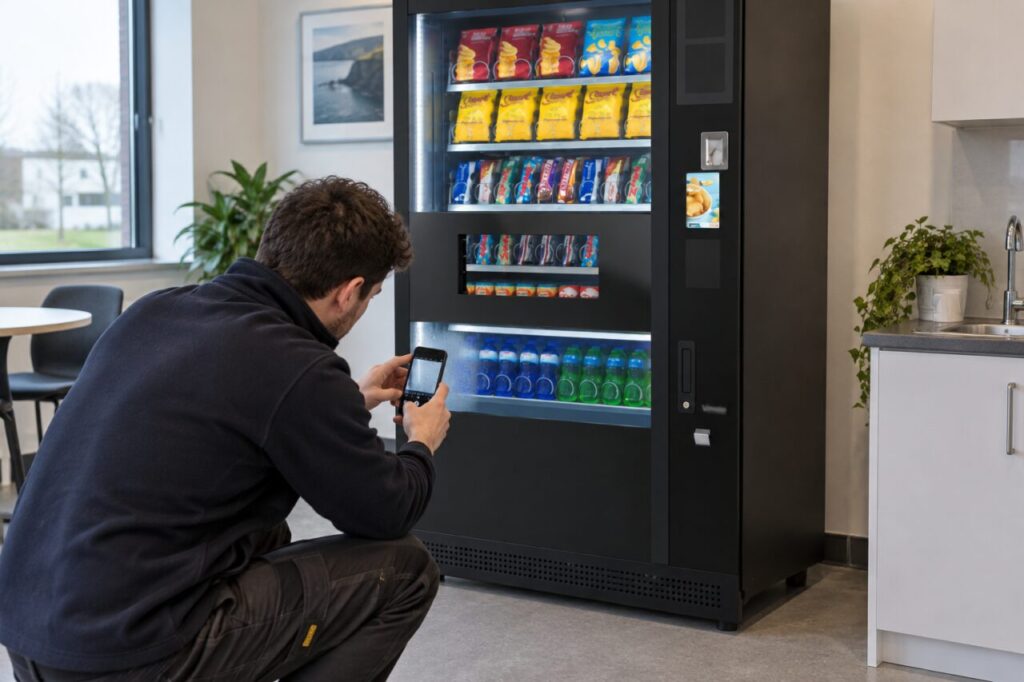
Describe which surface is affected
From the customer side, note which window or area appears misted and whether droplets or pooling water are present. Take a clear photograph from a dry, safe position. Record when the effect starts and whether it clears. Do not open panels or reach into the machine to determine which internal surface is wet. Leave that inspection to the operator.
Record recent changes around the machine
Tell support about nearby heating, open external doors, building work or a recent refill visit. These observations provide context; they do not prove a cause. Note whether the issue occurs all day or only at particular times. If the machine has moved recently, include the move date and the person who approved its new location.
Keep visibility and food checks separate
An obscured window is a customer-information problem, while food storage requires the operator’s normal checks. A clear patch of glass or a single display reading does not establish that products are suitable for sale. Report any temperature warning to the responsible operator. Avoid changing settings, blocking vents or using an unapproved anti-fog chemical as an improvised remedy.
Ask for a model-specific decision
Send the model and machine identifier with your report. SandenVendo publishes model information, but an online product page is not a substitute for the installed machine’s service instructions. Ask whether the machine should remain in use and what follow-up is required. After work is completed, check visibility again at the time the problem usually occurs.
Source: supporting primary guidance. For site-specific help, explore our fully managed vending service or contact our team. Related reading: Vending Temperature Display: What Does the Reading Tell You?.