
Office Vending for a New Department: Introduce the Range Without Assuming Preferences
When a new department joins an office, the existing vending range may be unfamiliar to its staff even if the machine has been operating for years. Introduce what is available before deciding that the range needs a major change. A short, practical explanation helps newcomers understand the purchase process and gives the operator more useful feedback than an immediate request to replace everything.
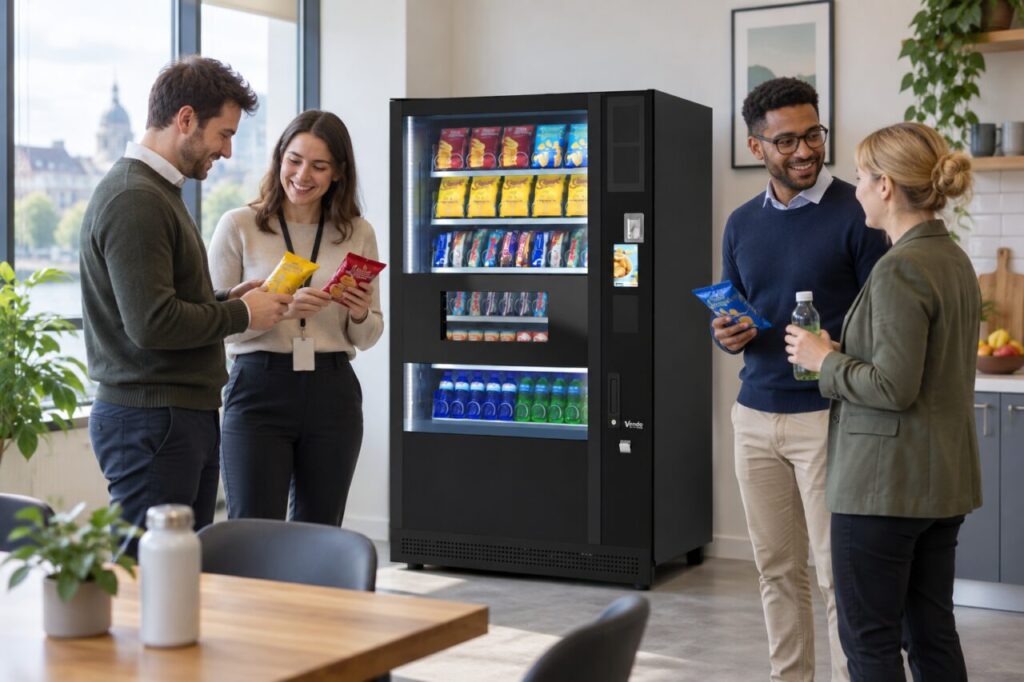
Explain the current arrangement
Show the department where the machine is, when the area is accessible and how customers find product and price information. Explain the agreed support route for purchase concerns. Keep the introduction factual: do not describe products as free, subsidised or restricted to certain staff unless that is the actual arrangement confirmed by the employer and operator.
The existing office vending service can be a starting point for understanding the site’s provision. The new department may have different working hours or break patterns, but those differences should be established rather than assumed. Ask the department’s coordinator about practical access and timing needs before interpreting low initial use as dissatisfaction with the products.
Give people a chance to recognise the range
Provide a concise current product list or direct staff to the information available at the machine. Where product details matter to a customer’s decision, use the operator’s accurate current information through the appropriate channel. Do not ask colleagues to make dietary assurances from memory, and do not circulate outdated pack photographs as if they fully describe the products now supplied.
If samples are used as part of an agreed introduction, make their purpose clear and follow the responsible operator’s handling arrangements. Sampling is not necessary for every launch. The main aim is to help people understand the available choices and how to ask a question, rather than creating an event that implies a permanent range or benefit the site has not agreed.
Ask a focused question after introduction
Once staff have had a reasonable opportunity to use the service, ask what need remains unmet. Useful answers might concern availability during their break, a missing type of snack or difficulty identifying a product. Separate these issues instead of treating every comment as a request for more brands. Include people who have not used the machine, while allowing them to say why without pressure.
Use aggregate, proportionate feedback. There is usually no need to build a named record of individual purchases to understand a department’s general requirements. Explain how suggestions will be considered and avoid promising that every requested product will be stocked. The operator must also consider suitability, supply and the available space before agreeing a change to the range.
Review alongside the established users
Consider the new department’s feedback with the needs of people already using the equipment. Replacing a line solely because a vocal new group dislikes it may remove a useful choice for others. Where a trial is appropriate, agree the question it should answer and how the result will be reviewed. Keep the communication clear about what is temporary and what is confirmed.
After any agreed adjustment, tell staff what changed and where further questions should go. Retain useful observations about hours, access and product needs in the site brief so future reviews do not restart from assumptions. A considered introduction allows a shared office service to adapt while preserving a reliable purchase journey for both new and established users across the workplace.
Discuss your office requirements with the team.
Related guidance: Office Desk Moves: Check Whether Staff Can Still Find the Vending Area.