
Office Vending for Staff Without a Desk: Make Feedback Reach the Right Person
Office vending feedback often arrives through email or an intranet form. That can miss colleagues whose work takes them away from a desk, including maintenance, reception cover and facilities teams. Give those users a practical way to report a problem or suggest a product without assuming they can access the same channel as desk-based staff.
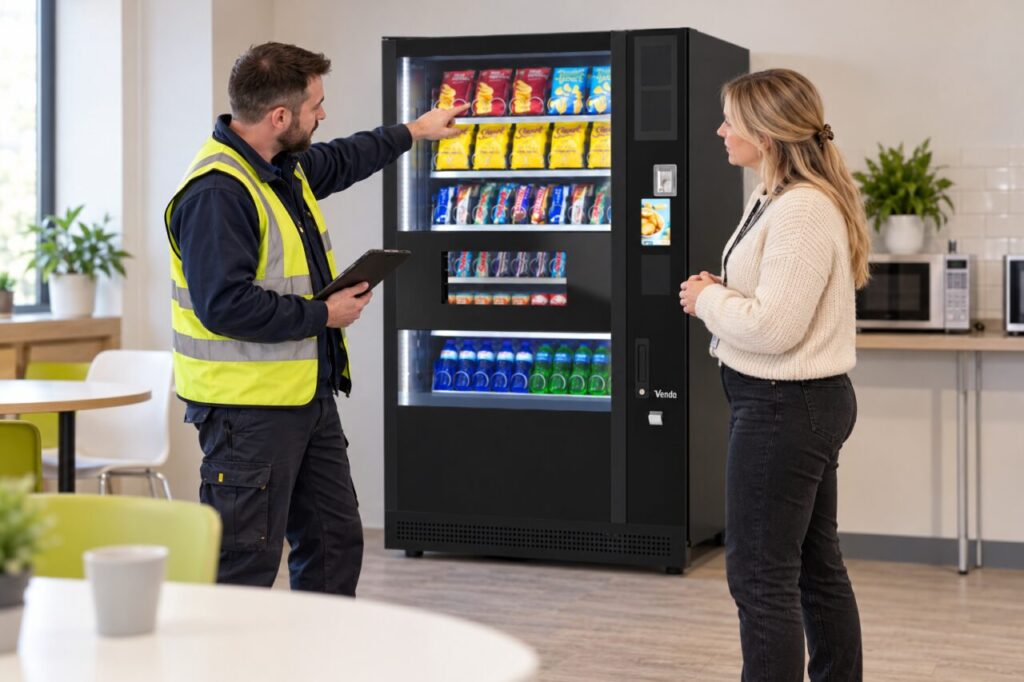
The purpose is to make the service easier to manage, not to create a second complicated reporting system. A clear contact route at the machine and a consistent internal handover can be enough. Choose a method that fits the workplace and the operator’s actual support process.
Ask how people currently report problems
Speak with the relevant team contacts about the route they use when a selection is empty or a purchase fails. Find out whether reports reach the operator or stop with a colleague who is unsure what to do. Distinguish an inaccessible channel from a channel that exists but has not been explained clearly.
Include the shifts using the machine outside ordinary office hours. A named manager who is available only in the morning may not be a useful immediate contact for an evening team. Record the agreed alternative and make it easy to find. Do not assume everybody has a work phone or permission to use a personal device during a shift.
Separate faults from product suggestions
A failed purchase needs a different route from a request for a new snack. Explain the distinction in plain language. The customer should know where payment or refund questions go, while the workplace can collect range suggestions through a suitable general feedback process. Avoid putting personal payment evidence into a shared suggestion book.
For fault reports, useful starting details include the machine location, time and observed problem. For product feedback, ask what item or type of choice would help and when it is usually wanted. Keeping the prompts short makes it easier for a busy colleague to provide information that the operator can act on.
Make the internal handover visible
If a supervisor passes reports to the operator, agree who covers absence and how open issues are tracked. A report should not disappear because it was mentioned verbally at a shift change. Record a short reference and the next step without storing more personal information than the process needs.
Tell the reporting colleague how they will receive an update. For general range requests, a periodic workplace response may be appropriate. For an individual transaction, the operator may need to reply directly through its support channel. Do not promise an outcome before the request has been assessed or confuse acknowledgement with resolution.
Review whether the route works for all users
After introducing the process, ask the teams whether they can use it in practice. Check that notices remain readable and contacts are current. A QR code alone may not suit every setting, so discuss an appropriate alternative where needed. The test is whether a person can reach help during their normal working day.
When planning office vending, include the whole user group in the service brief. Review feedback alongside stock and service records, without treating the loudest channel as representative of everyone. A modest improvement to reporting can reveal practical issues that were previously invisible to the people deciding the range and refill arrangements.
Related guidance: Office Vending for Temporary Project Teams: Record the End Date.
For help assessing your site, contact Vending-Machines.ie.


