Office Vending Survey Allows Several Answers: Count People Separately from Choices
An office vending survey that allows several answers can produce more choices than respondents. That is normal, but the results must be described correctly. If ten people each select up to three product types, the total number of selections is not the number of people who completed the survey or a forecast of daily purchases.
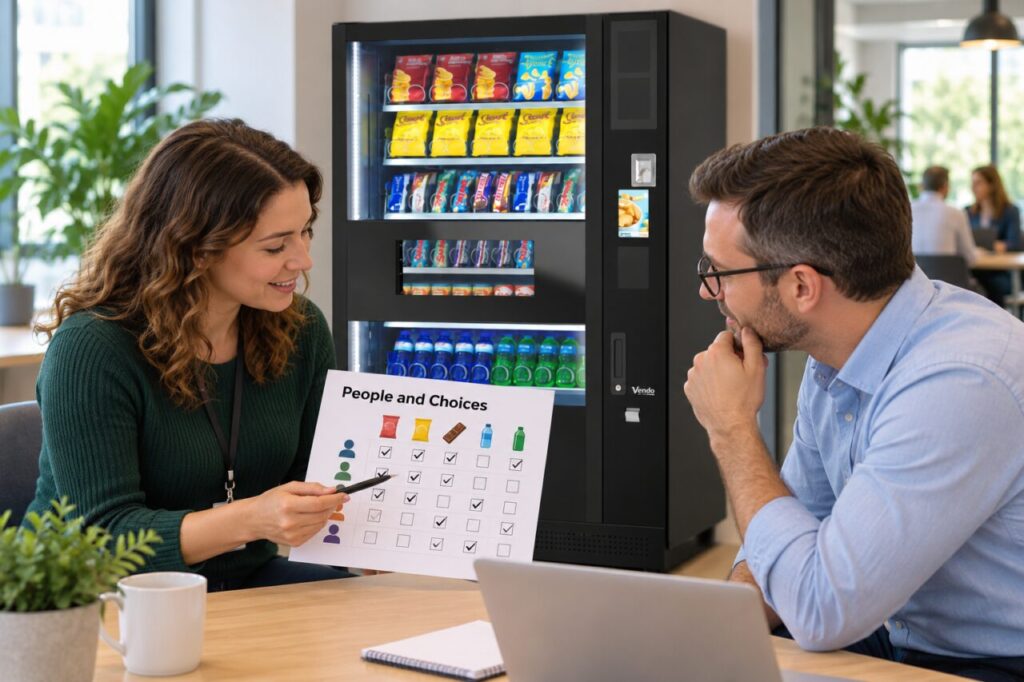
Keep three measures separate: people responding, choices selected and actual buying behaviour. Each answers a different question. The survey can help identify products worth discussing with an operator, but it does not prove that every selected option will sell regularly or that employees will purchase all the items they ticked on the form.
Decide the question before counting
Read the wording that respondents saw. Were they asked to choose one favourite, select every suitable option or rank several choices? Those formats produce different types of evidence. Keep the original wording with the results so a later reader understands what a tick meant and does not interpret a broad preference as a firm purchase commitment.
Check whether the survey limited the number of selections. If people could select any number, a respondent who chose six options contributed more selections than one who chose a single option. That does not make their opinion worth six times as much. It simply means the totals reflect a multiple-choice format with different response patterns.
Show the denominator beside percentages
For an illustrative example, suppose ten people respond and six select fruit bars while five select crisps. The results can be described as six of ten respondents and five of ten respondents. The percentages total more than one hundred because some people selected both. There is no contradiction when the method is clearly explained.
Do not divide each count by the combined number of selections and then label the result as the share of staff who want that product. That calculation answers a different question: the share of all choices. Either measure may be useful, but the label must match the calculation so the operator can interpret the result correctly.
Avoid treating preference as demand
Ask what a selected option means in practical terms. Someone may welcome a product occasionally while buying another item most days. The survey does not automatically tell you frequency, acceptable price or pack size. Follow up with a focused question if one of those details is essential to deciding whether a trial makes sense.
Keep the survey’s reach visible as well. Ten responses from a large office are not the same as ten responses from a team of twelve. Note who was invited and whether different shifts or remote-working patterns affected participation. Do not assume that people who did not reply agree with the most frequently selected option.
Turn results into a practical operator discussion
Give the operator the question, respondent count and product counts together. Discuss which options fit the installed machine and service arrangement, then agree a manageable trial rather than requesting every popular suggestion at once. Record the change date and review availability, actual sales and waste alongside later feedback from the office.
For office vending planning, a modest survey with clear counting is more useful than an impressive percentage without context. Keep people, choices and purchases distinct throughout the report. That lets the supplier understand the evidence, explain feasible options and help the office test a range without turning survey enthusiasm into an unsupported sales promise.
For a proposal suited to your site, contact our team with the location, expected users and your main requirements.
Related guidance: Office Vending Surveys: Ask People Who Do Not Use the Machine; Office Vending Feedback After a Price Change: Separate Affordability from Product Choice.