
Office Visitors Without Staff Vending Access: Explain the Payment Options
A visitor may be able to enter the office break area without having access to the staff vending benefit. If the host assumes that everyone can use the same app or allowance, the guest can reach the machine with no clear way to complete a purchase. Explain the available payment route before the visit and distinguish ordinary customer payment from any employer-funded arrangement.
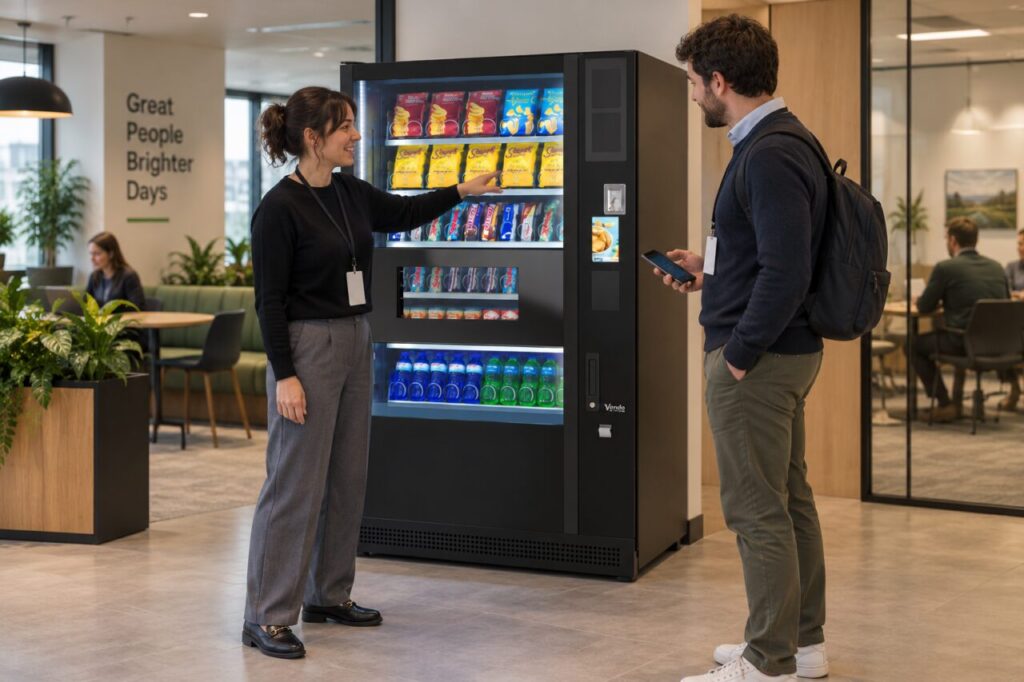
Confirm what the installed setup supports
Ask the operator which payment methods are actually available to visitors at that machine. Do not infer support from another branch or from a card symbol on unrelated equipment. Check whether guests can pay directly, need assistance from a host or use another agreed arrangement. The answer should reflect the current installation, not a future feature under discussion.
The fully managed service describes compatible cashless payment options and separately agreed staff funding arrangements. Those are different questions. A staff benefit may depend on an allocation or supported setup, while a visitor’s ordinary purchase follows the payment options confirmed for the equipment. Avoid promising that a guest can use an employee allowance without approval.
Give hosts a short explanation
Prepare a simple briefing covering where the machine is, how visitors may pay and where to ask for help. Keep it focused on the guest’s next action rather than the organisation’s internal account structure. If the host is covering refreshments, explain the approved process to the host before guests arrive so no one improvises with a colleague’s credentials.
Do not ask employees to share benefit accounts, PINs or access details as a convenience. If the existing setup does not meet the visitor requirement, discuss an alternative with the operator and the person responsible for the workplace policy. Make the limit clear in advance rather than allowing a guest to discover it only after attempting a purchase.
Consider recurring visitors separately
Contractors, interview candidates and occasional clients may have different needs from people who attend the office every week. Record the practical requirement without assuming that every category needs a permanent allowance. Ask the employer to decide who should receive any funded refreshments and the operator to confirm how that decision can be implemented in the supported setup.
When reviewing office vending provision, include representative visitor numbers and visit patterns alongside staff attendance. These figures help explain the requirement; they should not be added to routine demand as guaranteed purchases. A guest who is offered refreshments elsewhere in the building may never use the machine, even during a long visit.
Test the visitor journey before a busy day
Walk through the explanation with a colleague who does not normally manage the vending arrangement. Confirm that the instructions point to the actual machine and that the support information is readable. If an authorised purchase test is appropriate, follow the normal route and check the outcome rather than relying on a verbal description alone.
Review the briefing whenever payment equipment or the staff scheme changes. Keep visitor instructions aligned with the confirmed setup and remove obsolete directions. A good guest experience does not require a complicated new benefit programme: it requires an accurate explanation of how that person can buy or receive refreshments, who is paying and whom to contact if the agreed route does not work.
Related guidance: Staff Vending Allowance Not Working: Separate Scheme Access from Payment.
Planning or reviewing vending at your site? Contact the team with your location, equipment details and the question you would like to resolve.