
Can oily coffee beans cause problems in an automatic machine?
Oily coffee beans can cause problems in some automatic machines, but a shiny bean does not prove that a grinder is already ruined. The useful question is whether that bean is suitable for your exact equipment. Check the manufacturer’s instructions before changing the workplace supply, and distinguish naturally oily beans from beans coated with flavourings or sugar.
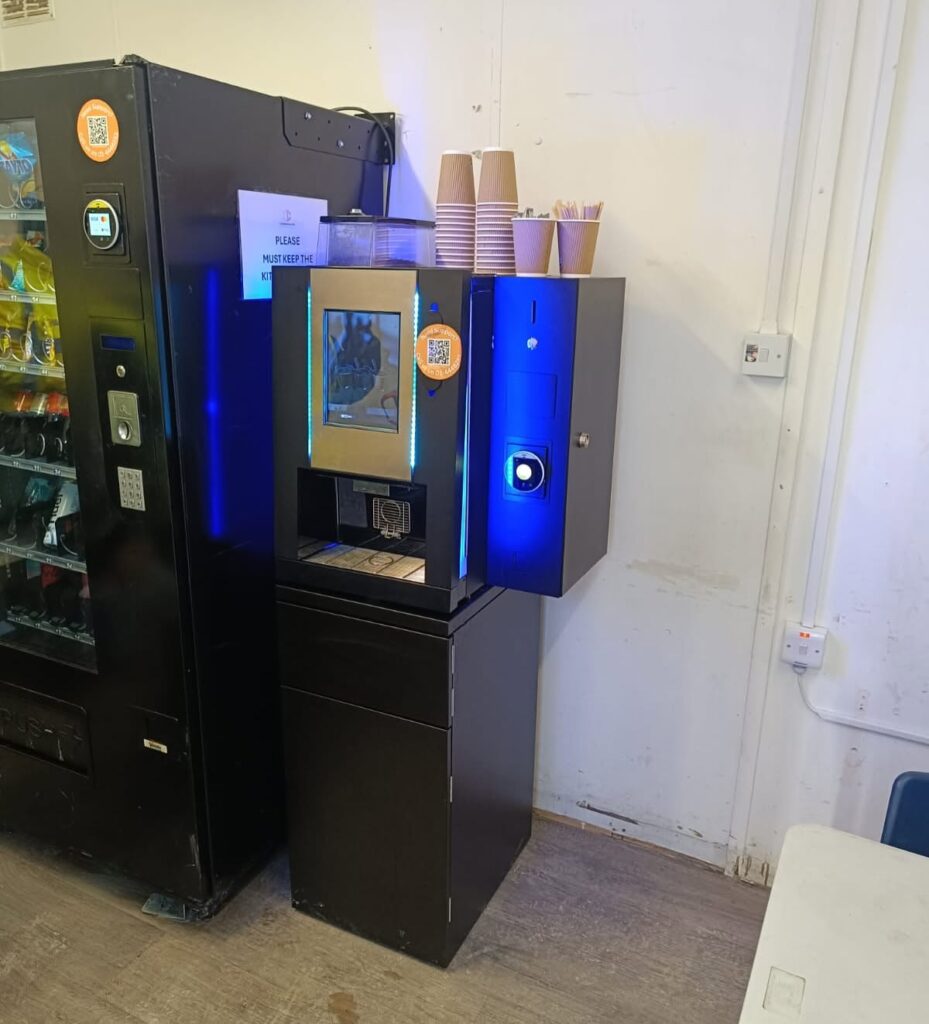
Why oily coffee beans need attention
Miele’s support guidance explains that oils can cling to a bean container and hinder the flow of beans. The hopper can look full while the grinder receives too little coffee. This is a useful example of a feeding problem, rather than proof that the grinder motor has failed.
However, do not transfer one model’s cleaning method to every machine. The same Miele guidance gives different container-cleaning instructions for different product families. Some parts must not be immersed in water. A generic internet tip to wash the entire hopper can therefore be the wrong advice for your equipment.
Read the bean restrictions before ordering
Find the model reference and read its section on filling the bean container. Check any restrictions on oily beans, coated beans and additives. Also ask your service provider which products have been tested with the installed machine. The fact that a bag says espresso does not confirm compatibility with every automatic grinder.
For example, JURA’s product support warns against beans treated with additives such as sugar. That warning is separate from choosing a flavour you enjoy. Keep syrups, powders and other drink ingredients out of the bean hopper unless the manufacturer explicitly specifies their use there.
What to do when beans stop feeding
Record the exact message on the display and whether the problem started after a new bag was opened. Keep the bag details so the operator can identify the blend and batch. Also note whether the machine makes a normal grinding sound or stops before brewing. These observations help the technician investigate without guessing.
Do not push fingers, spoons or tools towards a grinder to move the beans. Do not pour water into a fixed hopper. A trained operator should follow the approved isolation and cleaning procedure for the model. If the machine repeatedly faults, stop using the affected function and arrange service rather than forcing repeated drinks through it.
Trial a change without mixing away the evidence
Before switching blends, agree how the old beans will be removed safely. Repeatedly topping up with a new product leaves a mixture that is difficult to assess. Record the change date, the product and any authorised settings adjustment. Then compare the same drink selection across several normal uses, rather than changing every setting at once.
Keep taste and mechanical performance as separate observations. Staff may prefer one blend, while the machine may feed another more reliably. A useful trial records both. Ask the supplier for an appropriate alternative if the preferred beans conflict with the equipment instructions; do not try to dry or chemically treat the beans yourself.
Make the purchasing handover clear
Write the agreed bean product into the restocking instructions. Include the bag size and a rule for substitutions, so a well-meaning colleague does not buy a flavoured replacement from a shop. Store the manufacturer’s care instructions with the site records and keep the person ordering coffee informed when the equipment changes.
Finally, cleaning coffee residues and removing limescale are different jobs. Our workplace descaling guide explains that distinction. A descaling cycle should not be treated as a cure for a bean-feed obstruction. Diagnose the reported symptom and follow the correct procedure for that part of the machine.
For help matching workplace coffee equipment and supplies, contact our team with the machine model and your requirements.


