
Peeling Vending Labels: Keep Selection Information Clear
A label can become misleading before it falls off completely. A curled edge may hide a selection number, a damaged corner may remove part of a price, or an old paper notice may cover newer information. When you spot a problem around a vending machine, tell the responsible operator and identify the affected selection. The remedy should restore the approved information, rather than adding another improvised note that creates a second version for customers to interpret.
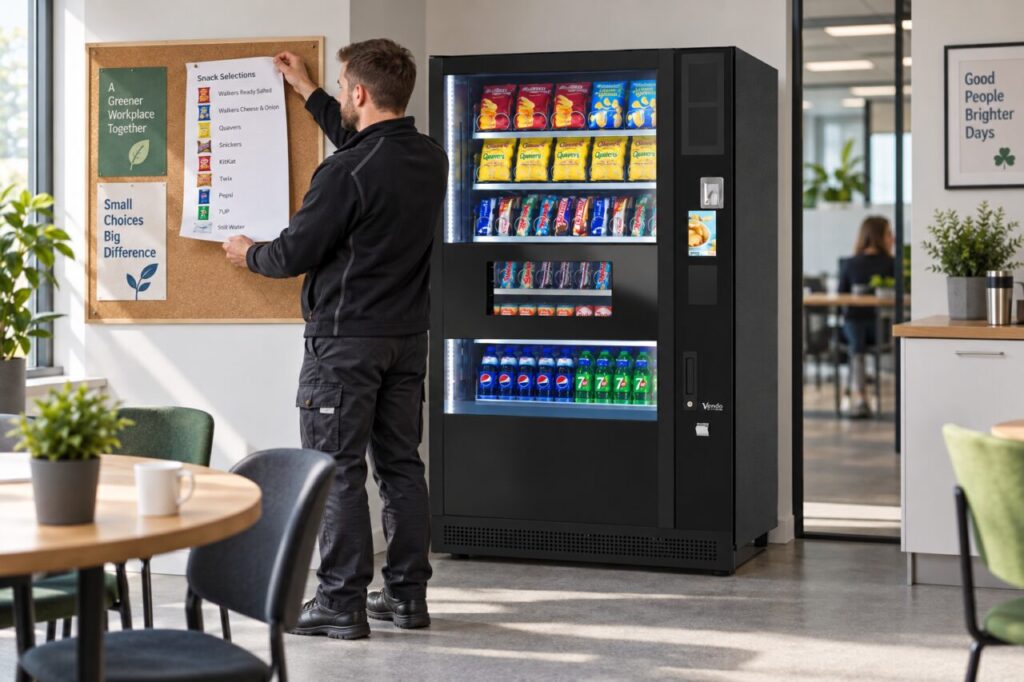
Describe the information that is affected
Record the machine and the particular label or notice. Explain whether the problem concerns the product name, selection reference, price or customer instruction. A photograph of the visible issue can help, provided it avoids unnecessary customer details. Do not report every damaged label as an equipment fault; the operator needs to understand what is unreadable and how it affects the purchase journey.
Check whether the remaining information could lead to a wrong selection. For example, a partially hidden reference may be harder to distinguish from a neighbouring one. If the operator needs to restrict use while the information is corrected, follow its instructions. Do not create your own promise about the price or product while the actual selection mapping remains uncertain.
Use the current approved replacement
Ask who is authorised to replace the label and where the current artwork or wording comes from. A spare printed label kept from launch may no longer match the range. Confirm the product, pack size, selection number and price against the operator’s current record. Where the information appears on a screen as well, ask the provider to check that the customer sees a consistent description.
Use the supplier’s approved materials and placement method for the relevant surface. Do not scrape, apply solvents or attach adhesive to equipment without checking compatibility and your authorised role. Avoid covering controls, ventilation, safety information or required product details. The fact that a temporary label appears easy to attach does not establish that it is suitable for the machine or the expected cleaning process.
Check the result as a customer
After the approved replacement, look from the normal approach and purchase positions. Can a customer associate the information with the intended item without leaning around another notice? Ask a colleague unfamiliar with the range to explain the selection. This practical check can reveal ambiguity that the person who prepared the label misses because they already know which product it describes.
If a transaction check is required, agree it with the operator and record any test purchase through the normal process. Do not assume that a fresh label alone proves the configured price or product mapping is correct. The label, displayed amount and actual selection need to agree. Report any discrepancy through the established route and retain the relevant test reference for follow-up.
Investigate repeated deterioration
If the same labels repeatedly peel or become unreadable, record where and when it happens. Ask the responsible provider whether the material, position or cleaning method needs review. Avoid deciding the cause from appearance alone. A recurring information problem deserves a considered change rather than repeated layers of tape that eventually obscure more of the original notice.
For hosts planning vending equipment, include a quick visual information check in the agreed site routine. This is different from technical maintenance or changing prices. Staff can identify a damaged notice and report it accurately while the authorised person handles the correction. Keeping the current information readable helps customers choose deliberately and gives the operator a clearer record if a later purchase enquiry concerns that selection.
Ask about day-to-day site responsibilities before launch.
Related guidance: Hard-to-Read Vending Prices: Check the Label from the Customer's Position.