
Two People Use the Same Card for Vending: Identify the Purchase Before Requesting a Refund
When two authorised users pay for vending from the same account or card, a statement entry may be difficult to identify from memory. Before requesting a refund, establish which person made which purchase and what actually went wrong. The operator needs a specific transaction to investigate, not simply confirmation that both people visited the same machine during the day.
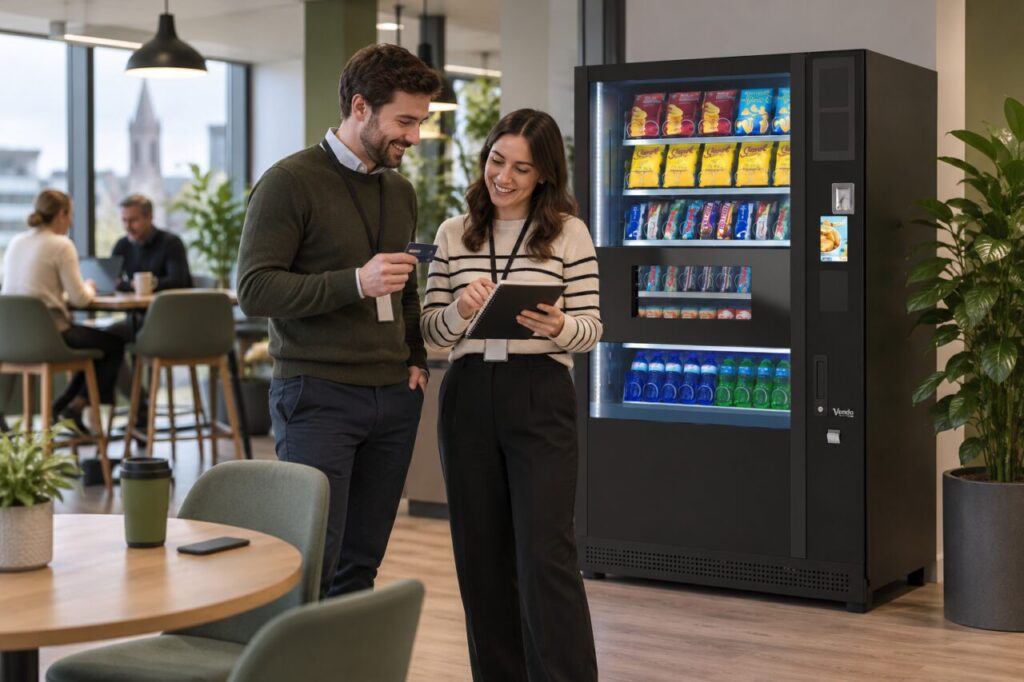
Reconstruct the purchases separately
Ask each person to note the machine location, approximate time, product and amount. Record whether the item was received and whether the reader appeared to complete the payment. Keep each purchase on a separate line even when the price was identical. A shared account does not make two purchases one event, and a repeated amount does not by itself establish a duplicate charge.
Use ordinary clues such as a break time or the order in which colleagues visited, but label estimates honestly. Do not invent an exact minute because a form asks for one. If one person bought a snack and the other a drink, that distinction may help support match the records. Retain any relevant receipt or app entry rather than relying only on a later bank notification.
Identify the concern before asking for an outcome
A missing product, an unexpected amount and an unfamiliar statement entry are different questions. Describe the customer’s experience first: for example, a selection was made but no item could be collected. Then identify the payment entry you believe relates to it. If you are unsure whether an entry belongs to the other user, say so rather than treating it as confirmed evidence of a fault.
Avoid repeating purchases to recreate the problem. Additional transactions can make an already unclear sequence harder to follow. If both users experienced a difficulty, report both events distinctly and ask whether the operator wants them under one case reference or separate cases. Follow the answer instead of submitting multiple conflicting reports through several channels.
Share enough evidence without sharing the account
Provide only the payment identifiers requested through the operator’s recognised support process. Never send a full card number, security code, PIN or online banking password. A screenshot should show the relevant entry while concealing unrelated transactions and balances. The person authorised to discuss the account should handle any banking questions rather than passing private access details between colleagues.
For app purchases, the official Monyx guidance explains how to view transaction history and find operator contact information. Use the history for the payment method actually involved. An employer’s prepaid credit, a general app balance and a physical card purchase should not be combined simply because the same person used them at the same cabinet.
Keep the resolution tied to the original purchase
When the operator replies, record which event the response covers. If a refund or credit is agreed, ask how it will be identified and follow the supplied process. Do not assume a particular timing or payment destination without confirmation. Let the other authorised user know which purchase has been resolved so they do not raise a second request for the same event.
Hosts can make this easier by keeping machine identity and support details clear within their vending setup. A short factual report helps separate a genuine failed purchase from ordinary shared-account activity. It also gives both users a clear record of what was checked, what remains uncertain and which issue the operator has addressed.
Related guidance: Vending Card Sales and Bank Payouts: Reconcile the Same Period.
Planning or reviewing vending at your site? Contact the team with your location, equipment details and the question you would like to resolve.