Staff Vending Allowance Renews on a Different Day from Payroll: Explain the Two Dates
A staff vending allowance and payroll can follow different timetables. If employees expect their allowance to renew on payday, a perfectly ordinary difference between the two schedules can look like a missing benefit. Explain the actual allowance renewal date separately, using information confirmed by the employer and the service provider.
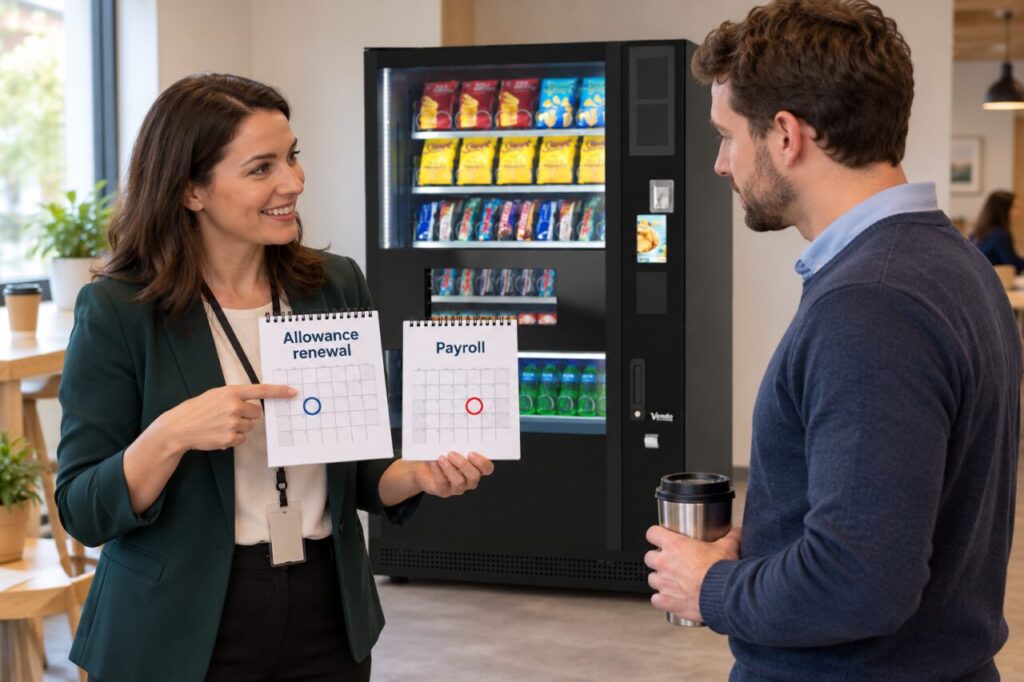
Do not infer a connection simply because both arrangements involve staff. An allowance might be administered independently of payroll, and the available balance may follow rules specific to the agreed programme. The useful starting point is a clear explanation of the two dates, who administers each arrangement and where questions should go.
Confirm what renewal means
Ask the person responsible for the allowance to confirm when a new allocation becomes available and which users are eligible. Check whether the date is fixed or follows another agreed cycle. If an exact time matters for shift workers, obtain that detail from the provider instead of assuming that the change happens at midnight.
Clarify what happens to an unused balance under the actual arrangement. Renewal, expiry and carry-over describe different things. Do not use them interchangeably in a staff notice or invent a carry-over promise because the balance remains visible on a screen. Ask for a worked explanation if the rules are difficult to translate into everyday language.
Show the two dates separately
Use separate lines for payroll and allowance renewal when both need to appear in an internal notice. Label them clearly rather than highlighting one date and leaving employees to assume it applies to everything. If the allowance operates on the first day of a month while payday falls later, state that difference explicitly once it has been confirmed.
Avoid a notice that says only that the allowance updates monthly. That wording leaves open which day, which period and which group of employees it applies to. Give the practical details staff need for their next purchase, while linking to the employer’s fuller explanation for eligibility or policy questions that cannot fit comfortably on a small sign.
Route queries by the problem reported
If an employee reports an unexpected balance, establish the relevant allowance period and the account identifier the support process actually requires. Do not ask for their payroll record merely because they mentioned payday. A balance query should be investigated through the appropriate allowance administrator using the minimum useful information and the approved private contact route.
Keep a machine fault separate from an allocation question. An unsuccessful purchase could involve equipment, payment or account administration, and the person receiving the first report may not know which applies. Record the observed message and purchase time without guessing the cause. Send the issue to the agreed contact so the next step is based on evidence.
Check the explanation at handover
Give team leaders and reception staff the same short explanation, especially where they receive questions from different shifts. A consistent answer reduces the chance that one colleague promises a balance reset on payday while another names a different date. When the programme changes, replace outdated notices and update the person handling enquiries at the same time.
For a discussion about staff vending arrangements, describe the intended users and how any employer-funded element would be administered. Confirm available options rather than assuming a particular allowance system is included. Clear dates and responsibilities help employees understand the service without confusing vending access with payroll administration or making unsupported promises about their entitlement.
For a proposal suited to your site, contact our team with the location, expected users and your main requirements.
Related guidance: Staff Vending Allowance Resets During a Shift: Explain the Cut-Off Clearly; Staff Vending Allowance Not Working: Separate Scheme Access from Payment.