
Vending App Credit and a Pending Bank Payment: Check Which Balance You Are Reading
A phone can show several money-related figures during a vending purchase: an app balance, employer-funded credit and a bank transaction. Seeing a pending bank entry while the app still shows credit can be confusing. Before paying again, establish which record you are looking at and what action produced it.
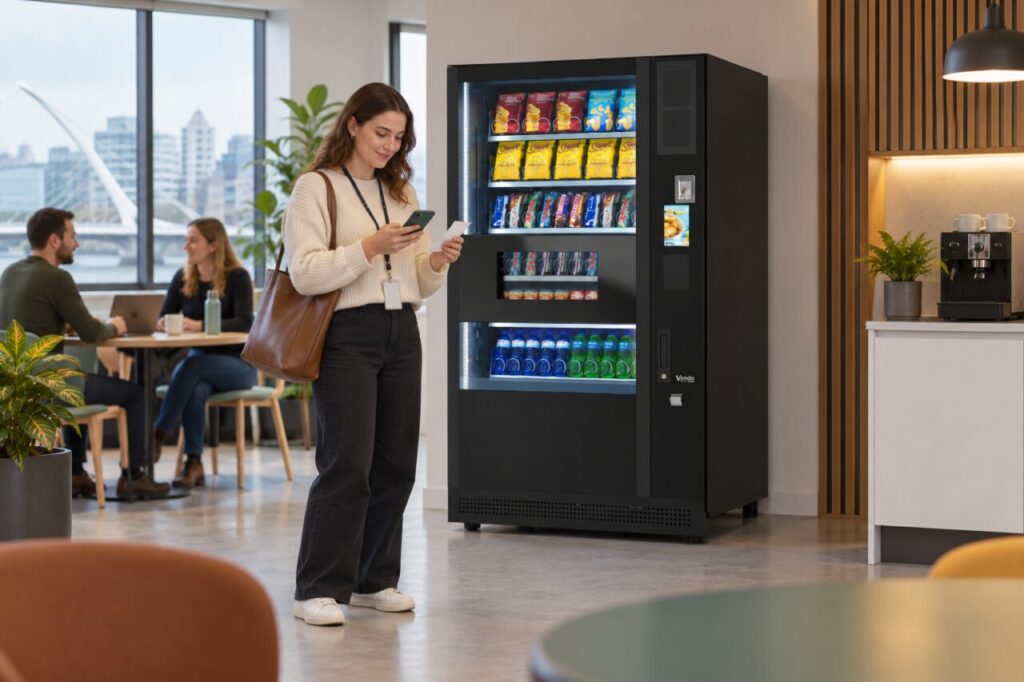
Different payment and benefit arrangements work differently. There is no universal rule that every vending app balance must move at the same moment as a bank entry. Start with the Monyx help information where that is your app, your supported scheme’s instructions and the details of the actual purchase rather than assuming the two screens describe the same thing.
Identify the balance and the transaction
Write down the name of the app or service, the type of balance shown and whether you were buying a product or adding credit. An app top-up and a product purchase are separate actions even if they happen close together. Keeping them distinct helps support investigate the right event.
Record the machine location, date, approximate time, selected item and amount. Note whether the item was delivered and what the machine displayed at the end. These details are more useful than a message saying that the balance looks wrong, especially where several machines share a payment provider.
Do not post full account screenshots publicly. If support requests evidence, use its agreed channel and share only the information needed for the case. Full card numbers, passwords and security codes should not be included in an ordinary vending support message.
Check whether the credit has conditions
Employer-funded credit may have its own allocation, eligibility or use rules. Ask the scheme contact which balance should fund the purchase and whether the item or location is included. Do not assume a visible allowance can pay for every product, or that personal credit and employer credit are interchangeable.
The fully managed service information describes virtual credit arrangements through a supported Monyx setup. The actual allocation and access process are agreed before launch. That makes the workplace’s own instructions the relevant starting point for a benefit question; the existence of the service does not establish your individual balance.
If you are unsure whether a benefit applied, keep the original purchase details and ask the scheme contact to check. Avoid making several test purchases simply to see whether the number changes. Each additional attempt makes the history harder to explain and may create another transaction to review.
Ask about status rather than assuming a second charge
A bank entry marked pending and a completed transaction are not the same displayed status. Read the wording in your banking app and ask the bank or payment support team what it means for that record. Do not treat a temporary display as proof of a final duplicate payment.
Equally, do not dismiss a customer’s concern because an entry is pending. Record it and explain the next review step through the relevant support process. Release or settlement timing depends on the arrangement; an unsupported promise that everything will disappear within a fixed number of hours is unhelpful.
Keep the case together until it is resolved
Use one case reference for follow-up and add any change in status to it. State whether the item was received, whether app credit changed and whether the bank entry later completed or disappeared. This creates a useful sequence without requiring the customer to reconstruct it repeatedly.
When selecting vending payment arrangements, ask how customers distinguish personal payments from workplace benefits and where each question goes. Clear launch instructions and an accessible support route can prevent a confusing balance display from becoming a series of unnecessary payment attempts.
Related guidance: Staff Vending Allowances: Explain Items, Credit and Entitlements Clearly.
Planning or reviewing vending at your site? Contact the team with your location, equipment details and the question you would like to resolve.