
Buying Refrigerated Vending: Identify the Cooling System Before Arranging Service
Before arranging service for a refrigerated vending machine, identify the cooling system fitted to that particular unit. The cabinet brand or a broad model family is not enough information for every technical question. Keep the equipment record available to the qualified service provider and let them establish the applicable procedure.
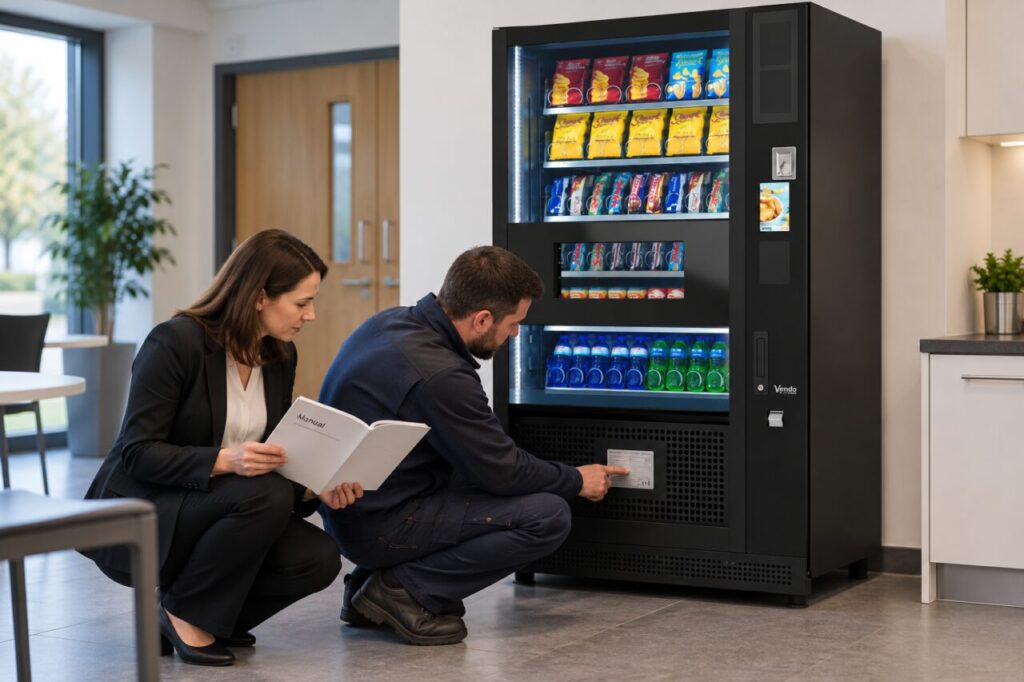
This is a buyer’s information checklist, not a refrigeration repair guide. Do not open protected compartments, disturb pipework or attempt to identify a refrigerant by trial and error. If information is missing, ask the supplier to obtain it safely rather than turning an administrative gap into an unplanned maintenance task.
Start with the correct equipment record
Gather the model, serial reference and the documentation supplied with the machine. Ask the seller or authorised technician where the relevant cooling identification is recorded. A clear photograph of an accessible label may help, but staff should not remove guards or move heavy equipment simply to obtain a picture for an enquiry.
Check whether a cooling assembly has been replaced since the original sale. If so, request the replacement work record and the documentation that now applies. Keep the original machine identity and the current assembly information together. An old manual may still explain parts of the machine without describing a later replacement accurately.
Avoid generalising from a current brochure
Manufacturers can change cooling designs over time. SandenVendo’s cooling-system announcement describes both an earlier R290 arrangement combined with glycol and a later direct-expansion design. That is a reason to identify the actual unit, not permission to assume which system is fitted to an unidentified used machine.
Ask the supplier to connect any technical claim to the offered equipment. If a quotation mentions a cooling upgrade, clarify whether it is already installed, included before delivery or merely available as an option. Do not treat an environmental description as a substitute for the equipment and service documentation you need.
Give the service provider useful context
Explain the observed problem, the products affected and when it was first noticed. Supply any available temperature or incident records through the normal support route. Describe observations without diagnosing a refrigerant fault yourself. A warm product, unusual sound or error message can require investigation rather than a preselected repair.
Ask the provider to confirm that the work is within their competence and scope for the identified system. Let them determine any specialist personnel, parts and precautions required. Avoid instructing a general maintenance colleague to work on the cooling circuit simply because they have previously cleaned the outside of the machine.
Keep the record current after work
Request a clear service report identifying the equipment, work completed and any remaining restrictions. Where a component is changed, retain the updated reference and applicable instructions. Record who confirmed readiness for use, while keeping the food-stock assessment with the responsible operator rather than assuming a repair alone resolves every product question.
For a prospective purchase, include this information in the handover requirements before agreeing the deal. A well-organised equipment file makes future support easier and reduces repeated identification enquiries. It also prevents the next person from mistaking a generic online specification for confirmed information about the machine standing in front of them.
For help matching the service to your site, explore Vending-Machines.ie or send an enquiry describing your requirements.
Related guidance: Vending Warranty Start Dates: Ask What Happens Before Installation.