
The Vending Demo Has Wi-Fi but Your Site Does Not: Test the Proposed Connection
A vending demonstration using showroom Wi-Fi does not prove that the proposed installation will work on your site’s connection. Ask which connection the delivered service will use and arrange a realistic test at the final position. Keep the machine, payment device and reporting requirements distinct, because they may not all depend on the same connection.
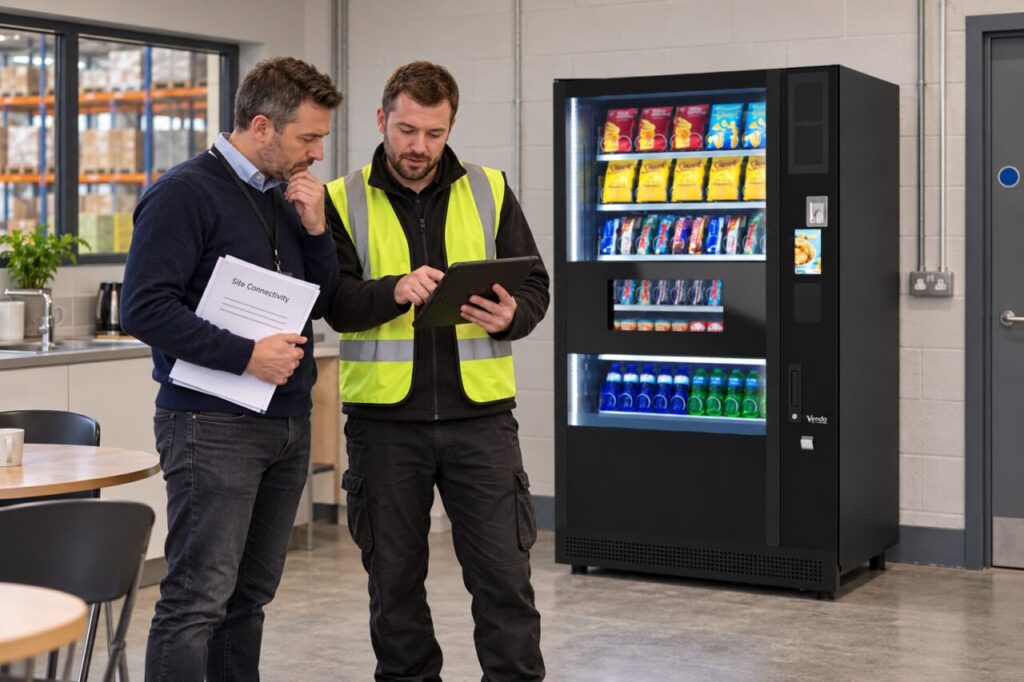
The question is practical: what has actually been demonstrated, and what remains to be tested? Do not assume every vending machine requires Wi-Fi or that a phone showing a strong signal guarantees the proposed payment connection. Use the supplier’s requirements for the specific equipment and service.
Identify the proposed connection
Ask whether the installation uses a supported mobile connection, the venue network or another agreed arrangement. Record who supplies and manages it, what costs are included and who handles faults. If different components use different services, show them separately so a payment issue is not automatically attributed to the wrong network.
For a venue-managed connection, involve the appropriate IT contact before ordering. Give them the supplier’s documented requirements and let them assess compatibility through the normal security process. Do not promise unrestricted network access or share credentials in a general email thread merely to make a demonstration proceed.
Record the showroom limitation
Ask the demonstrator which connection is active during the test. Note any temporary hotspot, special account or local arrangement used for convenience. A successful purchase remains useful evidence about that test, but it should not be described as a completed site-connectivity check when the installation environment is different.
List the functions that were observed, such as a payment authorisation or a report appearing in the supported management system. Avoid assuming that one successful function confirms every connected feature. If a service was simulated or shown on a recording, distinguish that from live operation in the demonstration record.
Test at the intended position
Agree who performs the site test and what equipment or configuration they need. Use the actual proposed location where possible, including the relevant opening and access conditions. Moving a test to a nearby doorway for convenience can leave the final cabinet position unassessed, particularly where the connection behaves differently across the building.
Follow the provider’s approved test process for payment and reporting. Record the time, location, result and any unresolved issue. Do not solve a failed test by disabling the venue’s security controls or enabling an unsupported workaround. The supplier and IT contact should agree a supported arrangement that can be maintained after installation.
Confirm ownership after handover
Keep the connection details and support responsibilities in the equipment file without exposing passwords. Explain which contact the venue should use when a customer-facing fault appears and what observations are useful. A clear escalation route is more helpful than asking staff to diagnose network technology from the payment display.
Before sign-off, identify any remaining conditions, such as a pending network approval or a replacement connection device. Give each an owner and completion check. This makes the purchasing decision honest: the showroom proved certain functions, the site test assessed the proposed connection, and the handover records what the installed service actually relies on.
For help matching the service to your site, explore Vending-Machines.ie or send an enquiry describing your requirements.
Related guidance: Do Vending Machines Need Wi-Fi?.