
During a Vending Demonstration, Follow the Product All the Way to Collection
A vending demonstration should answer more than whether the screen turns on. For a buyer, the useful question is whether a customer can select the intended product, understand the payment journey and collect the right item comfortably. Follow that complete journey before deciding that a proposed configuration meets your needs.
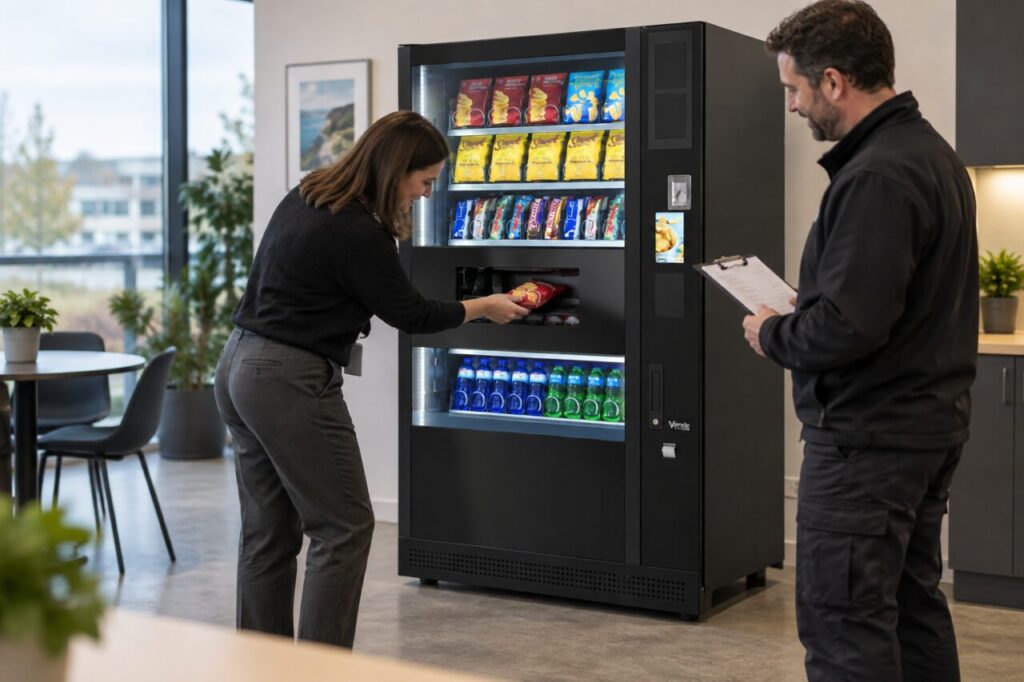
Use the demonstration to record observations and questions. It is not a promise that every future transaction will behave identically, and it does not replace the supplier’s installation or acceptance process.
Bring a realistic product brief
Tell the supplier which products you intend to offer, including representative pack sizes and shapes. Ask which samples are suitable for the demonstration and whether the demonstrated layout matches the proposal. Do not assume that every pack in a general showroom display is part of your agreed range.
Choose examples that reflect different parts of the intended offer. A single successful purchase of one small snack does not answer questions about a bottle or a differently shaped packet. Record any item that still needs a separate compatibility assessment by the supplier.
Watch what a first-time customer sees
Stand where a customer would normally approach. Check whether the products and selection information are understandable from that position. Ask someone unfamiliar with the demonstration to describe the next step without being coached through every action.
The objective is to notice uncertainty early. If the demonstrator needs to explain an unusual step, ask what guidance customers will see at the real location. A short, clear instruction may help, but it should match the actual equipment rather than introduce a different sequence.
Follow selection, payment and delivery separately
Observe each stage and note the feedback the customer receives. Ask the supplier to explain when the transaction is accepted and how the machine indicates what happens next. Payment behaviour depends on the installed setup, so avoid assuming that a different reader or configuration works in the same way.
Use only the demonstration process approved by the supplier. Do not intentionally obstruct the mechanism, force a flap or attempt to create a fault. Questions about unsuccessful delivery should be answered through the supplier’s supported explanation or controlled test procedure.
Inspect the collection experience
After the product arrives, check that the customer can recognise the collection point and retrieve the item normally. Consider the people expected to use the machine and raise any access concern with the supplier. One person’s comfortable demonstration should not be treated as proof of suitability for every user.
Look at the retrieved pack for obvious damage and ask whether any observation needs investigation. Record the product, selection and conditions of the test. A specific note is more useful than a general statement that the machine seemed fine.
Keep a demonstration record
List the products demonstrated, the proposed configuration and the unanswered questions. Ask which findings will be confirmed again after installation. If a supplier changes the cabinet or layout before delivery, check whether the earlier demonstration still supports the new proposal.
Our buying brief guide helps connect these observations to the original requirements. Keep essentials separate from preferences so a cosmetic impression does not outweigh an unresolved operating question.
Use the completed record when comparing vending equipment options. It gives you a clear account of what you observed and what the supplier still needs to confirm, without turning a short demonstration into an unsupported reliability claim.
Speak with our team about the products and customer journey you want a proposed machine to support.