
A Vending Demonstration Uses Energy-Saving Mode: Check How Normal Service Resumes
An energy-saving mode can change what customers see when a vending machine has been idle. During a demonstration, ask what the mode does and how normal service resumes. Do not judge the complete customer experience from a machine that has already been prepared and awakened by the salesperson before you arrive.
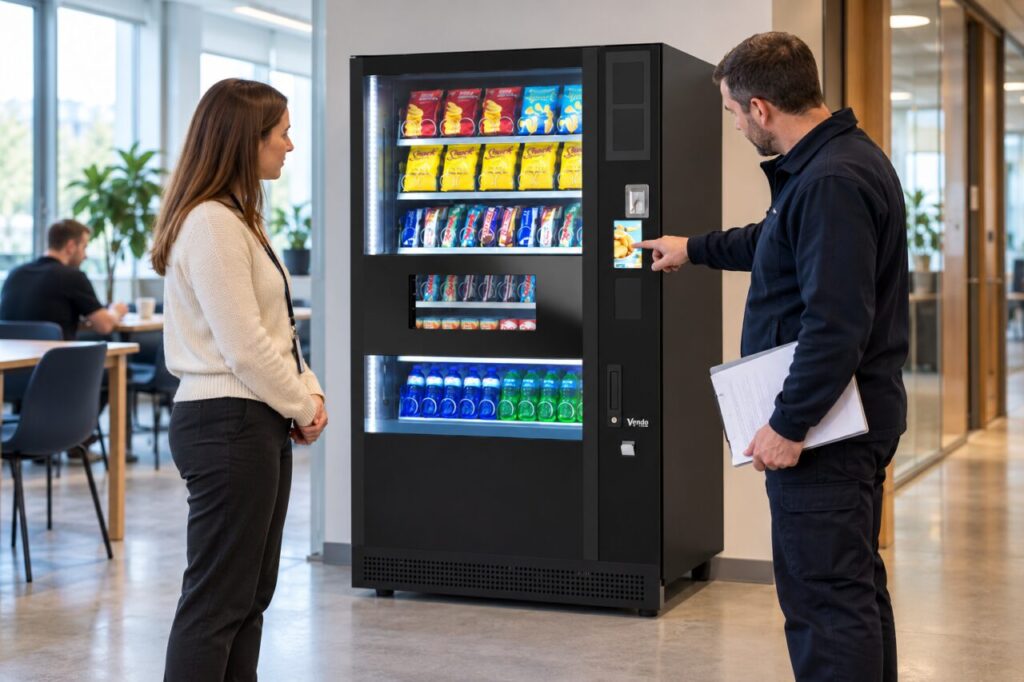
Different systems may manage lighting, displays or other functions differently. This guide does not assume that a particular model has a particular setting. Ask for the instructions and configuration proposed for your order, then test the relevant customer journey under the supplier’s supervision.
Define the intended idle period
Explain when your venue is quiet and when customers return. An office with a predictable morning opening has different access patterns from a site used throughout the night. Ask whether the proposed setting follows a schedule, an inactivity period or another supported trigger. Record the actual answer rather than using sleep mode as a vague catch-all description.
Confirm which functions are affected and which remain active. Ask the supplier to distinguish display behaviour from product-storage controls. Never assume that an energy-saving option authorises switching off refrigeration or changing food-storage conditions. The responsible operator must retain the appropriate procedures for the products stocked.
Observe the first customer interaction
Ask the demonstrator to place the equipment into the supported state using the documented process. Watch what a customer sees before touching the controls and how the buying instructions become available. Note whether the user needs to press a control, wait or follow a displayed prompt. A first-time user should not need an explanation that only staff know.
Follow the interaction through selection, payment and collection where the demonstration permits it. Record any delay and the conditions of the test, without turning one observation into a guaranteed response time. If the demonstration cannot reproduce the proposed configuration, list the remaining question for the supplier to answer before sign-off.
Check changes in the venue schedule
Ask who can alter the setting when opening hours change and whether that requires an authorised technician or administrator. Keep the responsibility clear. A temporary evening event or early shift can otherwise create a mismatch between the machine’s expected quiet period and the time customers actually arrive.
Include a method for checking the setting after maintenance or a configuration change. Do not encourage untrained staff to explore service menus to solve an unclear display. Give the site contact a simple reporting route and the observations the operator needs if the machine does not return to its expected customer-facing state.
Separate usability from energy claims
If the supplier quotes an energy saving, request the measurement basis, configuration and comparison period. A successful wake-up demonstration does not measure electricity consumption. Conversely, a lower measured consumption figure does not prove that the proposed setting suits your opening pattern or preserves the intended service experience.
Keep both questions in the purchasing record: how the mode behaves for customers and what evidence supports the energy estimate. Agree the delivered configuration and include it in handover training. This avoids a setting being enabled later without the venue understanding its effect, while leaving room to review it using actual service and energy records once the installation is operating.
For help matching the service to your site, explore Vending-Machines.ie or send an enquiry describing your requirements.
Related guidance: Planned Electrical Inspections and Vending: Agree Who Coordinates the Restart.