
Vending Error Code or Selection Number? Tell Support Which You Are Seeing
A number beside a snack and a code appearing unexpectedly on a display may serve very different purposes. When contacting vending support, explain where the characters appear and what happened before you saw them. Do not assume that every code is something to enter, or that a code found online applies to your machine. Accurate context is more useful than an attempted interpretation.
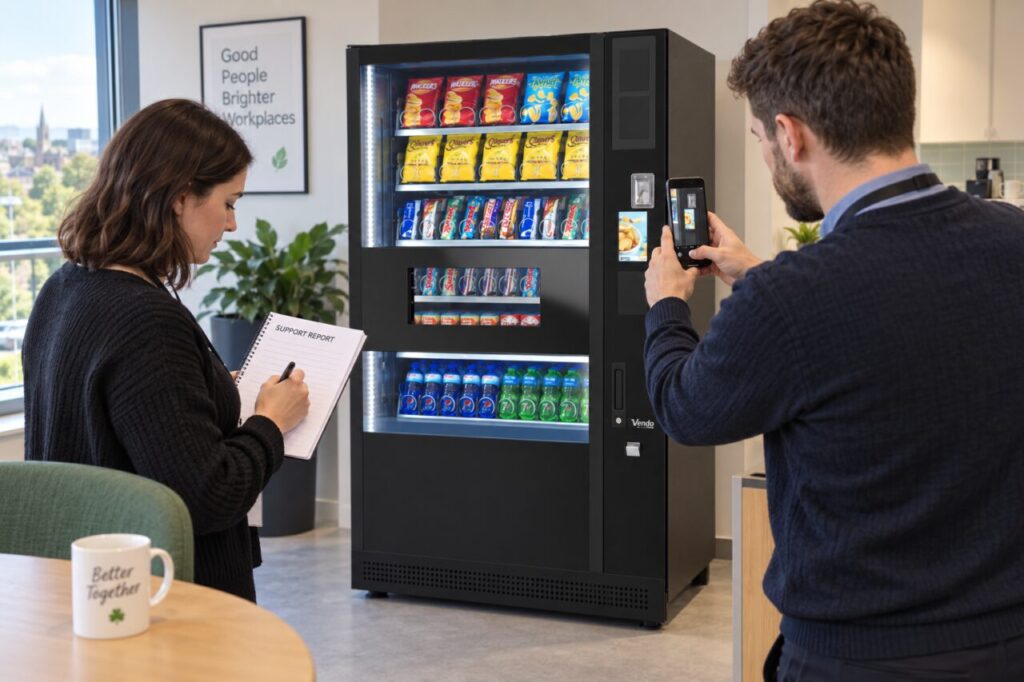
Describe the location of the characters
Tell support whether the code is printed beside a product, shown on the main customer display or visible on separate payment equipment. Include the surrounding words if you can read them. A product selection label normally helps the customer identify a choice, while an unexpected message needs the provider’s interpretation. Avoid treating the location of a number as proof of its meaning without confirmation.
Record the exact characters, including spaces, punctuation and any prefix. If a character is unclear, say so rather than choosing between a letter and a digit. Where appropriate, provide a photograph through the established support channel. Include enough of the display to show context, but avoid capturing another customer’s payment or unrelated personal information in the image.
Explain what happened immediately beforehand
State whether the message appeared before a purchase, after a selection, during payment or after collection. Note the approximate time and whether an item was dispensed. These observations help the provider connect the report with the customer journey. Do not repeat a purchase simply to reproduce the message unless the responsible team has agreed an appropriate test process.
Identify the machine and site clearly, especially where several cabinets stand together. If the message appeared on a payment reader, tell support that too. A report that says only ‘code 12’ may omit the most useful information. A report explaining the equipment, screen, sequence and outcome gives the provider something concrete to investigate without requiring the customer to diagnose the fault.
Avoid unverified code sequences
Do not enter strings found in online videos or general lists in an attempt to reset the machine, obtain products or clear a message. The relevant instructions depend on the equipment and authorised role. Our article on vending machine codes provides broader context, but a live equipment problem should follow the operator’s support route and the correct documentation.
Site staff should stay within their training and permissions. A customer-facing message does not authorise opening the cabinet or entering service menus. Ask the provider whether the machine should remain in use while the issue is reviewed and what notice is appropriate. If a purchase is disputed, keep that transaction report connected to the equipment issue without promising a particular outcome before review.
Preserve the message and the response
Keep the original wording or photograph with the case reference. Add the provider’s explanation and agreed action when received. If the display later changes, note when that happened rather than replacing the earlier evidence. A message disappearing does not necessarily tell the site team whether the underlying issue has been resolved; ask the responsible provider what confirmation is needed.
For recurring confusion between selection labels and display messages, review the customer instructions with the operator. A clear product list and visible support contact can help users report the right information. Avoid adding a homemade list of supposed error meanings beside the machine. Such a list may become outdated or encourage customers to try actions that are not appropriate for the installed equipment.
When choosing vending equipment, ask how users and site contacts should report unfamiliar messages. A simple, documented route makes the response easier for everyone without relying on guessed codes or repeated attempts.
Contact our team with the machine reference and observed message for an equipment enquiry.
Related guidance: Hard-to-Read Vending Selection Codes: Confirm the Character Before Buying.