
A New Vending Product Barcode: Update the Stock Record Before Reordering
A familiar vending snack can arrive in a new pack with a different barcode. Before receiving it as though nothing changed, establish whether it is the same intended sale item, a different pack size or a substitution. As explained in GS1’s barcode overview, barcodes can encode product identifiers. A barcode is useful for identification, but the practical task is to keep the physical product, supplier information and your stock record aligned. Do not let a familiar brand name replace that check.
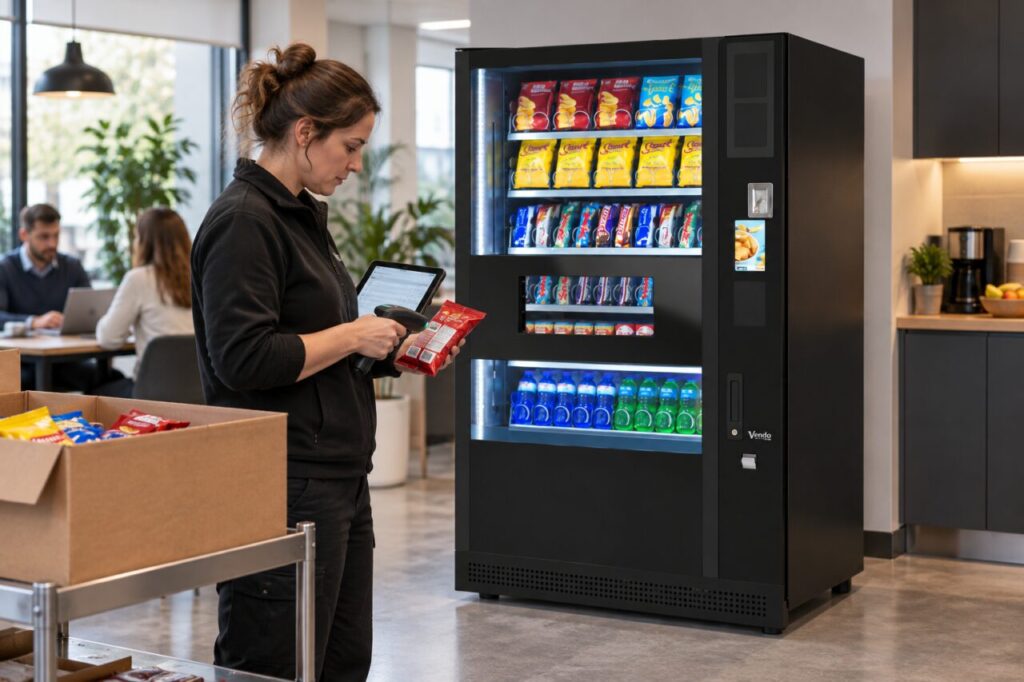
Compare the item with the order
Keep the new delivery identifiable while you compare it with the purchase record. Check the product name, stated quantity, pack size and supplier description. If the difference is unexplained, ask the supplier to confirm what was supplied. Avoid relabelling the item locally or forcing it into an existing record simply because the packaging looks close enough.
Separate the saleable item from its outer carton. A case identifier and an individual pack identifier serve different receiving questions in your workflow. Record which one was scanned and what quantity was received. If your system uses an internal item code as well, make the relationship understandable so the next colleague does not accidentally count one carton as one snack.
Decide who can change the stock record
Use the person responsible for product data to assess the change. They should decide whether an existing record needs an approved update or a separate item is required under your process. Do not assume every stock application can hold alternative barcodes or transfer history automatically. Ask how the actual system handles the change before editing live records.
Keep the old and new information traceable where your process requires it. The relevant detail may include the supplier confirmation, date introduced and remaining quantity of the earlier pack. The goal is not to build a complicated database for a single snack. It is to prevent future orders, counts and refills from referring to different products under one vague description.
Check the vending-facing information too
Ask whether the physical change affects the approved vending setup. A revised wrapper or size should be raised with the operator rather than assumed suitable because the earlier pack worked. Use the supplier’s supported product assessment where necessary. Do not make mechanical adjustments or substitute products without the appropriate authorisation.
Review the customer description, product photograph and selection information if the approved range changes. Keep ingredient and other pack information tied to the actual product supplied, and refer any food-information question to the responsible provider. A stock-record update alone does not prove that every customer-facing description has been corrected. Record those separate tasks explicitly.
Test the next ordinary stock action
Before relying on the update, check a normal receiving or picking action using the agreed workflow. Confirm that the scan or lookup identifies the intended item and quantity. Then check the next order recommendation rather than assuming old purchasing habits still apply. If the case quantity has changed, a familiar number of cases may represent a different number of saleable units.
Keep the change note available to people handling the next delivery and refill. This makes a small product update easier to manage across shifts without repeated investigation. When discussing vending range and equipment options, include how future product changes will be communicated. Clear product identity supports both operational records and a more understandable customer offer.
Discuss range planning through our enquiry page.
Related guidance: Vending Stock Deliveries: Count Inner Packs Before Recording Available Units.