
Vending Operator Manual or Service Manual: Match Instructions to Your Role
A vending folder may contain customer instructions, an operator handbook, payment information and technical service documents. They do not all authorise the same person to carry out the same work. Before following a procedure, identify who it is written for and whether it matches your machine. A document being available online does not make every task in it appropriate for the site host or a newly trained replenishment operator.
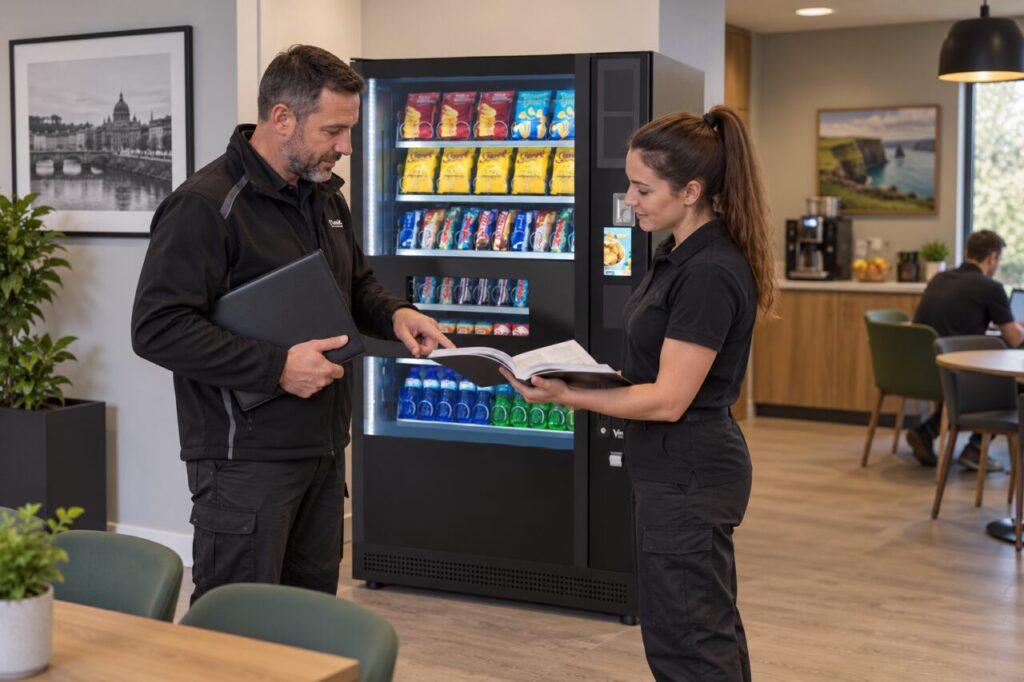
Identify the document and its audience
Check the title, model coverage, revision and language. Ask the supplier to identify the current operator instructions for your installed configuration and to explain where technical service information is kept. A family name on the cover may cover several versions, so confirm the relevant sections. Keep an accessible working copy rather than a collection of unlabelled downloads from different dates.
Read the document’s own audience and safety information before attempting any procedure. If the wording refers to qualified personnel, specialist equipment or restricted access, raise the task with the service contact. Do not reinterpret it as a simple operator step because a diagram looks straightforward. The supplier’s training and the site’s agreed responsibilities should establish what the operator may do.
Make a practical division of responsibilities
List the routine duties that have actually been demonstrated, such as approved replenishment or the specific cleaning tasks assigned to the operator. Beside each duty, record the relevant instruction and who received training. Leave technical work with the authorised service provider. Avoid creating a local shortcut sheet that omits warnings or changes the sequence in the official instructions.
For a site using the fully managed service, replenishment and technical care are part of the agreed service arrangement. The host’s role is therefore different from that of an owner operating their own equipment. Confirm the boundary for your account rather than copying a checklist from a neighbouring business with a different contract.
Keep payment guidance distinct
Payment onboarding information may come from a different provider and have its own account permissions. Customer purchase guidance, operator reporting and account administration should be clearly separated. An employee explaining where to tap a card does not need access to financial account settings. Store sensitive administration details through the agreed business process rather than in a public machine folder.
When asking for help, name the document and the step that is unclear. Give the model or asset reference and explain the task you were trying to complete. This is more useful than saying the manual does not work. If support provides a clarification, keep it with the relevant current instruction and ask whether the working procedure needs updating for everyone.
Train people to recognise the stopping point
A good handover includes examples of tasks that should be referred, not just tasks that can be completed. Ask the trainer what to do when the displayed condition differs from the example in the handbook. Staff should be comfortable stopping and reporting uncertainty without experimenting with menus, covers or electrical components to make the instructions appear to fit.
Review the folder when equipment, software or responsibilities change. Archive superseded copies clearly so they cannot be mistaken for current working instructions. For a new vending machine purchase, ask for this document handover as part of the training discussion. The result should be a usable set of instructions with clear ownership, rather than a large folder that nobody knows how to interpret.
Related guidance: A Revised Vending Manual Arrives: Replace the Working Copy Carefully.
Planning or reviewing vending at your site? Contact the team with your location, equipment details and the question you would like to resolve.