
Vending Product Maps: Match the Sales Record to the Physical Shelf
A vending report can look tidy while describing the wrong products. If a refill worker changes the snack in a slot but the product map still names the previous item, later decisions may be based on a misleading sales history. Check the digital record against the physical shelf whenever the range changes.
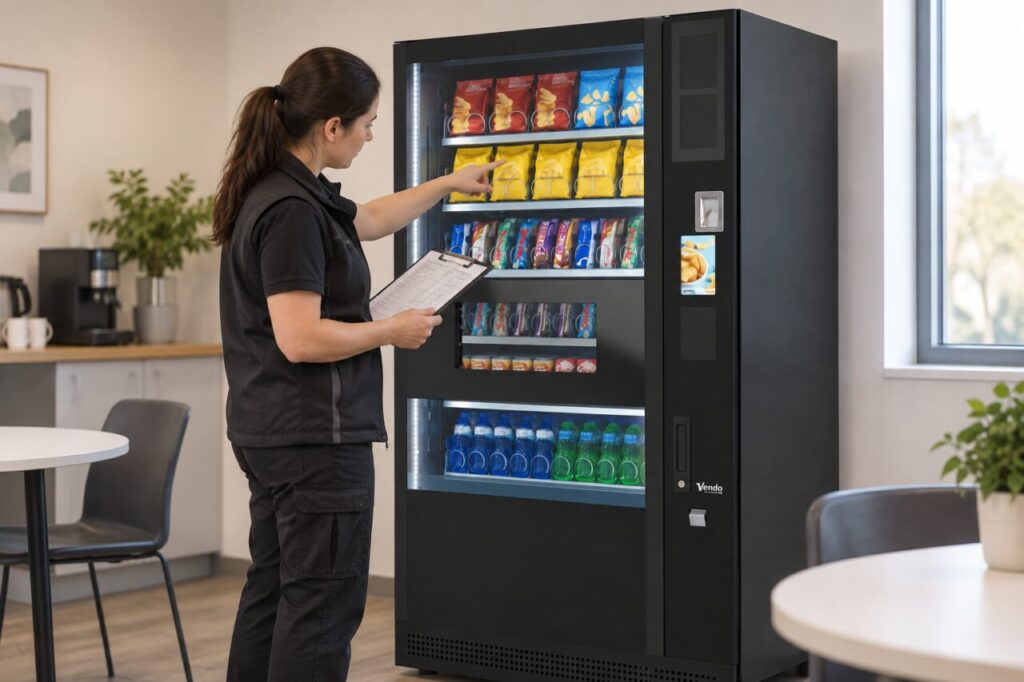
Start with the machine in front of you
Record the machine identifier and the date of the check. Work through the customer selection labels and the items actually behind them. Do not assume two machines in the same building have identical layouts.
A practical worksheet can include the visible selection, product name, pack size, current quantity and price. Take a reference photograph where appropriate, keeping people and payment information out of the frame. Resolve unclear labels before making a remote update.
Match the reporting code to the product
Nayax’s product management guidance describes mapping products to machine slots and checking the associated MDB codes. An incorrect match can affect sales reports and picklists. Ask the supplier how the installed controller’s codes relate to the visible selections.
When changing a product, update the correct machine record and verify that the saved layout reflects the shelf. Creating a product in a catalogue is a different step from placing it in the intended machine map.
Reconcile stock as well as names
A correct product name does not prove that the recorded quantity is correct. Count the physical stock during the agreed refill process, and record products removed as well as products added. Keep any explanation for a discrepancy with the refill record.
For food products, maintain the separate information needed to connect stock to its supply batch. The guide to vending refill batch records covers that handover. A product map alone is not a replacement for those records.
Verify a controlled sale and review the report
After authorised changes, make an agreed test purchase and compare the selected item with the resulting transaction record. If the wrong product name appears, investigate the mapping before copying the layout to more machines.
When prices also change, follow the display and transaction price checklist. Record who completed the checks so the next refill worker knows which layout is current.
Use the Nayax product and inventory guide for system-specific terminology. This checklist is an operational starting point; the exact controls depend on the installed platform and your access permissions.