Vending Products Are Moved Between Selections: Keep Sales Comparisons Consistent
A product moves from one vending selection to another and the next sales report appears to show a sudden change in demand. Before drawing a conclusion, check whether the report follows the product or the selection number. A location code that stays the same while its contents change can make unlike products appear to share one sales history.
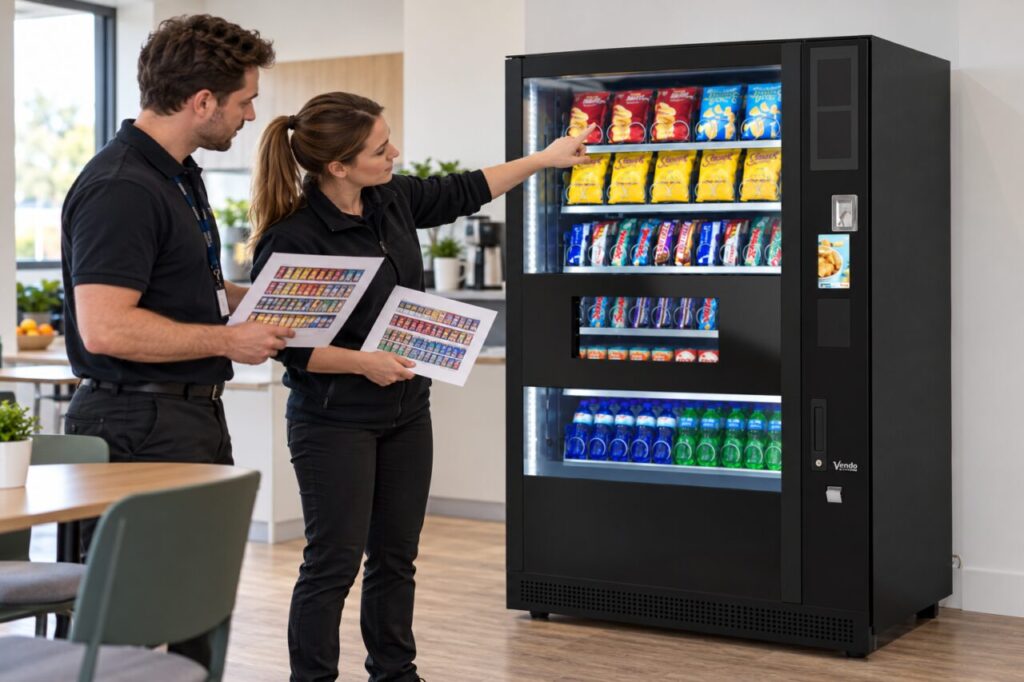
The solution starts with a dated product map. Keep a record of which item occupied each selection and when the arrangement changed. This is useful even if your system maintains product history automatically, because it gives the operator and workplace contact a common reference for discussing the change.
Identify what the report is counting
Ask the provider whether each line represents a product identifier, a selection, a machine or another grouping. Confirm what happens when a product moves or is replaced. Do not assume the dashboard rewrites historic data to follow the new arrangement, or that changing a display label changes the underlying report definition.
Check a small known example before reviewing the whole month. Compare a dated refill or change record with the corresponding report entries. If the relationship is unclear, ask the provider to explain it. Avoid manually relabelling historical sales until you understand whether the original item or the new item generated them.
Record the change with a useful cut-off
Note the machine, selection, old product, new product and effective date and time. Include pack size where similar products could be confused. Record whether there was a period when the selection was unavailable during the change. That gap matters when comparing sales over equal calendar periods, even if both periods contain the same number of days.
Keep the approved customer-facing product information aligned with the new arrangement through the normal process. Reporting accuracy does not replace the need for customers to understand what they are buying. Ask the operator to confirm the loading and display changes, rather than treating a new spreadsheet label as completion of the physical change.
Compare like periods and products
If a snack occupied one selection for two weeks and another for the next two, combine its relevant records only where the source data supports that calculation. Exclude sales belonging to the replacement product. Keep the method written down so that another reviewer can reproduce the comparison without relying on your memory of the move.
Do not attribute a difference entirely to shelf position if price, pack size, availability or attendance also changed. List those conditions beside the comparison. A useful operational review can identify a pattern worth testing without claiming that one layout decision caused all of the movement in sales.
Preserve the history for the next range review
Save the earlier product map rather than overwriting it with the current layout. A dated sequence is particularly helpful when several small range changes occur between reviews. Give each revision a clear effective period and keep it with the service records used to explain the machine’s performance.
When discussing vending range and equipment options, ask how product changes will be recorded and reported. Choose a process proportionate to the site: a reliable dated map may be more useful than an elaborate report nobody can interpret. The goal is to compare actual product performance while keeping selection history, availability and other changes visible.
Related guidance: Vending Capacity: Selections Are Not the Same as Items.
For help assessing your site, contact Vending-Machines.ie.