
A Vending Purchase Query Is Still Open: How to Follow Up Without Starting Again
An unresolved vending purchase query becomes harder to manage when every follow-up starts a new conversation. A customer may repeat the same details to reception, a supervisor and the operator without knowing which report is active. Keeping one clear reference and timeline helps the responsible support team understand what has already happened.
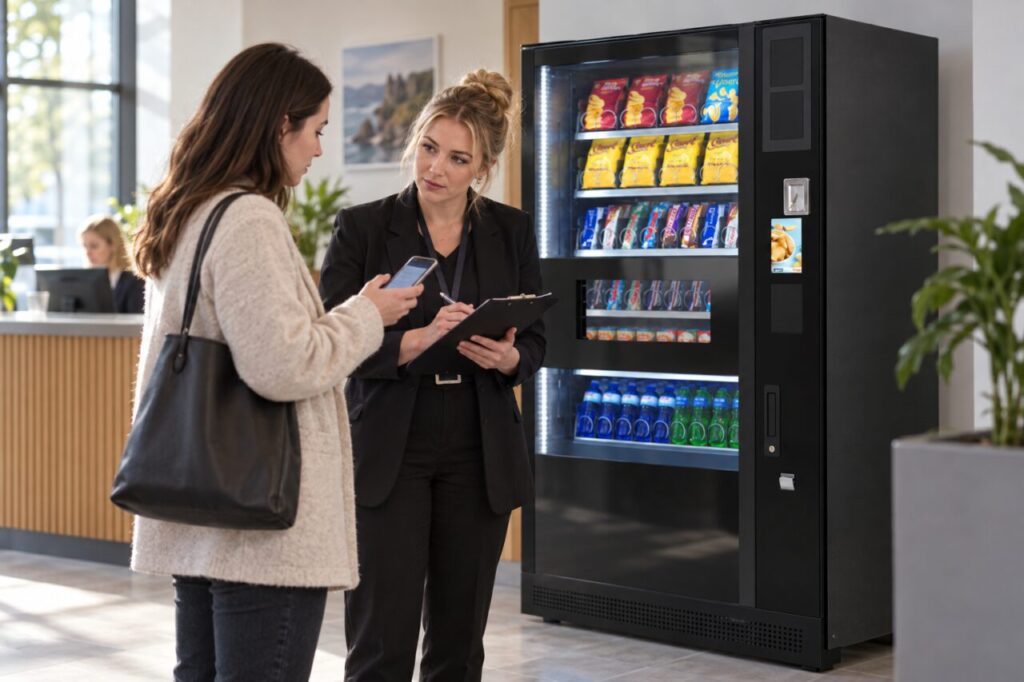
This guide is about organising a practical follow-up. It does not predict the outcome of a refund request or replace the operator’s stated process. The aim is to make the next response easier by keeping the original issue, later information and requested update together.
Find the original report
Look for the confirmation or reference supplied when the issue was first reported. Keep the machine location, approximate time and product details with it. If the original report was made through reception, ask which contact received it and whether a reference or acknowledgement was returned.
Do not create a second account of the incident with different dates simply because the first response is taking time. Where an earlier detail was wrong, correct it clearly. A short correction is more useful than leaving two versions that appear to describe separate purchases.
State what remains unresolved
Explain the specific question that still needs an answer. For example, you may be waiting for confirmation that the report was received, an explanation of the next step or an update on a previously stated action. Keep these separate from assumptions about what the operator has already decided.
Include the date of the last response and any update time that was actually given. If no timeframe was supplied, ask for the next expected update rather than inventing one. A calm, precise request gives the support team a clear action and makes later follow-up easier to track.
Add only useful new information
If the support team requests further details, provide them through its verified channel. Keep payment information limited to what that process genuinely requires and avoid sharing full card details in a general email or public comment. A screenshot should not expose unrelated transactions or personal information.
Describe new facts as additions to the original report. If the same machine has another problem on a different day, identify it as a separate event and explain the connection. This allows the operator to investigate a pattern without confusing several purchases with one unresolved case.
Give the site team a consistent role
Reception or a workplace supervisor can help customers find the right contact, but should not promise a decision on behalf of the operator unless authorised to do so. Agree what the site records and when it escalates a concern through the service arrangement.
For several reports about one machine, a shared incident reference can help the site coordinate information. Our service visit record guide explains how to keep completed work and open actions visible when a wider equipment issue is involved.
Close the loop clearly
When a response arrives, check whether it answers the original question and whether any action remains. Keep the completion message with the report. If clarification is still needed, refer to the same record and identify the outstanding point rather than restarting the whole explanation.
When reviewing vending services for your site, ask how customer queries are acknowledged, tracked and handed over. Clear support arrangements are part of a usable service, alongside the equipment and products, and should be explained before the first customer needs them.
For a service enquiry, contact our team with the relevant site details.