
A Vending Purchase Is Behind a Stuck Collection Flap: Ask for Help Safely
If your vending purchase appears to have reached the collection area but you cannot open the flap normally, stop and contact the operator. Do not force the opening, reach into the mechanism or use an object to pull the item out. The product being visible does not mean it is safely accessible. A clear report helps the operator address both the equipment issue and your purchase enquiry.
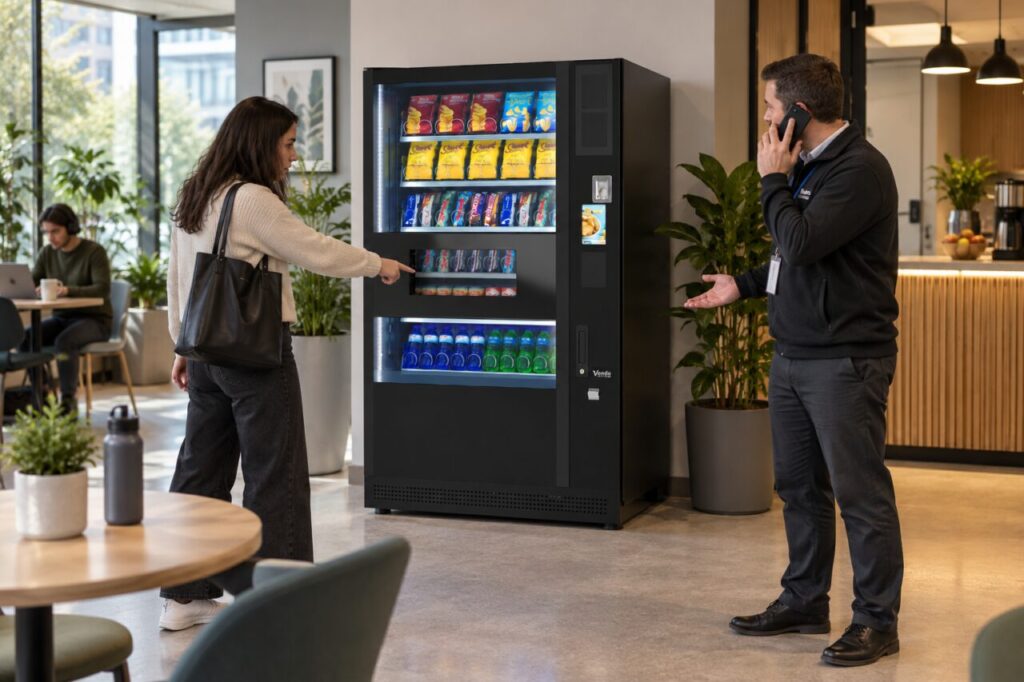
Describe what you can see safely
Note the machine’s location, the selection and the approximate purchase time. Explain whether the item is visible behind the collection opening and what happened when you tried the normal collection action. There is no need to test the flap repeatedly. If a message is visible on the customer display, record the wording without entering menus or attempting to change anything.
Use the contact route shown for the machine or ask the venue host for the operator’s details. A photograph taken from outside may help if it shows the problem clearly and does not include other customers’ personal information. Do not move closer to obtain an image that requires putting a phone or hand inside the collection opening.
Keep the purchase details together
Retain the amount, payment method and any receipt or transaction reference available through the normal customer process. A pending card entry and a completed charge are not interchangeable descriptions, so say which you currently see. Support can explain what information is needed for the payment enquiry. Do not send a full card number, security code or banking login details.
If you bought several items separately, identify which purchase is affected. Avoid assuming that a second purchase will release the first product. It could create another transaction and make the situation harder to describe. Tell the operator if someone has already reported the same collection problem, but keep your own purchase information distinct from another customer’s claim.
What the venue host can do
The host can record the machine identity, contact the service provider and communicate the agreed status to other customers. They should not improvise a repair because the product looks close to the opening. Opening the cabinet or dealing with an obstruction belongs with the person authorised and trained for that equipment. Keep any surrounding customer space clear while the issue is being assessed.
If the provider asks the venue to restrict use, follow that instruction and make the notice unambiguous. Avoid a vague sign that encourages customers to try a different selection when the collection area may be affected. The host should also avoid promising a refund amount or completion time on behalf of the operator before the purchase has been checked.
Close both parts of the issue
Equipment restoration and the customer purchase enquiry are related but separate outcomes. Ask how you will receive an update about your transaction, even if the machine is repaired before you hear back. Conversely, a resolved payment enquiry does not establish that the collection mechanism has been inspected. Keep the service and purchase references together so neither part is overlooked.
The fully managed vending service includes a route for reporting service issues under the agreed terms. For an owner-operated vending machine, use the designated operator and equipment-support contacts. Once authorised checks confirm normal operation, the host can remove any temporary notice through the agreed process. Until then, reporting the obstruction is more useful than trying to retrieve the purchase by force.
Related guidance: Left a Purchase in the Vending Machine? How to Report It Clearly.
Planning or reviewing vending at your site? Contact the team with your location, equipment details and the question you would like to resolve.