
Vending Selection Numbers Have Changed: Check the Current Display Before Buying
Regular vending customers often remember a favourite product by its selection number. After a range change, that shortcut can lead to a different purchase. The current display should be the starting point each time you buy. If numbers or positions have changed, check the product and displayed price before confirming rather than relying on the code you used last week.
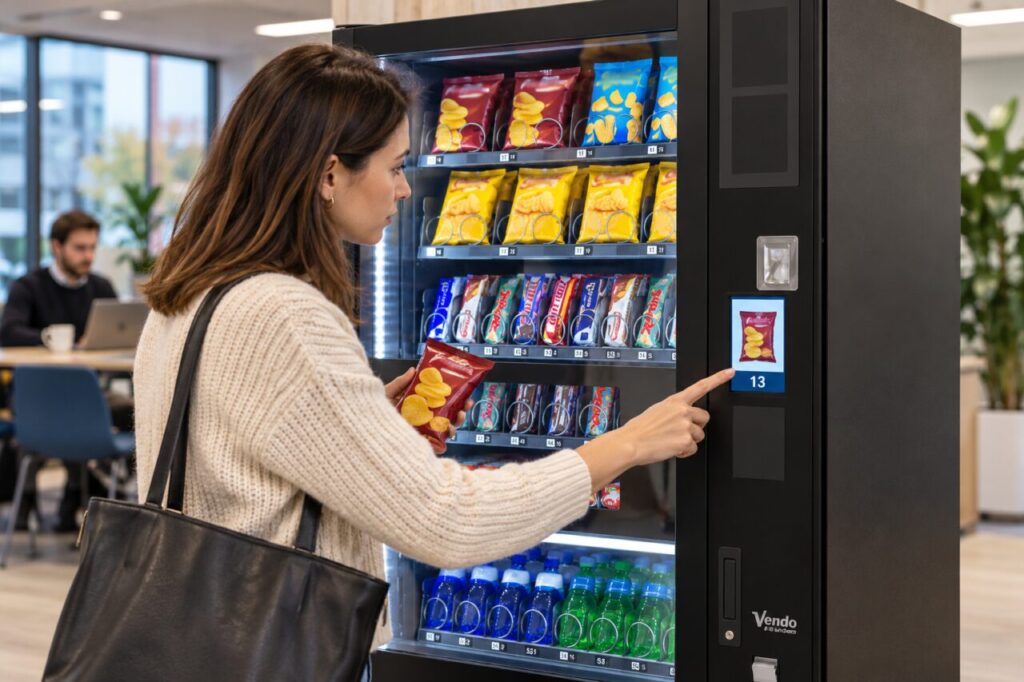
Read the selection as it appears today
Look at the product currently associated with the selection and check its size or variant where visible. A familiar wrapper colour is not enough when similar flavours sit together. If the display is unclear, pause and ask the host or operator for help. Do not repeatedly enter nearby codes in the hope that one will reveal the intended item after payment.
Follow the instructions for the actual machine. Some equipment uses physical codes and other equipment uses an on-screen product choice. Do not assume that a method used elsewhere applies here. Before completing the purchase, use any confirmation information the machine provides to check that you are choosing the intended product and that the price is acceptable to you.
Report a mismatch accurately
If the visible product, selection description and delivered item do not agree, record the machine identifier, time and selection used. Keep the packaging and purchase details where practical. Describe what you saw and what arrived without guessing whether the cause was a refill error, a display update or a technical problem. The operator needs the observation before deciding what to investigate.
Avoid making repeated purchases to prove the mismatch. Report the first clear example and let the responsible team decide how to test it. A host should pass on the report using the normal support route and avoid altering machine settings. Any temporary customer notice should be accurate, clearly associated with the affected equipment and approved through the site’s usual process.
Plan range changes around the customer view
For operators, a stock change should include checking the customer-facing selection information. Use the actual machine instructions and approved product arrangement. Confirm that labels, displayed descriptions and the stocked item agree before returning the selection to normal use. A stock list in an office does not prove that the customer sees the same information at the machine.
Where a commonly purchased item moves, consider a short, factual explanation at the refreshment point. Keep the message limited to the change and remove it when it is no longer useful. Do not cover controls, safety information or existing instructions. A customer should be able to identify the product without reading a long announcement or interpreting an internal stock code.
Check whether the change solved the problem
After the update, observe an ordinary purchase and invite concise feedback. Ask whether the intended item was easy to find, whether the display was clear and whether the delivered product matched the choice. Keep the test focused on the changed selections. If a discrepancy remains, keep it open for the responsible operator rather than assuming customers simply need more time.
When comparing vending machine options, ask how the customer selection information is maintained when the range changes. The useful feature is a clear and manageable buying journey for your actual audience. Familiarity helps regular customers, but it should not substitute for accurate information on the machine they are using today.
Related guidance: Hard-to-Read Vending Selection Codes: Confirm the Character Before Buying.
Planning vending at your site? Contact the team with your location and requirements.