
A Vending Stock Dashboard Looks Unchanged: Check When It Last Updated
A stock dashboard that shows the same numbers as yesterday may reflect unchanged stock, delayed information or a report viewed in the wrong way. The site host should not choose between those explanations by guesswork. Check what the screen actually represents and ask the responsible provider to investigate an unexplained difference. Keep a physical observation separate from the reported figure until the relationship is understood.
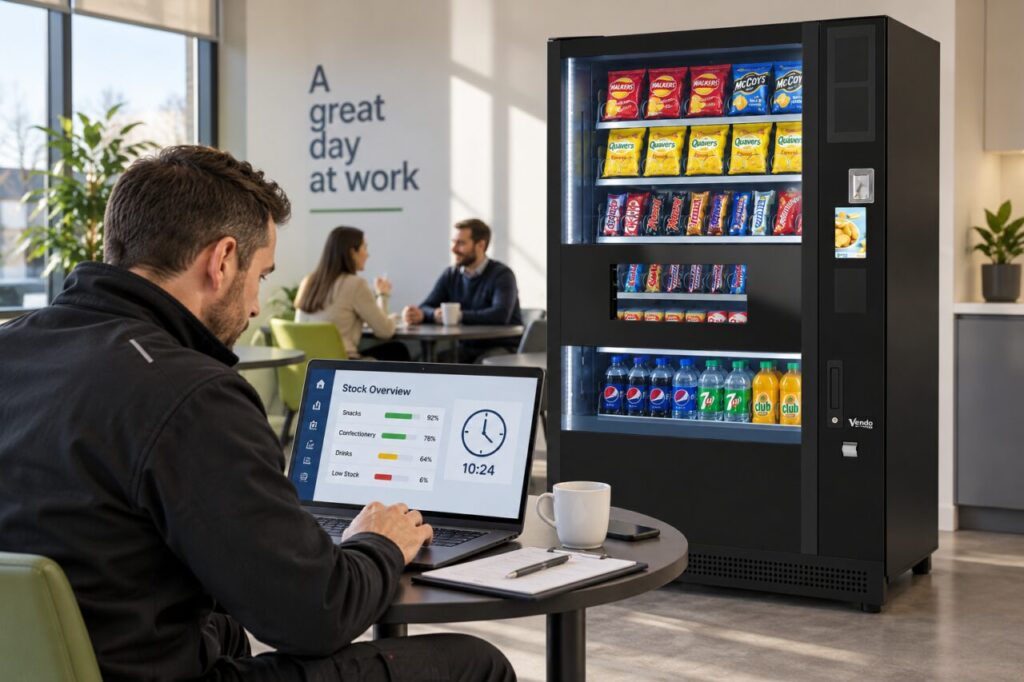
Look for the time behind the number
Check whether the screen shows a last-update time, reporting period or refresh status. Record those details with the machine and site reference. A dashboard total, a daily report and an individual selection view may answer different questions. Ask the provider which view is appropriate for deciding whether a refill or other action is needed at your location.
Do not assume that clicking refresh guarantees new machine information has arrived. Ask how the service indicates current data and what delay is expected for the installed setup. Our managed vending information notes that available monitoring information depends on the equipment, connection and payment setup. The practical implication is to confirm the meaning of your own screen rather than borrowing assumptions from another site.
Compare one clear observation
If you can safely see an obvious stock difference from outside the machine, note the selection and time. For example, record that a particular product appears sold out while the report still shows units. Avoid opening equipment or counting inaccessible stock unless that is part of your authorised role. A precise external observation can help the operator investigate without creating another unrecorded change.
Ask whether a refill, test vend or other recent activity has been recorded in the expected way. The purpose is to understand the discrepancy, not to assign blame to the last visitor. Keep the original figures and the later explanation together. Replacing the number in a local spreadsheet without retaining the reason can hide the very difference that support needs to examine.
Agree what to do while it is checked
Ask the operator whether the uncertainty affects the next planned refill or requires a separate check. If staff are reporting empty selections, send those observations through the normal service route. Do not promise an extra visit solely because a dashboard looks old, and do not dismiss a visible gap solely because a report appears well stocked. Let the responsible team reconcile the two sources.
Where the operator requests a screenshot, include the relevant timestamp and selection details while avoiding unrelated personal or account information. Keep the case reference with any later screenshots. A small sequence showing when the information stopped changing may be useful; repeated images without times are harder to interpret. Follow the provider’s guidance rather than repeatedly changing connectivity settings at the machine.
Confirm that useful information has resumed
After the provider reports an update or correction, check the agreed view again. Note the time and whether it now reflects the expected activity. Ask whether any historical records need clarification before using them in a service review. An apparently current display should not automatically erase a period when the information was uncertain, particularly if that period is being used to compare stock availability.
Keep the lesson practical: identify the normal status indicator, the support route and the action for a future unexplained delay. The site does not need to become a monitoring specialist. It needs enough understanding to avoid acting on an unverified number. Discuss these responsibilities when choosing vending equipment and service, alongside the physical refill arrangements and the people who will respond.
Contact us to discuss monitoring and site responsibilities for your proposed service.
Related guidance: Low-Stock Vending Alerts: Check That Someone Receives Them.