
Vending Support Contact Details: Check the Route Before Launch
A clear support notice is useful only if it sends customers to the right place. Before a vending service launches, check the proposed phone number, email address or web link with the responsible provider and agree how the route will be tested. This is a check of customer information, not an invitation to send repeated false fault reports. The provider should know what is being tested and how the test will be identified.
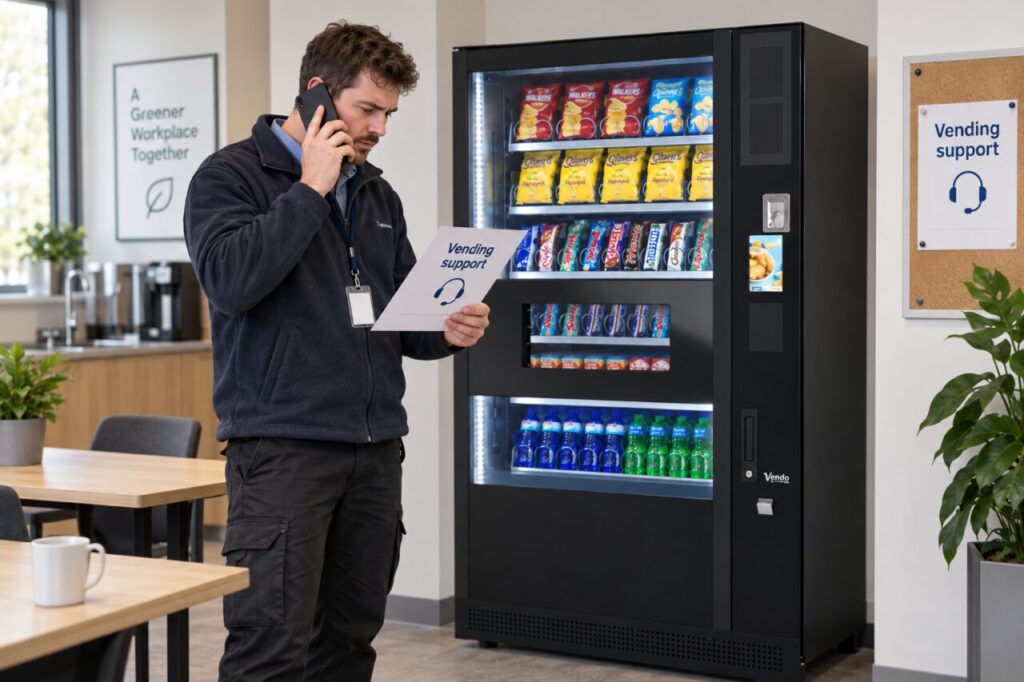
Match the contact to the service
Confirm which organisation handles a failed purchase, a product request and a site equipment concern. These enquiries may follow different routes. A manufacturer’s name on the cabinet does not necessarily identify the operator responsible for the local service. Ask for the current customer-facing details and use those approved details when preparing notices, reception guidance or a staff introduction.
Check the machine or site reference customers should provide. If several purchase points share a support route, a reference can help distinguish them. Use a stable identifier that the provider recognises rather than inventing a label known only to the site. Keep the reference consistent across the machine notice and the host’s records, and update both if the equipment is replaced or moved.
Agree a sensible test
Ask the provider how to verify the route without disrupting real support work. It may confirm the details directly or arrange a clearly identified test enquiry. Record the result and correct any broken link, typing error or unsuitable forwarding arrangement before customers rely on it. Do not assume that a printed address is valid merely because its format looks plausible.
For a web link or QR code, check the actual destination using the final printed version. Confirm that it belongs to the intended provider and is usable on a typical phone. Never enter payment credentials to test a reporting form unless the provider has explained the legitimate process and the test is authorised. Customer information should tell people what they need to report without requesting unnecessary private details.
Explain hours and expectations accurately
Ask what the published contact hours mean. A form that accepts a message at any time does not automatically promise an immediate reply or repair. Use the provider’s confirmed wording and avoid adding response commitments that are not part of the arrangement. Where an urgent equipment concern follows a different site procedure, explain that distinction to the nominated host and reception team.
Check the alternative route for a customer who cannot use the preferred channel. Do not assume that everyone has a smartphone or can scan a QR code. The provider should confirm what other practical option is available. Keep the notice readable and concise; a long collection of numbers and unrelated instructions can make the correct next step harder to identify.
Keep the details current
Assign somebody to review customer-facing contact information when the operator, site contact or service arrangement changes. Replace old printed notices and update reception guidance together. If a message has already been sent through an obsolete route, ask the provider how to connect it to the current process. Avoid encouraging customers to submit the same enquiry repeatedly through every channel.
When choosing vending services, include contact-route verification in the launch checklist. Record who approved the details, when the check took place and where the working copy is kept. This gives future staff a reliable reference and helps prevent a simple information error from making a purchase problem more frustrating. Review the route after a relevant change, rather than treating the original notice as permanent.
Discuss the proposed customer-support process with the team.
Related guidance: Choosing a Vending Supplier: Confirm Support for Your Actual Site.