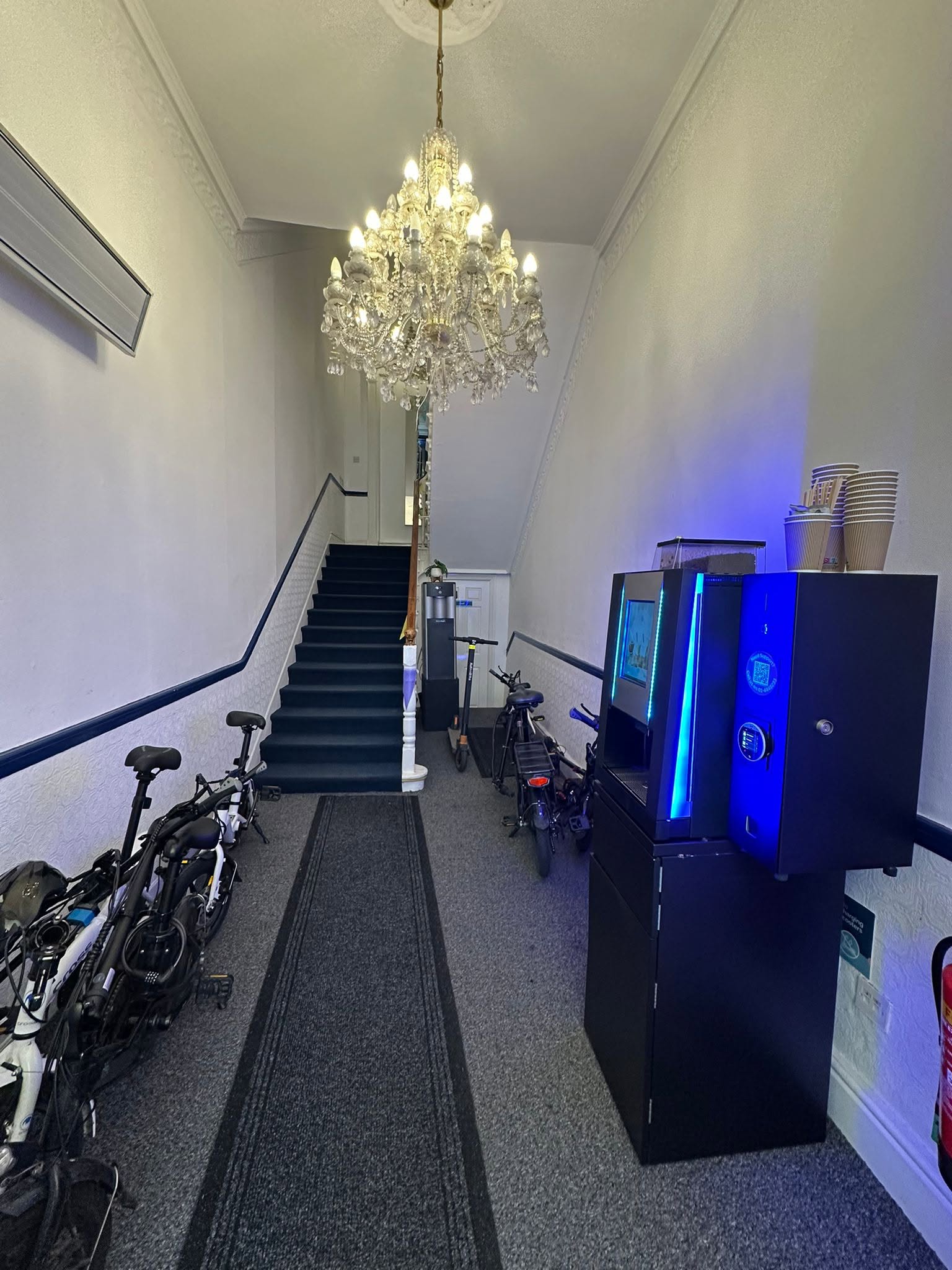
Why are the coffee pucks wet in an automatic machine?
Wet coffee pucks do not automatically mean that an automatic coffee machine is broken. The grounds left after brewing can vary with the drink, settings and rinse cycle. What matters is whether the machine is behaving normally for its model and whether the coffee in the cup remains consistent. Inspect the whole pattern before judging a single puck.
What the manufacturer says about wet coffee pucks
Philips explains that its automatic espresso machines can produce wetter grounds with certain drinks and settings. It also notes that rinse water can reach the grounds container. Its guidance describes an initial adjustment period for a new machine. These explanations apply to the products covered by that guidance, rather than every commercial machine.
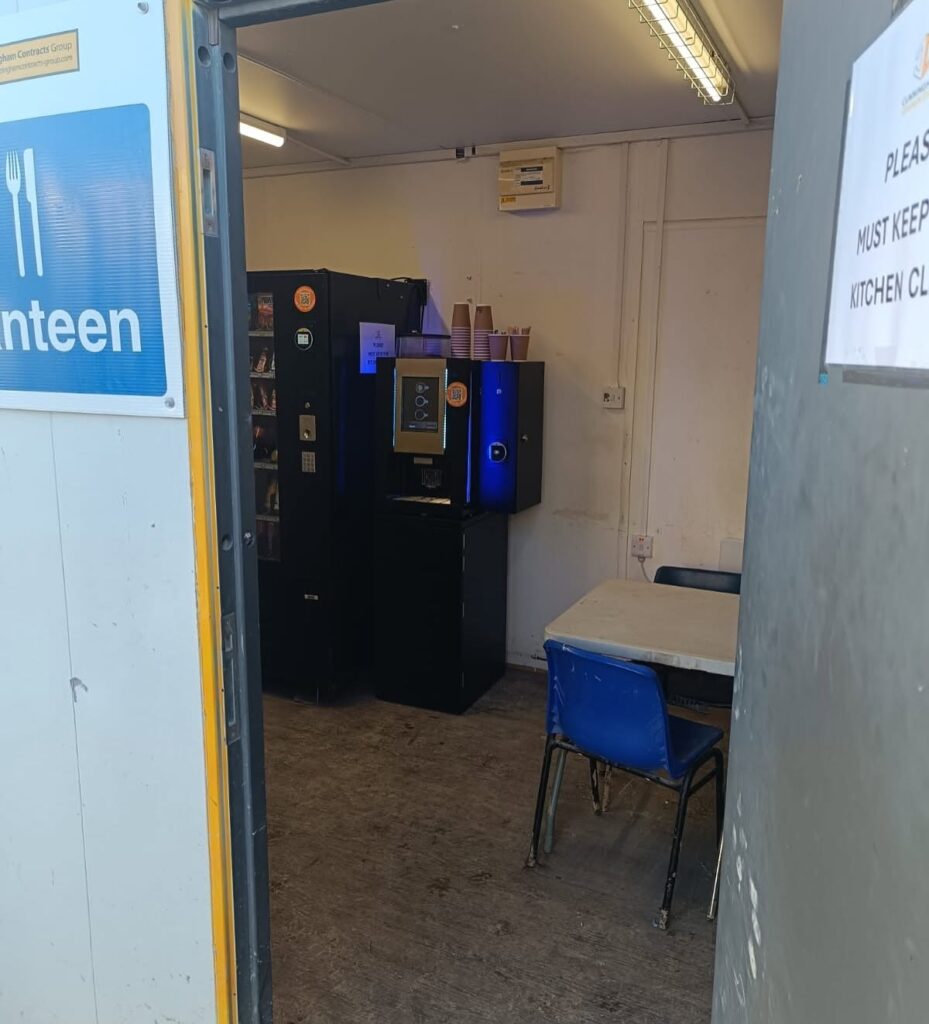
Therefore, a photograph of a neat, dry puck from another machine is not a universal quality standard. A workplace machine may use a different brewing system or drink recipe. Look up the actual model’s instructions and ask the operator what is normal for that installation before deciding that the grounds should look different.
Look at the drink as well as the waste
Record whether the coffee tastes and pours as expected. Has the cup become unusually weak, smaller or slower to fill? Is there an error message? Is water appearing outside the machine? These observations are more useful than simply reporting that the grounds look damp, because they identify a change in normal operation.
Do not taste a drink that appears contaminated or has a chemical smell. Likewise, an external leak needs prompt reporting even if the coffee tastes normal. Keep people clear of a wet floor and follow the site’s equipment procedure. Grounds consistency should never distract from an obvious leak or another safety concern.
Check when the container was inspected
Note whether you looked immediately after brewing, after an automatic rinse, or after several different drinks. A container holding mixed grounds and rinse water tells a different story from one fresh puck. Do not reach into the machine while it is operating or remove parts outside the normal user procedure.
Ask the trained operator to observe a normal cycle if needed. Record the drink selection and any recent changes to beans, serving volume or strength. This creates a useful comparison for the service team. It also prevents several people changing settings in response to the same bin of wet grounds.
Avoid chasing a dry puck with random adjustments
Philips notes that changes to grind, volume and aroma can affect both the drink and the grounds. That does not mean every workplace machine should be adjusted in the same direction. Follow the model’s instructions, preserve the starting settings and assess the result in the cup as well as the container.
Do not put foreign materials into the brewing chamber to absorb water. Do not dismantle a sealed brewing unit or interfere with its drainage. If the authorised care routine does not resolve an unusual change, arrange service. The technician can assess the relevant seals, brewing system and waste path without relying on guesswork.
Keep the grounds routine practical
Empty and clean the waste container at the intervals specified for the machine and the site. Keep cleaning chemicals separate from grounds intended for a food-waste stream. Our guide to workplace coffee grounds disposal explains the Irish brown-bin route and the need to separate packaging and other waste.
When requesting support, describe what changed, when it started and which drinks are affected. Include a photograph of the grounds only if it can be taken safely during normal emptying. Combined with the machine reference and service history, that information is much more useful than expecting every automatic machine to produce an identical puck.
For workplace coffee equipment enquiries, contact our team with the model and site details.