
Your Vending Product Has the Right Brand but the Wrong Flavour: Record the Selection
Receiving the right snack brand in the wrong flavour can look like a simple mix-up, yet the details matter when reporting it. The machine may have delivered from the selected position, the visible pack may have been misunderstood, or the product arrangement may need checking. Record what you selected and what arrived without trying to diagnose the mechanism. If the product is unsuitable for you, do not consume it simply because the brand is familiar.
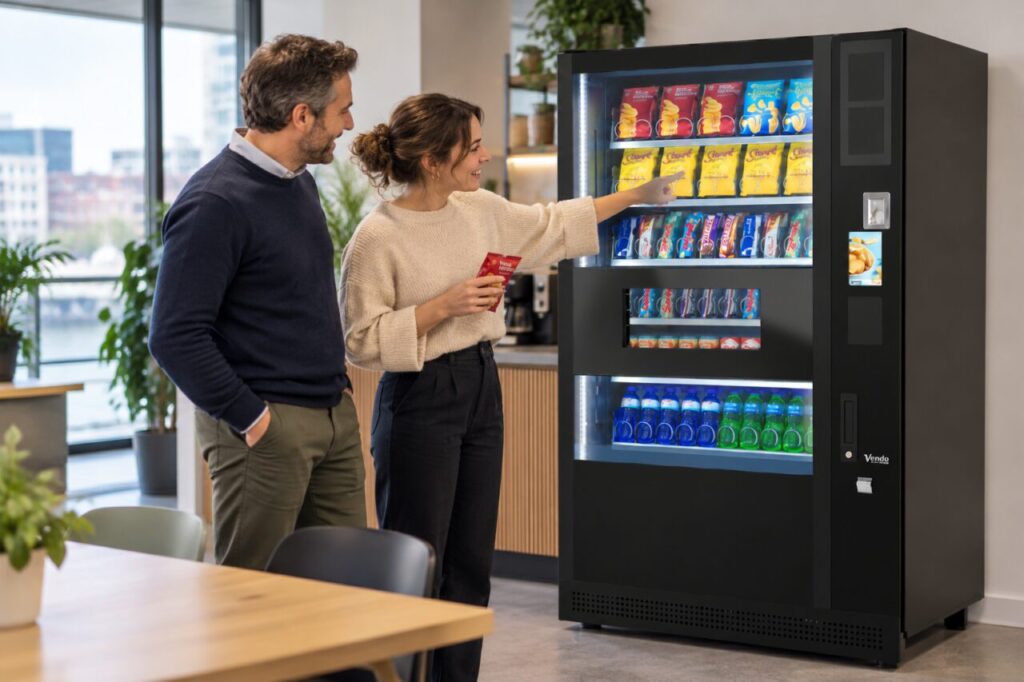
Identify both products precisely
Keep the delivered wrapper and note the full product name, flavour and pack size. Brand colour alone can be ambiguous, particularly after packaging changes. Read the actual label before making any decision about eating the product. If you have a dietary restriction or allergy, rely on the specific pack information and your usual precautions rather than assuming that another flavour has the same ingredients.
Note the product you intended to buy with the same level of detail. If it remains visible through the window, take a clear photograph of that position and its selection reference. Do this from the normal customer area. Do not reach into the machine or attempt another purchase merely to see whether the same result happens again.
Record the selection sequence
Write down the selection code or screen choice you used, the price shown and the approximate time. Explain whether you checked the displayed choice before paying, if the machine offers that step. If you are unsure which code you entered, say so. Honest uncertainty is more helpful to support than a definite statement reconstructed from memory after leaving the site.
Include whether the machine had recently been refilled only if you actually observed that or were told it by the operator. A changed arrangement is one possible explanation, not a fact established by the wrong flavour arriving. The operator needs enough information to inspect the relevant selection and compare it with the intended product map.
Use the correct support route
Report the machine location, identifier, intended product and received product in one message. Attach useful photographs and the relevant payment reference where available. Avoid sharing unrelated account information. Ask the operator what to do with the product and whether a refund or another resolution is appropriate for the particular purchase; do not promise a replacement on the operator’s behalf.
The vending equipment and service overview provides a route to the business’s current enquiry details. For app purchases, the Monyx FAQ provides its own help information. Identify the actual method used so that the enquiry reaches the right route rather than assuming all payments were processed through the same app.
Help prevent a repeat without intervening
If you are the site contact, pass the report to the operator with the exact selection reference. Do not open the cabinet or swap stock unless that is explicitly part of your authorised role and you have the relevant instructions. Ask whether a temporary customer notice is needed while the operator checks the arrangement. Keep any notice factual and limited to the affected selection.
After the operator responds, confirm whether the product mapping or customer guidance has changed. Remove outdated temporary messages once the agreed check is complete. The useful outcome is a reliable link between the visible choice and the delivered pack, supported by a clear record of the customer’s experience. That is more constructive than assuming the whole machine is faulty because one flavour did not match the expectation.
Related guidance: A Vending Purchase Has Damaged Packaging: Keep the Pack and Report the Sale.
Planning vending at your site? Contact the team with your location, equipment details and requirements.