
Why does an Apple Pay vending receipt show a different card number?
An Apple Pay receipt may show different last digits from the number on your physical bank card. Apple Pay uses a device account number for payment. That difference alone does not mean another card paid for your vending purchase. Match the transaction details before deciding that something is wrong.
Understanding an Apple Pay receipt
Apple’s Wallet guidance identifies the device account number as the number sent to the merchant when you use Apple Pay. Wallet lets you view its last four digits. The physical card details and this payment identifier therefore serve different purposes.
When checking a vending purchase, start with the device you actually used. A purchase made with a watch should not be investigated solely by looking at a phone’s details. Find the relevant card information on the paying device using Apple’s current instructions for that device.
Do not assume that an unfamiliar final four digits proves fraud. Equally, do not dismiss a transaction you genuinely do not recognise. Check the amount, time and merchant information alongside the payment identifier. If the charge remains unexplained, contact the card issuer through its normal secure route.
Match the vending purchase carefully
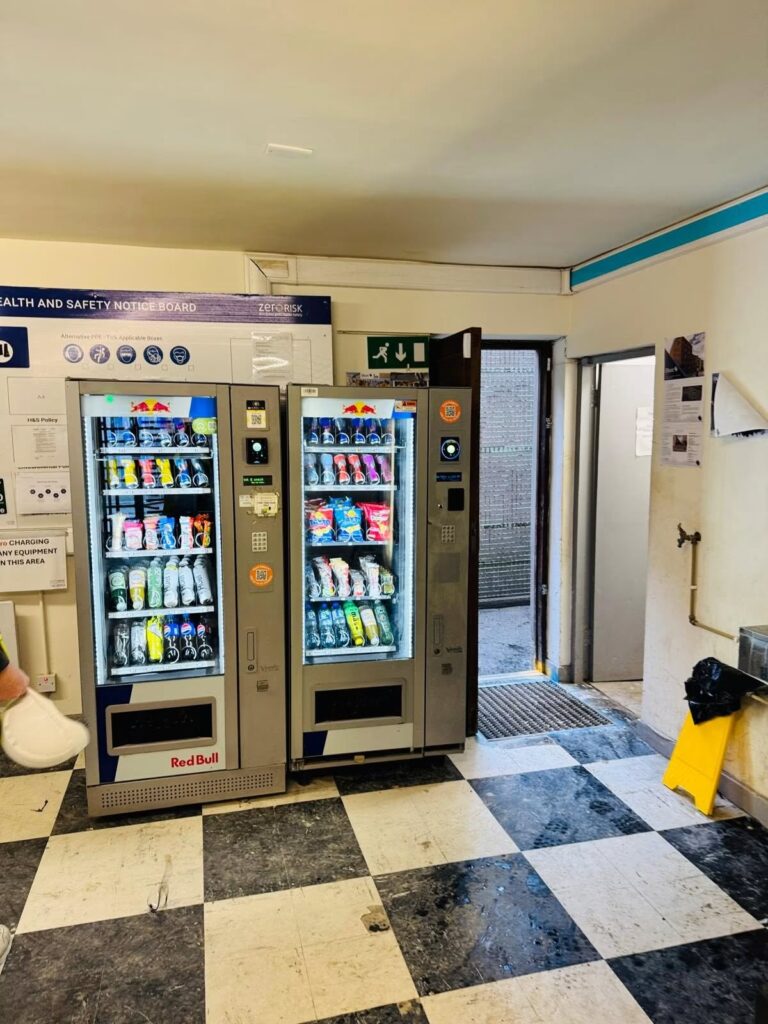
Record the machine location and the product selection, particularly if several cabinets stand together. Note whether the item arrived and whether the payment screen showed a completed transaction. Those details help distinguish a successful sale from a payment attempt associated with a failed vend.
Then compare the purchase with the wallet and bank records. Apple’s transaction-history guidance notes that some entries can look different from the final charge. Use the issuer’s record when you need clarification about the account transaction, rather than treating a temporary notification as a final statement.
If several small purchases happened close together, write down the sequence. For example, a drink followed by a snack may produce two similar-looking entries. This is an illustrative situation, not a claim about how every machine settles payments. The operator can explain the setup used at the specific cabinet.
What to send with a refund request
Give the operator the location, approximate time, amount and a short account of what happened. Explain that you used Apple Pay. If support needs the last four digits, clarify whether they mean the device account number or the physical card number before supplying them.
Share only the details needed to locate the purchase. Do not send a full card number, security code, wallet passcode or banking password. If a screenshot is useful, hide unrelated purchases and account information. Use the operator’s official contact details displayed at the machine.
A different number on a receipt does not itself determine whether a refund is due or how quickly it will arrive. The operator first needs to identify the transaction. Our guide to refunds involving an expired card covers a separate situation where the issuer may need to help.
Help customers before a problem happens
Site hosts can reduce confusion by keeping the machine’s support contact visible and its location easy to describe. A clear cabinet identifier is useful when a building has several refreshment points. Staff should know where to direct a payment query without asking customers for unnecessary financial information.
When discussing a cashless vending setup, ask how transaction enquiries are handled and which details support will request. This makes the process clearer for users while keeping receipt numbers, wallet identifiers and account records in their proper context.
Speak to us about vending payment options and a clear support process for your venue.