
Buying Cashless Vending: Confirm Who Completes Payment Account Setup
A quotation can include a card reader without explaining every step needed before customers can pay. Hardware supply, payment account setup and a successful live purchase are separate milestones. When buying a cashless vending machine, establish who is responsible for each stage and which dependencies could affect the launch date. This avoids mistaking a physically installed reader for a complete payment service.
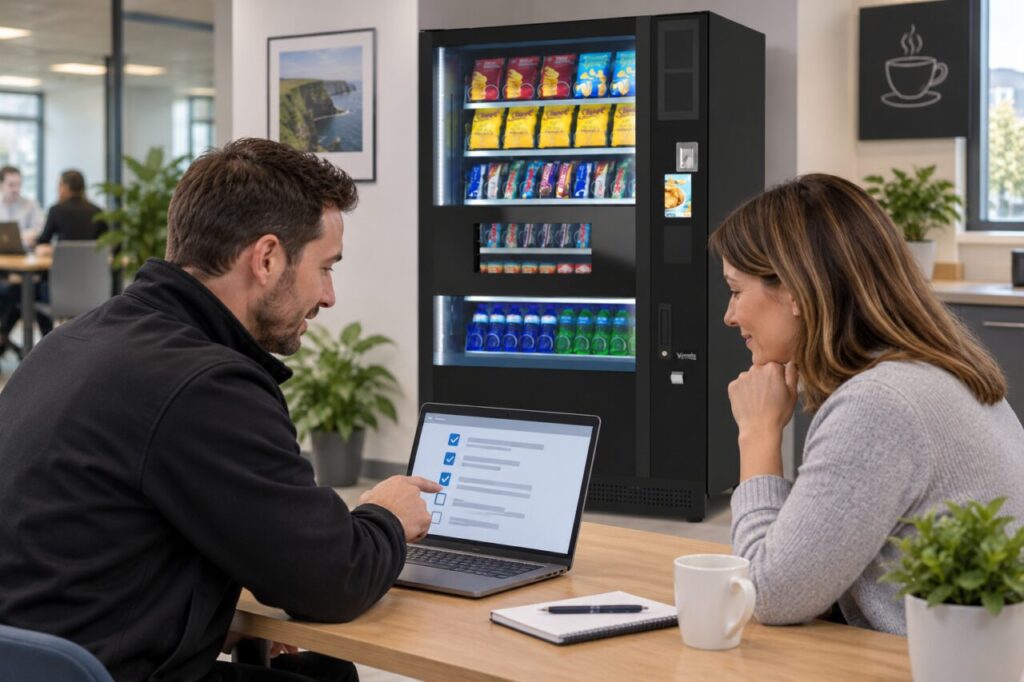
Put responsibilities beside the equipment list
Ask the supplier to identify the payment hardware included in the quotation and the provider involved in processing payments. Then ask who initiates the account application, who supplies the business information and who confirms activation. Keep those responsibilities in the order record. A vague statement that cashless payment is included should be expanded into a clear account setup process.
Use the payment provider’s approved channels for any requested business or identity information. Do not circulate sensitive documents among everyone copied into an installation email. The project coordinator needs to know whether a step is complete, not necessarily see the underlying documents. Ask the relevant provider about requirements rather than assuming the same process applies to every business, reader or existing account.
Separate commercial terms from activation
Confirm the applicable payment charges, billing arrangements and settlement destination through the agreed commercial process. Ask which figures are estimates and which are confirmed terms. This article does not prescribe a standard processing rate or payout timetable: those details belong in the proposal for the chosen arrangement. Keep them available to the person assessing the operating budget.
If the business already uses a payment provider, explain that early. Ask whether the proposed equipment can use the existing arrangement or whether a separate setup is required. Do not infer compatibility from a familiar logo. Similarly, a previous owner’s active reader is not evidence that payments will reach your business after a sale. The account responsibility must match the actual operator.
Plan a launch check with a clear owner
Before delivery, agree who will confirm that the setup is ready for a customer transaction. Identify any site connectivity checks and who handles a failed activation step. Avoid booking a public launch solely around the cabinet delivery date if payment readiness remains unresolved. A small checklist showing owner, status and next action is more useful than repeated requests asking whether everything is finished.
Once the authorised setup is complete, agree an appropriate test purchase and how its result will be checked. The relevant team should confirm the machine interaction and the transaction record through the approved provider tools. Do not publish private account details in the handover file. Record the outcome and any follow-up needed, including the customer support route for payment enquiries after launch.
Make the handover understandable
Give site staff a simple explanation of supported payment options and whom to contact when a customer reports a problem. They do not need administrator credentials to provide that first response. Keep hardware faults, account administration and customer transaction queries directed to the appropriate contact. Review this information if responsibility for the machine changes later.
Our start-up packages list included payment hardware for the offered equipment. Confirm the account and activation arrangements for your particular purchase rather than extending that equipment list into unstated promises. When comparing vending machines for your business, include payment readiness in the buying decision alongside installation and training. A clear sequence of responsibilities makes the first trading day easier to organise and gives the site team a useful route when something needs attention.
Discuss a cashless vending setup for your proposed location.
Related guidance: Buying a Used Vending Machine: Check the Card Reader Account Transfer.