
Buying Vending for a Building with No Permanent Reception: Plan the Support Contact
A building without permanent reception can still have a clear vending support arrangement. The difficulty is not simply finding someone to answer a telephone. Customers need a reliable reporting route, the operator needs someone who can explain site conditions, and visiting staff need authorised access. Before buying equipment, decide how those three needs will be covered when no receptionist is present.
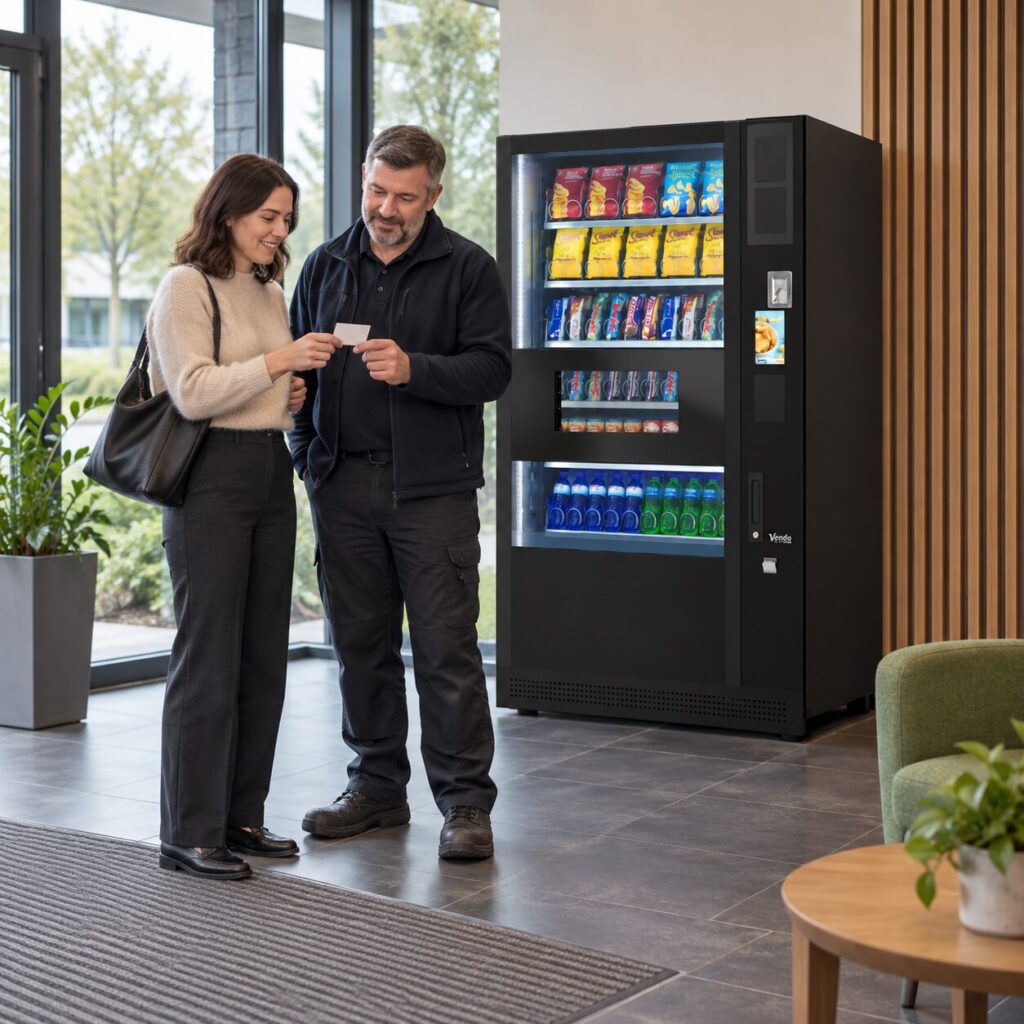
Separate customer reports from site access
Choose where customers will find the operator’s verified contact details and machine identification. A visible reporting route helps a customer describe a payment or product problem without searching for an unrelated tenant. It should not suggest that any person in the building can issue a refund or repair the equipment. Confirm the actual support process with the supplier before printing instructions.
Separately, name the person who can arrange building access. That may be a caretaker, facilities contact or property manager, but their availability must be realistic. A customer support line and an access contact perform different jobs. The fully managed service describes case logging and technical care under agreed terms; it does not mean a technician can enter an unattended building without arrangements.
Describe the unattended periods
Give the supplier the building’s opening pattern, not just its advertised hours. Explain when doors are accessible, whether tenants enter independently and when the nominated contact is normally available. Include weekends or early mornings if the vending offer will be used then. This allows the purchase discussion to address the actual setting in which customers will use the equipment.
Consider a practical example: the building opens at seven, but the facilities contact starts at nine. Customers still need reporting instructions during those two hours. A service visit requiring an escort may need a later appointment. Neither point means the vending machine must follow office reception hours, but both need to be understood before the launch message promises immediate help.
Arrange cover without sharing access casually
Nominate a backup for planned absence and explain the limits of that role. They should know how to identify the machine, locate an existing service reference and contact the operator. Only authorised people should provide entry or handle equipment keys. Do not put door codes or key locations on customer notices as a shortcut around the lack of reception.
Keep a small site record containing the machine location, equipment identifier, support route and access arrangements. Store it where the authorised cover contact can retrieve it. Review it when the property manager or tenant representative changes. The record should help people perform their agreed task, rather than collect unnecessary personal details about everyone who uses the building.
Test the arrangement before launch
Walk through a customer report and a planned service visit with the supplier. Ask a colleague unfamiliar with the project to find the support details from the customer position. Then check whether the nominated site contact can explain where the machine is and how a booked visitor would be received. Correct unclear wording or missing directions before users depend on them.
When choosing vending equipment, include this support arrangement in the site brief alongside space and payment requirements. Recheck it after the first few weeks of operation. If reports repeatedly reach an unrelated person or visits cannot proceed, improve the contact and access process before assuming that the machine itself is the source of the problem.
Related guidance: Vending Support Contact Details: Check the Route Before Launch.
Planning vending at your site? Contact the team with your location, equipment details and requirements.