
Can you tap over €50 at a vending machine in Ireland?
The contactless limit in Ireland for an ordinary physical payment card is €50 per transaction, according to the Competition and Consumer Protection Commission. The same €50 limit does not apply to a digital wallet. That difference matters if an unattended machine sells higher-priced products or allows a basket of items. The terminal, bank and account must still support and authorise the purchase.
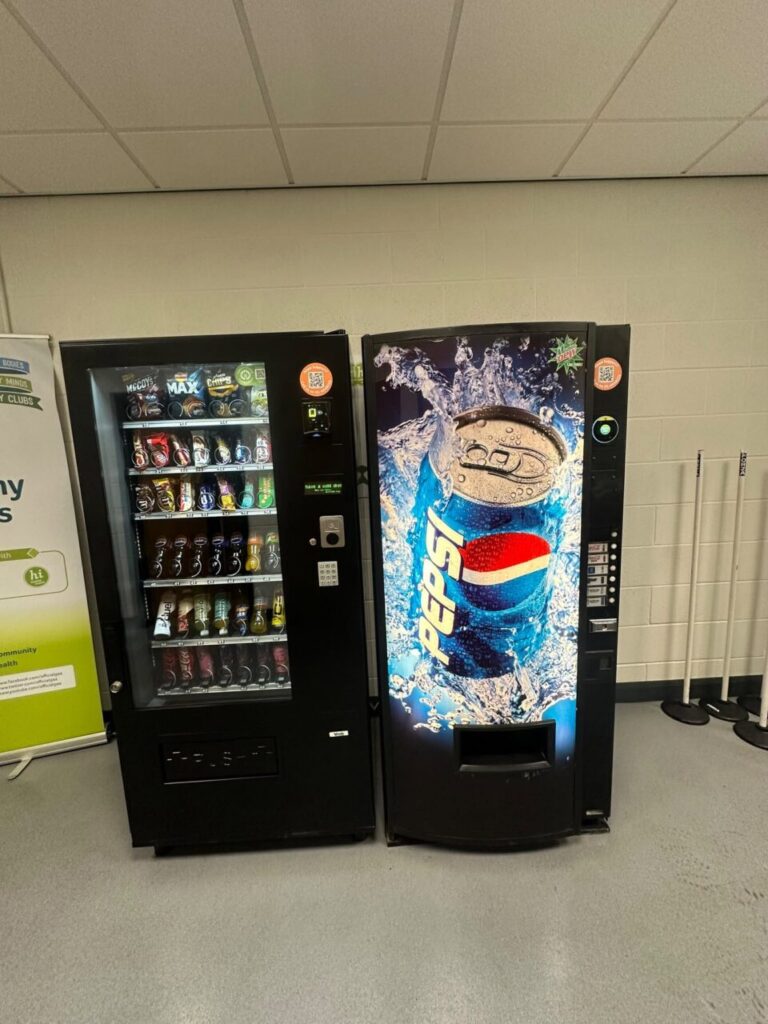
Compare a card tap with a phone payment
Consider a machine selling a €55 item. Do not assume a customer can complete that purchase with a simple contactless tap of a physical card. A phone or wearable using a supported digital wallet follows a different verification process. The customer may need to unlock or authenticate on the device. The CCPC contactless guide explains the distinction between physical cards and wallets.
A wallet having a different limit does not mean that any amount will be approved at every machine. Check the amount shown before paying and follow the prompts on the particular terminal. A phone held near a reader without an active supported wallet is not the same as a wallet payment. If a purchase fails, do not repeatedly tap without checking whether the machine has ended the first transaction.
Why a small purchase may still need verification
The CCPC notes that a bank can require a PIN from time to time and that a new card may need a PIN transaction to activate contactless. A request for verification on a low-value purchase does not prove that the product price exceeds the €50 limit. Check what the bank or reader is asking for and whether the unattended terminal supports the required next step.
If the machine cannot complete the requested verification, use another available method or follow your bank’s advice. Never share a PIN with a site employee or include card details in a public complaint. If there is an unexpected entry in the banking app, record the amount and status. A pending authorisation and a completed sale can appear differently. Our pending payment guide explains what to check.
Test the highest planned basket
For a workplace buying equipment, start with the highest item price and maximum basket you intend to offer. Test a normal staff purchase and then the highest supported basket with the installer. Ask which payment methods are supported, how the customer authenticates and what happens if the terminal cannot obtain approval. Confirm that an unsuccessful authorisation does not look like a successful sale to someone standing at the machine.
For example, three items costing €18 each total €54 even though each item is below €50. That is a useful test case if your equipment actually supports baskets. If every item is sold in a separate transaction, that is a different payment flow. Ask the operator to demonstrate the flow you expect instead of quoting the price of the most expensive individual item as proof.
Give customers a clear alternative
Display the supported methods and a contact for payment queries. Keep the message short enough to read before tapping. Agree what staff should record if a customer reports a decline, including the machine identifier, price, approximate time and whether any product arrived. A clear record helps the support team investigate without collecting unnecessary personal banking information.
For equipment comparisons, see the published VPOS Touch details. Tell us the intended basket values when discussing a workplace payment installation.


