A Micro-Market Basket Is Cancelled Before Payment: Check That the Sale Was Not Completed
Cancelling a micro-market basket before payment should be treated differently from returning a purchase that has already completed. If the screen or payment status is unclear, pause and ask the host or operator to check. Do not assume that leaving the checkout or pressing a button proves that no payment was taken.
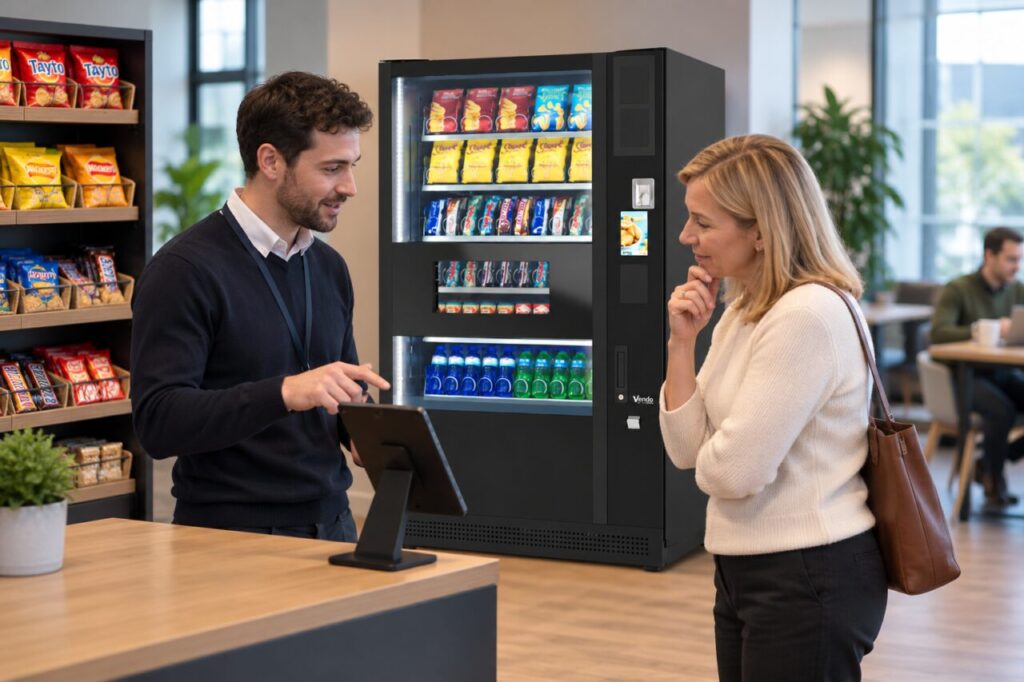
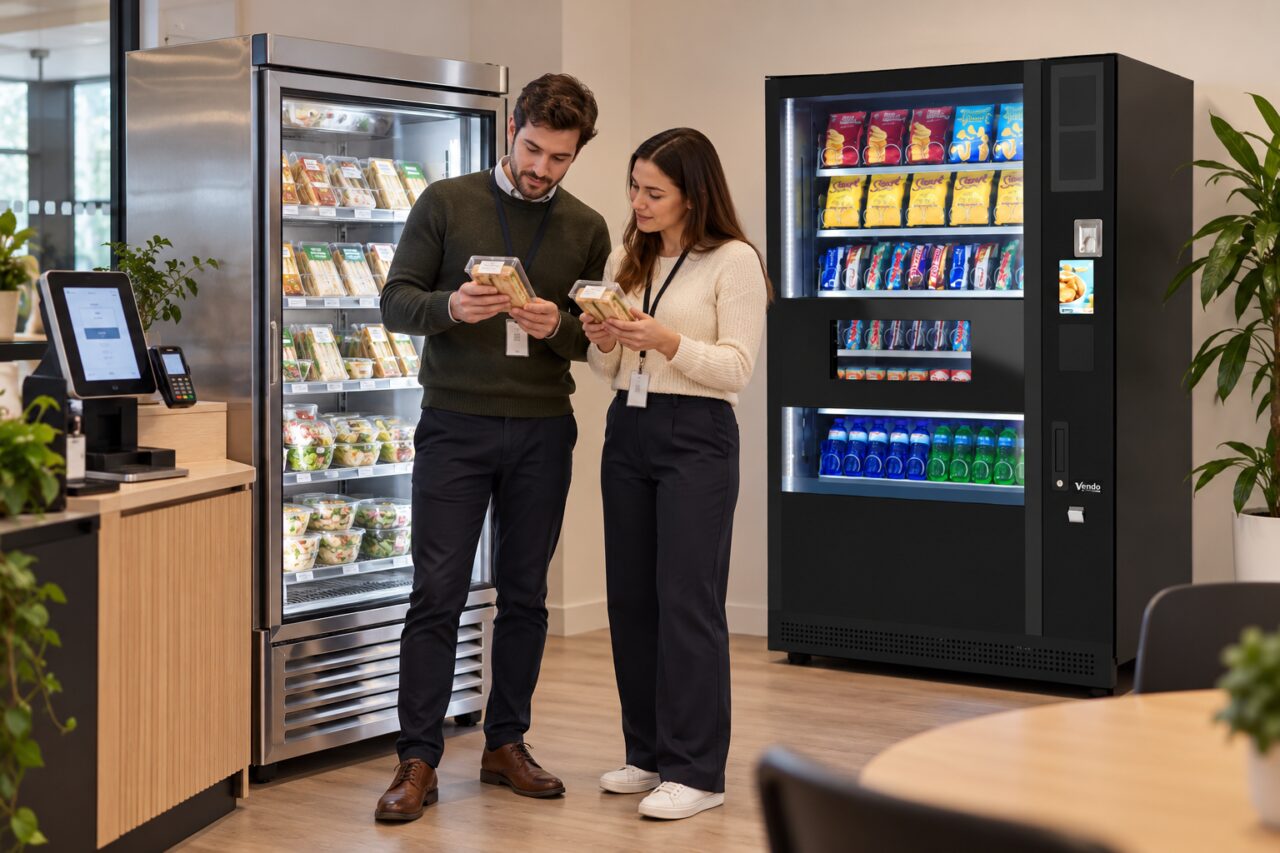
The exact process depends on the checkout system installed at the site. Follow its displayed instructions and the operator’s guidance rather than a generic sequence of taps. This article explains the information to check and report; it does not claim that every micro-market uses the same cancellation controls or payment behaviour.
Establish which stage you reached
Recall whether you had only added items, had started payment or had received a completion message. Record the approximate time and the checkout location. If a receipt or reference was produced, keep it. A basket displayed on screen, a payment attempt and a completed sale are separate observations that should not be merged into one assumption.
If you are still at the checkout, ask the host to help interpret the current display without sharing payment credentials. Do not repeatedly tap a card or restart payment simply to test whether the previous attempt completed. Give the support contact a clear account of the sequence so they can investigate through the appropriate system.
Handle the products appropriately
If you decide not to buy, follow the site’s instructions for returning the items or handing them to the host. Do not put chilled goods on an ordinary shelf while resolving the screen. The responsible person should decide what can be returned to sale under the site’s food-handling procedure, especially if an item has been opened or its condition is uncertain.
The Food Safety Authority of Ireland’s temperature-control guidance provides a primary reference for food businesses. For the customer, the practical action is to ask promptly rather than improvise a storage decision. Keep a product-handling question separate from the payment investigation, even when both arise from the same cancelled shopping attempt.
Ask for a transaction check when needed
Provide the checkout location, time, items and any available reference through the established support route. Describe what the screen showed and whether payment was attempted. Avoid sending full card numbers, security codes or unrelated account screenshots. The operator should explain what information is needed to identify the transaction safely.
If the check confirms that a sale completed, use the normal purchase-query or return process rather than calling it an unpaid basket. If no sale completed, ask whether anything remains to be cleared at the checkout. Do not promise yourself or another customer an immediate refund based only on a disappearing screen or an unclear notification.
Leave a clear checkout for the next person
Ask the host to confirm that the customer session is ready for the next user where this is uncertain. Do not edit another customer’s basket or use staff controls without authorisation. Report repeated confusion so the operator can review the instructions, screen flow or training appropriate to the installed system.
When comparing micro-markets and vending arrangements, include abandoned and cancelled purchases in the practical demonstration. A clear help route matters as much as the normal buying journey. Understanding the stage reached, the status of the items and the transaction record makes a cancellation easier to resolve without treating an uncertain payment as a confirmed outcome.
Related guidance: An Abandoned Micro-Market Basket Is Still on Screen: Start with a Clear Checkout.
For help assessing your site, contact Vending-Machines.ie.