A Micro-Market Receipt Fades: Preserve the Purchase Details While They Are Readable
A paper receipt from a micro-market purchase may become difficult to read before you need it for an expense claim or a purchase query. If the text is still visible, preserve the useful details promptly rather than waiting until the amount or transaction reference disappears. A clear image can support a later enquiry, although the recipient decides what evidence it accepts.
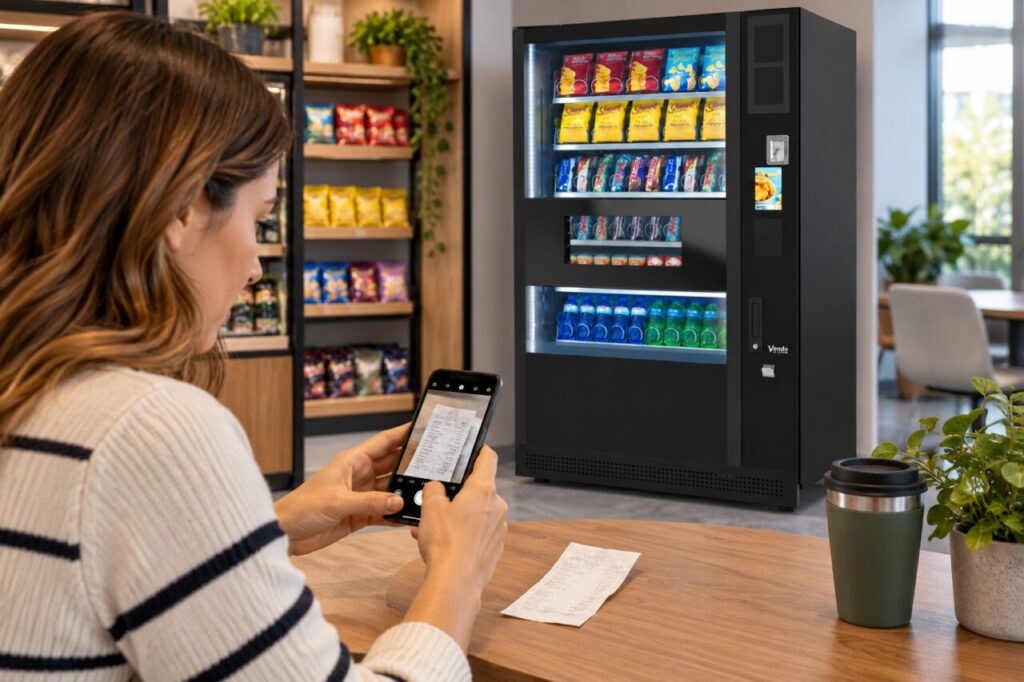
Start with the ordinary purchase record. You are trying to retain the merchant, date, amount and reference needed to identify the transaction. There is usually no reason to include unrelated purchases, a full payment card number or other private information in a message to a workplace coordinator or operator.
Capture a readable copy
Place the receipt on a flat surface in good light and photograph the whole relevant receipt. Check the result before putting the paper away: small print that looked readable on the counter may be blurred in the image. If the document is long, use overlapping photographs that preserve its order without cutting through the transaction details.
Avoid trying to improve a fading receipt with heat, chemicals or other treatments. You could make the remaining information less useful. Keep the original in a sensible place while following any instructions from the organisation that needs it. A photograph is a practical copy, not an assurance that every expense or accounting process will accept that format.
Record context without guessing
Note the micro-market location and approximate purchase time separately if those details are not clear on the receipt. If you bought several items, write down what you remember and label uncertain details as uncertain. Do not reconstruct an unreadable line as though you have confirmed the product, quantity or amount from the original document.
A payment-app entry may help identify the date and amount, but it may not explain each item in a mixed purchase. Keep that distinction clear when contacting support. A transaction total and an itemised receipt answer different questions. Supply only the information requested through a verified support channel, using a transaction reference where available rather than unnecessary payment credentials.
Ask the right organisation for help
If you need a duplicate, ask the operator whether its system can provide one and what information it needs to search. Availability depends on the actual system and records; do not assume every unattended checkout can reproduce an itemised receipt. Use the contact route displayed for that location or confirmed by the organisation responsible for the service.
For a workplace expense claim, check the employer’s process before repeatedly requesting a particular document. The finance team may explain which alternatives it accepts when a receipt is unreadable. Keep the operator’s reply with your purchase record. Avoid promising colleagues that a photograph or bank entry will always satisfy an internal claim requirement.
Make future purchases easier to trace
Where an electronic receipt option is available, consider whether it suits your needs and check that the message arrives. Use the actual checkout instructions rather than assuming a facility exists. If a shared workplace address is proposed for receipts, first agree who can access it and whether individual purchase details should be sent there at all.
When planning a workplace micro-market, ask how customers obtain receipts and raise purchase queries. Clear guidance beside the service can save repeated questions later. Preserve readable evidence, distinguish confirmed details from memory and let the relevant operator or employer explain what it can provide or accept.
For a proposal suited to your site, contact our team with the location, expected users and your main requirements.
Related guidance: A Micro-Market Receipt Includes a Vending Purchase: Check Which System Took Payment; Micro-Market Receipt Printer Is Empty: Keep Proof of the Completed Purchase.