
Micro-Market Customers Bring Their Own Food: Make the Payment Boundary Clear
In a shared workplace break room, someone may bring lunch from home and buy only a drink from the micro market. Clear boundaries help them understand which products belong in the checkout and where personal food can be placed while they shop. The aim is a straightforward purchase without unnecessary confusion.
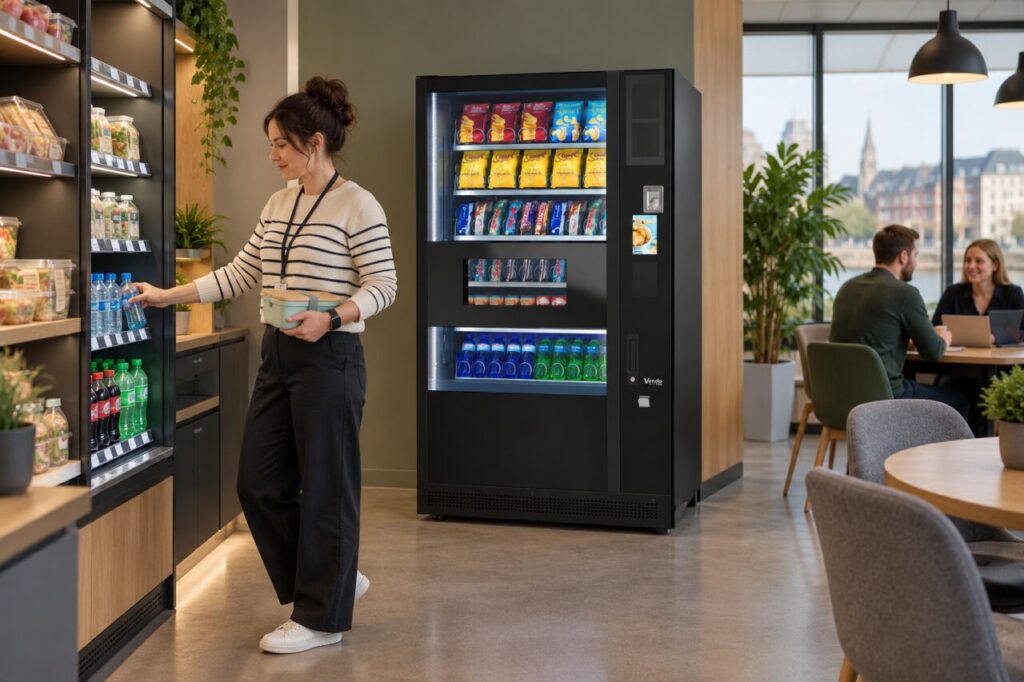
Review the actual checkout system before writing instructions. A barcode checkout, an account-based system and other retail arrangements may work differently, so avoid copying signs from another location without checking them.
Explain what needs to be paid for
Use plain wording to identify the goods offered for sale and the relevant payment point. A customer carrying a personal lunchbox should be able to see how to buy an additional item. Keep the instruction close to the shopping area, where it can be read before they begin the transaction.
Do not make a blanket claim that the system can automatically distinguish personal food from shop stock. Ask the operator how the installed setup handles the situation. If a particular procedure applies to bags or personal items, explain that procedure accurately and make sure site staff can answer a basic question about it.
Provide a practical place for belongings
Observe where customers put lunchboxes, phones and bags while selecting products. Personal food placed on a retail shelf can be mistaken for stock by another customer or the person counting goods. Consider an appropriate separate surface through the site’s normal layout review, without reducing access or creating clutter.
Keep that surface distinct from food offered for sale. It should not become an unofficial place for abandoned purchases or returns. Agree who maintains it and how items left behind are handled under site policy. A useful layout makes the intended behaviour easy rather than relying on a long list of prohibitions.
Keep vending and micro-market purchases clear
Where a micro market and vending machine share a room, explain which checkout applies to each. A drink bought from the machine may already be paid for, while a product taken from an open shelf may still need checkout. The specific system and operator determine the correct process.
Avoid asking customers to rescan an item from a completed vending purchase unless that is an explicitly confirmed part of the installed arrangement. Staff should be able to direct a question to the right operator rather than inventing a workaround. Keep the customer-support details visible for each service where different contacts apply.
Check the introduction given to new starters and visitors. They may not know that the room combines several types of refreshments. A brief explanation of the actual payment boundary can prevent uncertainty before anyone reaches the checkout.
Review confusion using real examples
If someone queries a charge, record which item was selected from the market, which was personal and which came from another purchase. Use the transaction details and agreed support route to investigate. Do not assume dishonesty because a customer was carrying an item sold by the shop; common products may have been bought elsewhere.
For workplace refreshment planning, discuss the complete room and its users with the provider. Ask a colleague unfamiliar with the setup to explain the signs back to you before launch. After a few normal breaks, review any repeated questions and improve the specific wording or layout. The result should be a clear boundary between personal belongings, unpaid goods and completed purchases that customers can follow without needing a member of staff beside them.
Related guidance: Two Retail Operators in One Break Area: Make the Checkout Boundary Clear.
Planning or reviewing vending at your site? Contact the team with your location, equipment details and the question you would like to resolve.