
Changed Your Mind at a Micro Market? Remove the Item Before Payment
Picking up a snack does not always mean you still want it when you reach the checkout. At a micro market, make sure the basket reflects the items you intend to take before confirming payment. The checkout and return process depend on the installed system, so follow the on-screen instructions and site guidance. Do not assume that putting a product back automatically removes its charge.
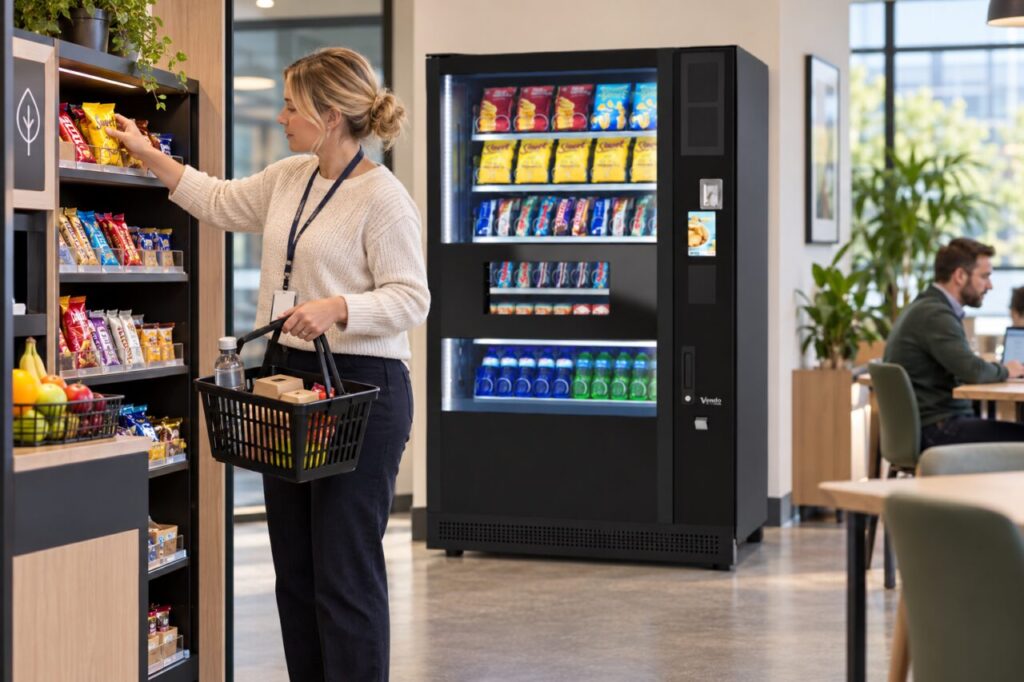
Check the basket before confirming
Look at the product names, quantities and total shown for your purchase. If you have changed your mind, identify the specific line that needs removing. Similar names or different pack sizes can make it easy to change the wrong entry, particularly when buying more than one item. Take a moment to compare the screen with the products you are keeping.
Use the correction option described by the checkout. This guide does not assume every system has the same button or sequence. If the correct action is unclear, ask the site operator for help before paying. Avoid scanning another product as a workaround or relying on a colleague’s memory of a different checkout. A clear basket is easier to resolve before the transaction finishes.
Return the product through the site process
Follow the site’s guidance for an item you no longer want. A sealed ambient snack and a product with particular storage requirements may need different handling. Do not leave an unwanted item beside the payment terminal or place it into an unrelated shelf gap simply to clear your hands. If you are unsure where it belongs or whether it can be returned, ask the operator.
Tell staff if the pack has been opened, damaged or otherwise affected. Do not hide that information by replacing it among saleable products. The responsible operator should decide what happens next under the site’s procedures. For customers, the practical task is straightforward: keep the unwanted item identifiable and make sure the operator understands its condition, rather than making a stock decision on their behalf.
Confirm the remaining purchase
After correcting the basket, check the quantity and total again. Make sure the items you still want remain listed once each. If someone else is shopping beside you, keep their products and payment separate from yours unless the checkout process clearly supports the arrangement you intend. Shared counter space can otherwise make a simple correction harder to follow.
Complete the purchase only when the screen matches the items you are taking and you are satisfied with the displayed information. Retain any confirmation or receipt you need through the provided process. If a charge appears to include the removed item, report the exact sequence rather than repeating the purchase. The operator can then investigate the transaction with the relevant details.
Help the site improve its instructions
If customers regularly hesitate at the correction step, the site may need clearer guidance. Report what was confusing: finding the remove option, identifying the item or knowing where to return it. That feedback is more actionable than saying the entire checkout is difficult. Any instruction added beside the terminal should match the installed system and be approved by the operator.
Our micro-market comparison guide explains the broader choice between retail formats. For an actual workplace, the small customer interactions matter too. Clear correction and return processes help people finish the purchase they intend, while giving the operator a reliable way to handle unwanted goods. They should be part of the launch briefing and revisited when the checkout or product layout changes.
Discuss a suitable workplace retail arrangement with the team.
Related guidance: Micro-Market Checkout: Explain How to Start a Separate Purchase.