
Testing a Multi-Item Vending Basket: Check the Whole Collection Experience
A multi-item vending feature is worth testing as a complete customer journey, not just as a menu option. The practical question is whether a person can select the intended products, understand the purchase and collect everything comfortably. A demonstration should make that sequence clear while showing the limits of the exact equipment and payment setup being considered for your location.
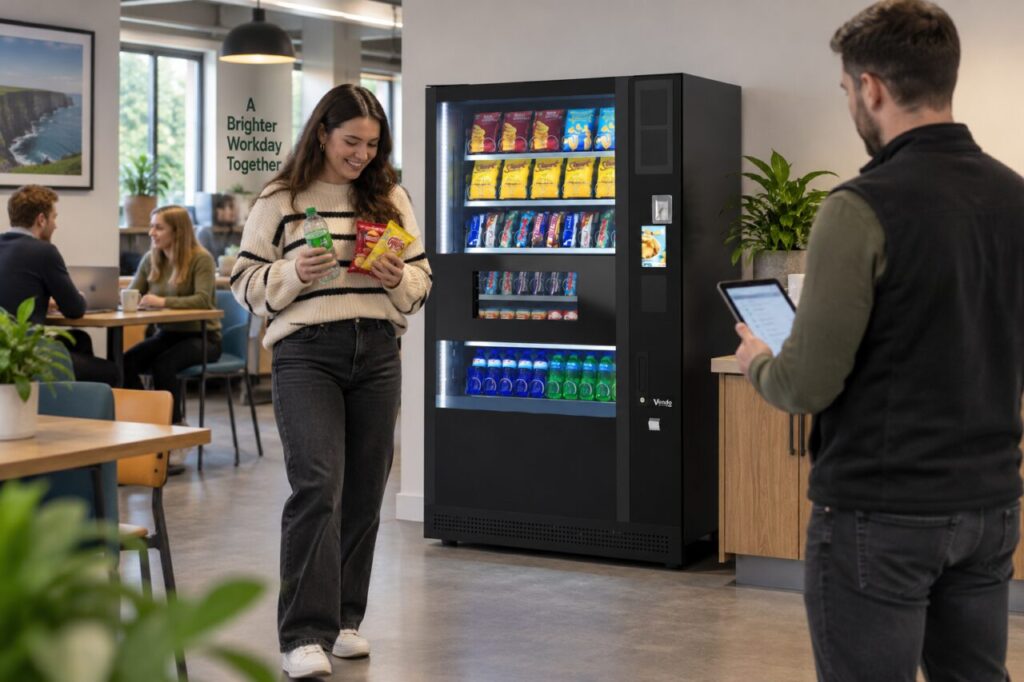
Confirm the feature on the quoted configuration
Ask the supplier to identify the supported multi-item operation and any conditions that apply. The official G-Snack Evolution information describes Basket Mode for selecting several items in one session and receiving them together. Treat that as a model-specific example, not a promise that every vending machine or installed payment combination works identically.
Use the exact proposed configuration for the discussion, including the payment arrangement and intended products. Ask how the user sees the selected items and total before confirming. Avoid assuming a particular basket limit, cancellation option or receipt format unless the supplier demonstrates or documents it for the setup. Record unanswered questions instead of filling them with expectations from another machine.
Choose a representative purchase
Agree a small selection that reflects what customers at your site may actually buy, such as a snack and a drink. Use products approved for the demonstration. Do not introduce unsuitable packs merely to test the machine’s limits. The purpose is to understand an ordinary purchase, with the supplier responsible for confirming compatibility and the appropriate test conditions.
Ask the demonstrator to explain each step at the pace a first-time user would encounter it. Notice whether the shopper understands when selection is complete, when payment is required and when collection is ready. A process that seems obvious to an experienced operator may need a clearer customer explanation at launch, particularly in a venue with frequent visitors.
Observe collection as well as payment
Check that the user can identify and collect the complete purchase through the normal opening. Consider the practical experience of holding several items while carrying a work bag or lunch container, without deliberately obstructing the equipment. If a nearby surface is proposed, have its position reviewed so it does not compromise customer movement or service access.
Ask how a customer should report a missing or incorrect item and what purchase reference is available. Do not intentionally create a failure to explore the response. A useful demonstration can explain the supported reporting route without simulating a jam, reaching inside the machine or assuming that a successful payment guarantees every possible future purchase outcome.
Record the result for the buying decision
Write a short account of the demonstrated configuration, products and observed sequence. Distinguish what you saw from what remains to be confirmed. If another configuration is quoted later, check whether the relevant features remain the same. A model name alone may not capture every option or service arrangement discussed during the demonstration.
When comparing vending machines for purchase, use the trial to assess the customer requirement rather than treating a larger basket as guaranteed extra revenue. A multi-item capability is useful only in the context of the venue, range and user experience. Confirming the whole journey gives the buying team a more practical basis for a decision than an attractive feature label on its own.
Related guidance: Choosing a Coffee Vending Machine: Test a Real Morning Queue.
Planning or reviewing vending at your site? Contact the team with your location, equipment details and the question you would like to resolve.