
Can you buy multiple items from a vending machine?
You can buy multiple items from many vending machines, but they do not all combine purchases in the same way. Some require a separate payment for each item. Others support multi vend, allowing another selection within the same payment session. Read the machine’s prompts and finish the session before walking away. A cabinet that sells both snacks and drinks is not automatically configured for multi vend.
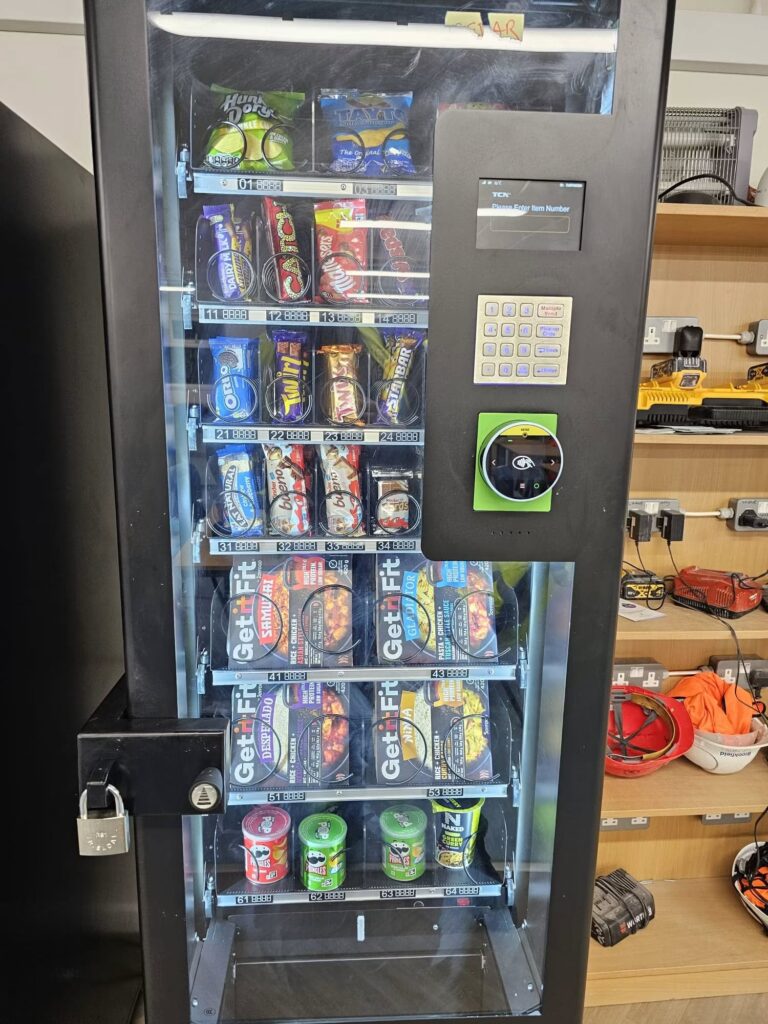
What multi vend means
The Vendnet GVC2 controller manual describes a Multi Vend option that can retain credit after a purchase. For the models covered, customers can make another selection when sufficient credit remains or use the supported return process. The manual also states that card-reader sessions require a reader that supports multiple vending. This is a specific implementation, not a universal description of every machine.
The important distinction is between several products in a cabinet and several purchases in one session. A “combo” machine commonly describes its product range or configuration. That label alone does not explain payment-session behaviour. Ask for a demonstration of the actual machine if buying more than one item at a time is important to your users.
Buying with cash
Before inserting money, check the prices and availability of both selections. After the first purchase, look at the display to see whether credit remains. Follow the instructions for another selection or a return. Do not assume that the machine will keep the balance available indefinitely, and do not leave while it still shows your unused credit.
If you decide not to buy a second item, complete the displayed cancellation or change-return process. Check the collection and change areas before leaving. If the expected money does not return, note the amount, machine identifier and time. Our guide to getting coins back explains what information to send to the operator.
Buying with a card or phone
Watch the payment reader after the first selection. It may invite another purchase, end the session or ask you to present your card again. Follow that instruction rather than repeatedly tapping without reading the screen. The payment reader and the vending controller both influence the experience, so a familiar cabinet can behave differently after a configuration change.
If a session offers further purchases, use its supported finish or cancel action when you are done. Confirm that it has returned to a ready state before leaving. Keep any available receipt or transaction details if something looks wrong. A banking notification alone may not explain every stage of the machine’s purchase flow.
What to ask when choosing equipment
Describe the intended customer journey to the supplier. For example, you may want a person to choose a drink and a snack without starting again. Ask them to show that exact sequence on the proposed hardware. Also ask what happens when the second selection is sold out or the customer changes their mind before buying it.
Include the supported payment methods in the written specification. A successful demonstration using coins does not prove that the same flow works with a particular card reader. Test each method that will be advertised at the site. Check the on-screen instructions as well as the delivered products and the payment result.
Make the handover clear
Ask the operator to explain how a user finishes a session and how to report an incomplete purchase. Keep those instructions concise and close to the payment area where possible. If the configuration changes later, update any signs that describe the old flow.
For a combined snack and drinks machine, product choice and payment convenience should be discussed together. We can help you describe the intended service so the supplier can confirm the supported arrangement before installation.


