An Office Vending Notice Is Hidden by Other Posters: Give Essential Instructions a Clear Place
A useful vending notice can disappear beneath posters for meetings, staff events and other services. Customers may then miss the support contact or follow an older instruction that is easier to see. Give essential vending guidance a clear, agreed place and check it from the customer’s approach, rather than adding another sheet to an already crowded board.
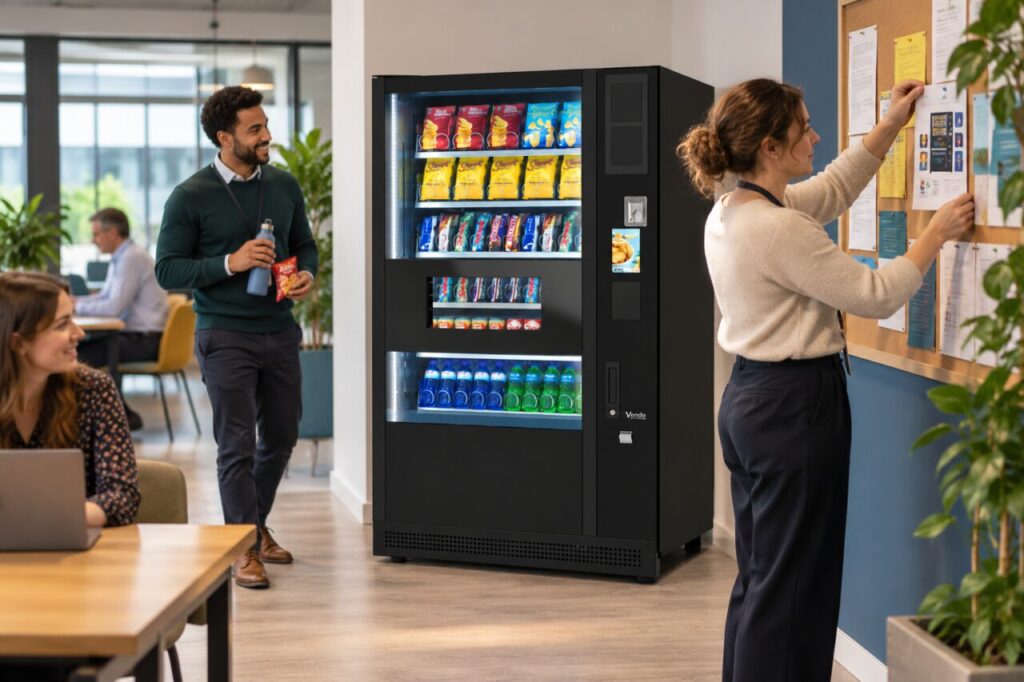
Start by identifying which information customers need at the machine. That may include the operator’s contact route, the machine reference and a short explanation of how to report a purchase issue. Separate these essentials from promotional material. A busy noticeboard is easier to manage when its purpose is clear to the people posting on it.
Find the source of the obstruction
Look at the board as a new visitor would. Is the notice covered, surrounded by similar-looking sheets or placed where a door or furniture hides it? Ask a colleague to locate the support information without guidance. Their route through the competing material can show whether the problem is position, visual clutter or outdated information.
Do not remove unrelated posters without following the office’s normal arrangements. Ask the board’s owner or facilities contact to agree a suitable area. The objective is to preserve important information for all users, not to give vending material uncontrolled priority over safety notices, building instructions or other content that has an assigned location.
Reserve a clear place for essentials
Agree where the current vending notice belongs and who maintains it. Use a concise heading that helps customers recognise its purpose. Keep the contact details readable and ensure they match the operator’s verified route. Avoid including several alternative numbers without explaining which one handles the customer’s question and when another route should be used.
If a separate holder or adjacent display is proposed, check it with the responsible site contact and operator. Do not cover machine controls, ventilation, manufacturer labels or existing required instructions. Keep the customer approach and service access clear. A better notice position should solve the information problem without creating a new obstruction around the equipment.
Remove conflicting versions through the agreed process
Compare the visible sheets with the approved current information. Mark superseded copies for removal by the responsible person, especially where an old contact number or payment instruction remains. Customers should not have to decide which of two contradictory notices is newer. A small version date can help the maintainer identify the correct copy.
For office vending arrangements, include notice ownership in the ordinary site responsibilities. The operator may provide equipment guidance while the office controls its noticeboard. Agree how updates move between them, so a changed support route is reflected at the machine rather than remaining only in an email to one colleague.
Check visibility after other changes
Review the notice when furniture moves, new posters appear or the office changes its reception arrangements. A position that worked last month may become hidden without anyone deliberately covering it. Include a brief visibility check in existing site routines instead of relying on a customer complaint to reveal that the information has disappeared again.
Ask another colleague to repeat the original task once the board is updated. They should be able to find the relevant route and understand what information to supply. Keep the result practical: a clear notice helps the customer reach the right person, but it does not replace an accessible support process or justify leaving an unresolved vending issue unattended.
Related guidance: Vending Customer Notices: Replace Old Instructions When the Process Changes.
For help assessing your site, contact Vending-Machines.ie.